Typing Games
Alphabet Dash typing game
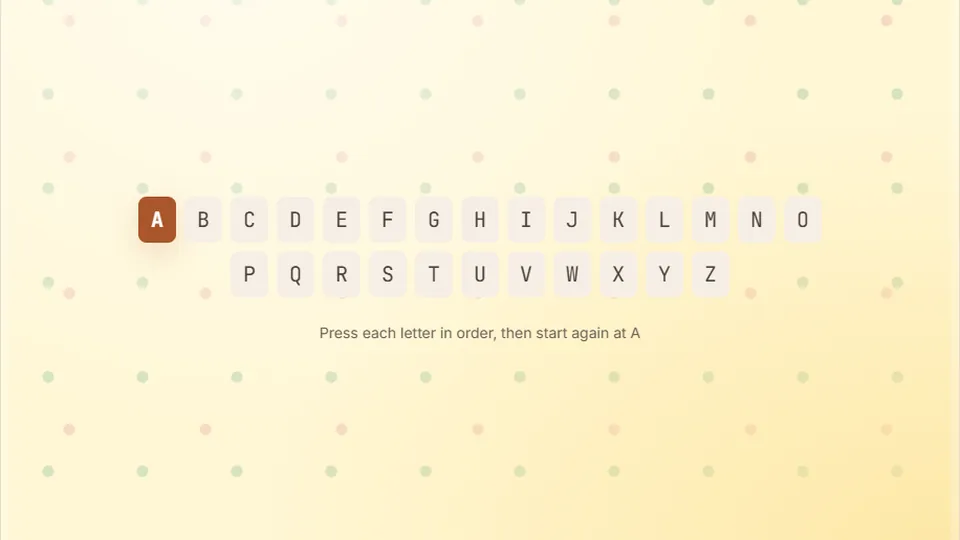
Type the alphabet in order — A, B, C … Z — over and over. You have 30 seconds to hit as many letters as you can.
Overview
Race through the alphabet against a thirty-second timerQuick letter drills
Alphabet Dash is designed around a straightforward goal: run through your practice characters as many times as you can before the clock runs out. While many abc typing games overwhelm young learners with complex stories or cluttered interfaces, this game strips away distractions. It gives early typists a bright, clean screen and a thirty-second timer to test letter recognition and key placement.
When kids first sit down in front of a keyboard, finding individual keys feels like searching a map without coordinates. Running the alphabet sequentially turns that search into a predictable rhythm. Players learn how to find each character using their own keyboard or input method. By repeating the sequence, those physical distances become familiar habits.
The game runs directly in your browser with zero setup. You do not need to register an account or install extra software. Hit start, listen for the opening chime, and begin typing letters in alphabetical order. Your high score saves locally on your device, making it simple to track personal bests during daily classroom warmups or quick home practice sessions.
- Round duration
- 30s
- Keys per English cycle
- 26
- Difficulty modes
- 3
- Free browser play
- 100%
- Practice the characters in a fixed order
- Thirty-second sprint format keeps practice focused and energetic
- Three distinct difficulty modes tailored to early learners and speedy typists
- Runs on desktop computers, Chromebooks, tablets, and phones
Game mechanics
How Alphabet Dash builds fundamental keyboard awareness
At its core, Alphabet Dash pairs letter recall with finger reach. The screen shows the current target letter along with upcoming letters in the sequence. When you press the correct key, the game highlights your progress and advances to the next character. If you hit an incorrect key, the timer keeps running, prompting you to correct your strike without resetting your full run.
Finishing the sequence immediately loops back to the first character without pausing the clock. Each correct character earns one point. Skilled players can complete two or three full runs across thirty seconds, while early learners might aim to reach letter M or finish their very first loop. This setup turns basic repetition into an engaging sprint that feels more like a playground race than a classroom drill.
- Input format
- Sequential practice with instant visual feedback on correct input
- Time limit
- A fixed thirty-second countdown that tracks total letters cleared
- Scoring system
- One point per correct letter, logged as total letters and full loops
- Data storage
- High scores save automatically in your browser's local memory
Step by step
How to play Alphabet Dash in three quick steps
Select your difficulty mode
Choose Easy, Medium, or Hard from the start screen. Easy shows visual hints for the upcoming keys, Medium provides standard pacing prompts, and Hard tests pure recall with tighter visual cues.
Type the practice characters in order
Watch the center display for your active letter. Strike that letter on your physical keyboard. The game immediately shifts to the next letter in the alphabet, continuing down the line toward Z.
Loop the alphabet until time expires
Once you hit Z, start right over at A. Keep your fingers moving across the keyboard until the thirty-second countdown reaches zero, then review your total letter count and accuracy.
For the best experience, use a physical desktop or laptop keyboard so children can develop authentic tactile familiarity with key locations.
Learning outcomes
Why sequential letter games help young typists
Typing sentences requires spelling, grammar, and hand coordination all at once. Isolating the alphabet helps kids master key positions before sentence structure complicates things.
Letter identification
Connects lowercase and uppercase letter shapes on screen with physical keyboard caps, strengthening fundamental alphabet recognition.
Keyboard geography
Forces the eyes and hands to travel across top, home, and bottom rows, helping kids discover where tricky keys like P, Q, and B sit.
Rhythm and pacing
The short 30-second window encourages quick decision making without causing mental fatigue or eye strain during study periods.
Clear progression
Counting total letters typed provides an intuitive measurement that children can celebrate as their totals climb week over week.
Classroom & home use
Using typing games for kindergarteners and early elementary students
Young learners often struggle with standard typing curricula because long sentences require advanced vocabulary and sustained stamina. Typing games for kindergarteners work best when they focus on tiny, achievable targets. Running through the ABCs matches what children are already singing and writing in preschool and kindergarten classrooms, reinforcing existing literacy milestones.
Alphabet Dash bridges the gap between passive screen time and functional computer literacy. Instead of aimless clicking or watching videos, children engage both hands in an active motor exercise. Because each round lasts just thirty seconds, teachers can run three consecutive rounds as a five-minute warm-up before computer lab activities, keeping excitement high and attention sharp.
We built the scoreboard controls to sit quietly beside the main play area. Teachers or parents can toggle full screen mode to hide browser toolbars, switch between light and dark themes to suit classroom lighting, or mute the sound effects during quiet study periods without interrupting the game.
Low cognitive load
Children do not need to read complex instructions or decode difficult vocabulary to start typing.
Clean visual contrast
High-contrast letter tiles make it easy for developing eyes to track the next required character.
Hand-eye linkage
Direct pairing between seeing a letter on screen and hunting its physical key builds lasting motor pathways.
Explore the catalog
Discover more beginner typing games
When your child or student is ready to expand beyond the basic alphabet, explore our full library of 69 typing games designed for every skill level.
 Arcade
Word Rain
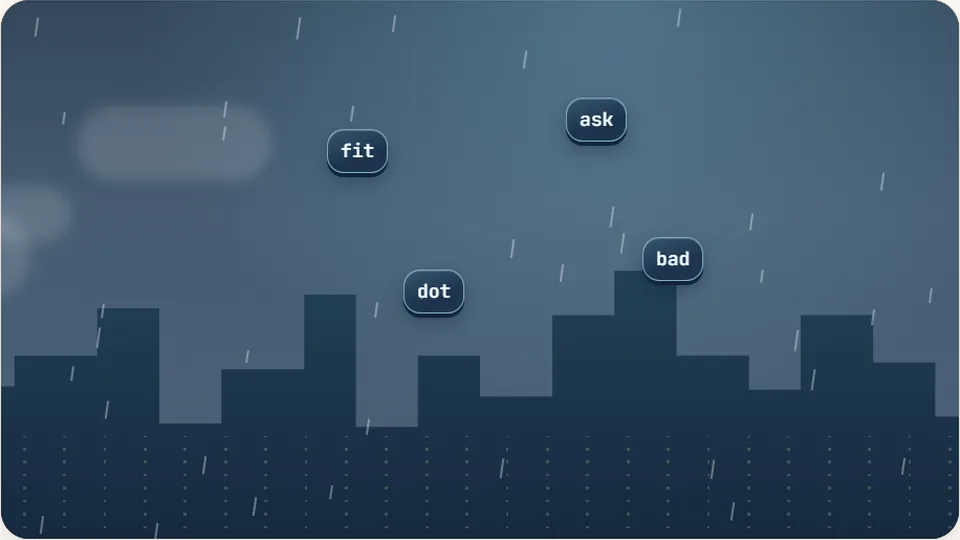
Clear the falling words before they hit the ground.
Play now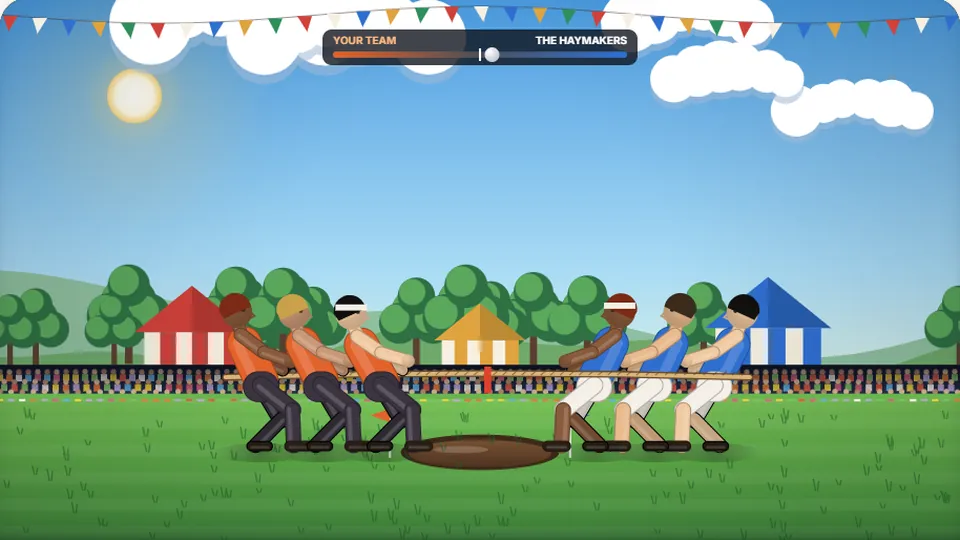 Sports
Tug of Words
Every clean word hauls the rope your way — drag the other team into the mud.
Play now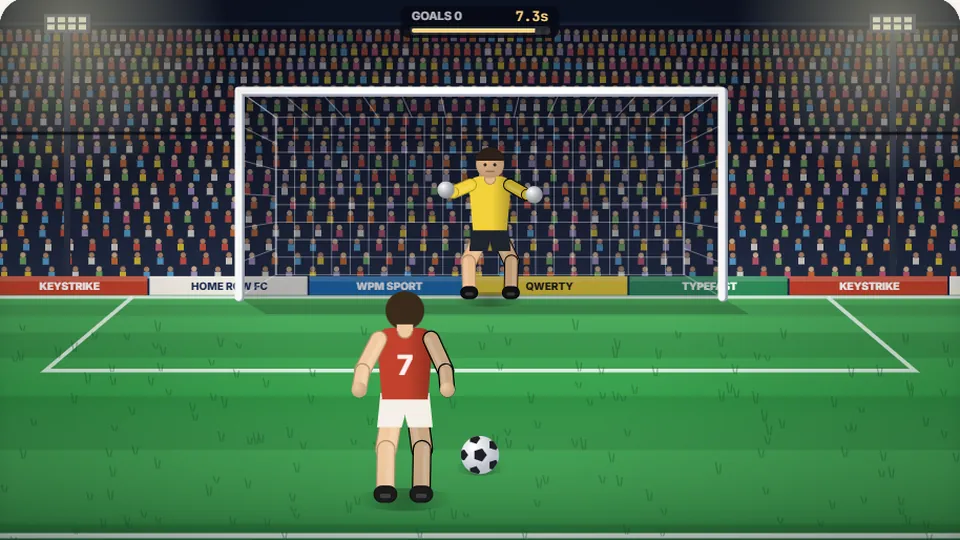 Sports
Penalty Kick
Beat the whistle and the keeper with clean, quick typing.
Play now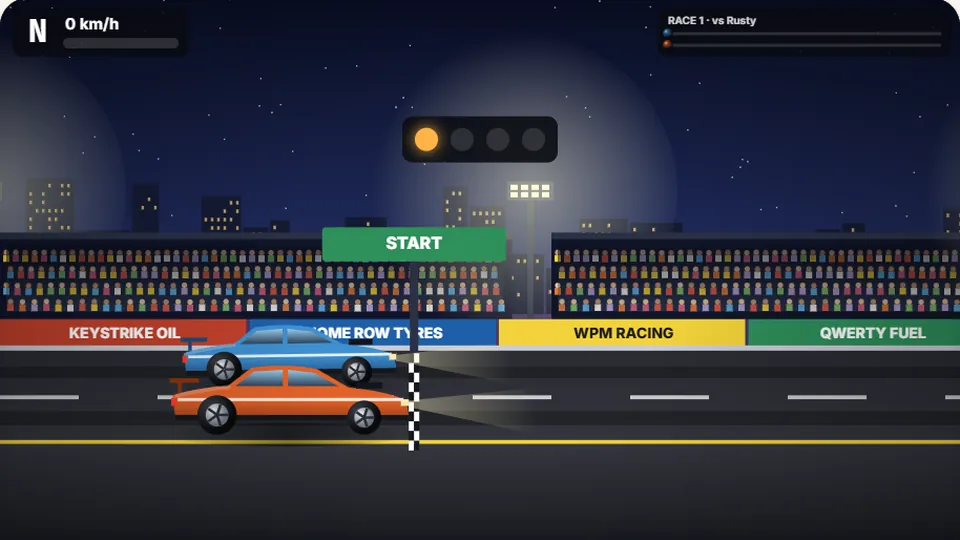 Racing
Drag Strip Typing
Six words, six gears — shift cleanly and beat the car in the next lane.
Play now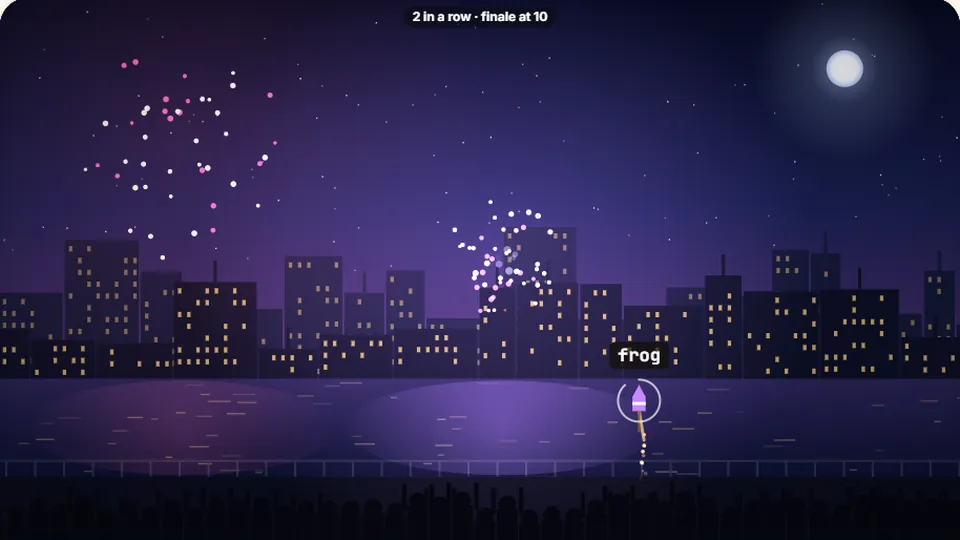 Kids
Fireworks Typing
Rockets climb into the night — type their words to make them burst.
Play now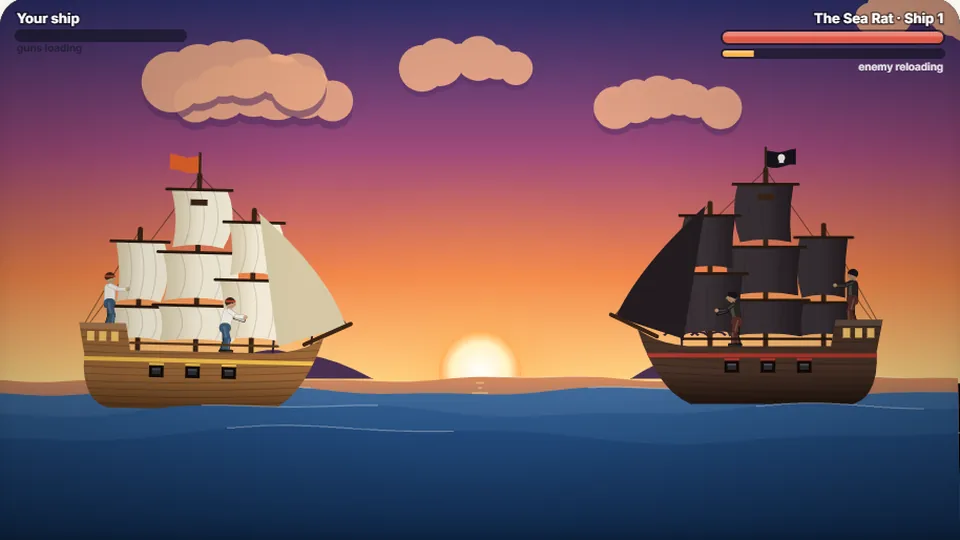 Adventure
Pirate Cannons
Load the guns by typing and sink the enemy ship before it sinks you.
Play now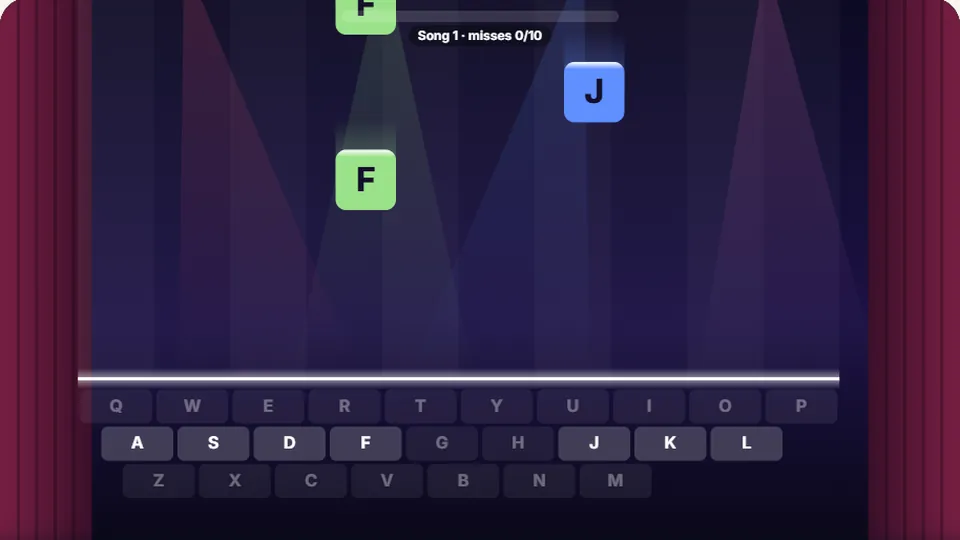 Learn
Melody Keys
Letters fall like notes — press each one on the line to play the melody.
Play now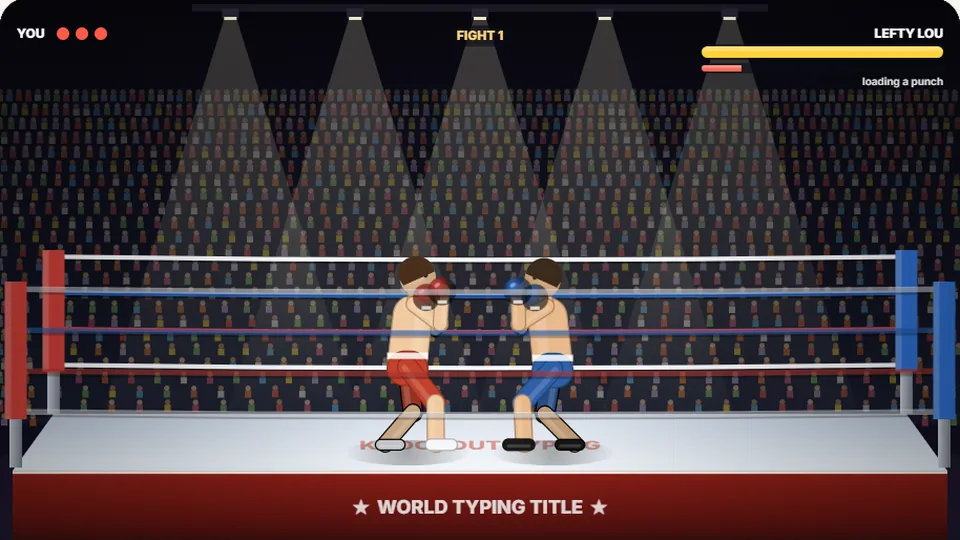 Sports
Knockout Typing
Step into the ring and win the fight with clean typing.
Play nowCommon questions
Frequently asked questions about Alphabet Dash
What makes Alphabet Dash suitable for kindergarteners?
Do I need to install an app or create an account to play?
How does the game score my runs?
Can children play Alphabet Dash on an iPad or tablet?
Where are high scores stored?
What should a child practice after mastering Alphabet Dash?
Ready to test your alphabet speed?
Jump into Alphabet Dash right now and see how many letters you can clear in thirty seconds. Free to play, no login required.