Typing Games
Word Bowling typing game
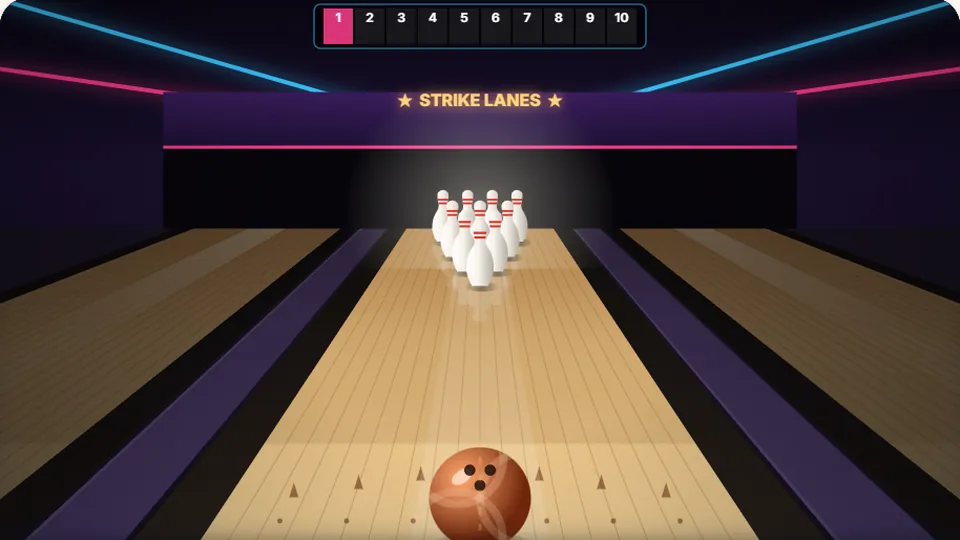
One ball per frame. Clean and quick is a strike; clean knocks 7–9 pins; one slip 4–6; a messy word rolls into the gutter.
Ten frames of accuracy
Roll strikes with clean keystrokesbowling typing game
Word Bowling is a free bowling typing game that links standard bowling scoring directly to your typing rhythm. Every word you receive sits at the top of the lane. If you type the prompt without a single typo at good tempo, the ball rolls down the oil pattern and knocks down all ten pins for a strike.
Mishandling letters hurts your frame score immediately. Hesitate too long or hit incorrect keys, and the ball veers off line. A minor stumble might clip a corner pin for an open frame, while severe mistakes roll straight into the gutter. Ten frames determine your final card, exactly like bowling at a real alley.
You play straight in your web browser with no download, registration, or hidden fees. Pick between three difficulty settings depending on how comfortable you are with the keyboard, monitor your frame-by-frame splits, and work toward a clean 300 game.
- Frames per match
- 10
- Perfect game score
- 300
- Difficulty settings
- 3
- Downloads required
- 0
- Traditional ten-pin rules with strikes, spares, and tenth-frame bonuses
- Clean typing earns strikes; errors trigger spare attempts or gutter balls
- Local browser storage tracks your highest scores per difficulty level
- Responsive controls with quick pause, mute, restart, and full screen
Mechanics
How Word Bowling turns words into pinfall
Each frame places ten pins at the end of the lane and serves a prompt word on screen. When the ball begins its approach, your keystrokes guide its trajectory. The game evaluates two primary metrics: absolute accuracy and cadence. When you input the full word without pressing the backspace key or entering wrong characters, your ball hits the pocket between pins 1 and 3 for an automatic strike.
If you misspell a character, the ball deflects away from the headpin, leaving remaining pins scattered across the deck. You then receive a second prompt word to pick up the spare. Typing the spare word cleanly sweeps the deck for ten total pins plus spare credit on your next roll. Missing the second word leaves an open frame, recording only the pins toppled on your two deliveries.
- Strike trigger
- 100% accuracy on the first roll prompt without pausing or backspacing.
- Spare pickup
- A flawless second roll clears whatever pins remain standing on the deck.
- Tenth frame
- Strikes or spares in frame ten award up to three total rolls to maximize score.
- Gutter penalty
- Multiple typos on a single roll guide the ball into the channel for zero pins.
Frame sequence
A complete walk-through of your ten frames
Set your difficulty and approach
Select Easy, Medium, or Hard from the start menu. Easy gives shorter vocabulary with generous timers, Medium uses common conversational words, and Hard introduces complex syllables, prefixes, and longer words.
Deliver ball one for the strike
Read the primary target word above the lane. Keep your fingers seated on the home row bumps and type through the string with unbroken rhythm. A clean roll clears all ten pins on the spot.
Clean up open pins on ball two
If any pins remain upright after roll one, a second word appears instantly. Type this second word accurately to pick up the spare mark and protect your frame bonus.
Maximize the tenth frame fill balls
Reach frame ten with active marks to earn extra deliveries. A strike on roll one unlocks two bonus rolls; a spare unlocks one, giving you the chance to cap off your personal best score.
All scores save automatically inside your current browser session so you can track personal bests on each difficulty mode.
Technique tips for cleaner scores
Techniques that lead to strikes
- Scan the entire word before pressing the opening key to prevent mid-word hesitation.
- Keep your fingers anchored lightly over the home row bumps on the F and J keys.
- Target a 95% accuracy baseline rather than rushing your fingers past your visual comfort zone.
- Breathe and reset your rhythm between frames instead of carrying tension forward.
- Use full screen mode to keep the prompt text centered in your line of vision.
Mistakes that lead to gutter balls
- Do not hammer the keyboard rapidly on the first letter before processing the full word length.
- Avoid looking down at your hands, which pulls focus away from upcoming letter transitions.
- Do not panic after one mistyped letter; recover quickly to save a convertible spare split.
- Avoid resting your wrists flat on the desk, which restricts lateral pinky mobility.
- Do not ignore the sound toggle if mechanical audio cues help steady your typing pace.
Sports collection
More sports typing challenges to try next
If you enjoy coupling sports rules with keyboard practice, explore these companion games from our sports typing library.
Golf Typing
Trade bowling lanes for fairways where precise keystrokes sink putts and drive greens in regulation.
Penalty Kick
Face off against the goalkeeper by typing high-speed sequences past diving gloves into the net.
Home Run Typing
Time your hits against fastballs and breaking pitches to drive the ball over the outfield fence.
Dart Typing
Target precise board sectors and finish standard 501 countdowns using clean string inputs.
Full catalog
Discover more typing challenges across our site
ProTypingGames features 69 unique games and 23 typing tests designed for all skill brackets, from beginner home row drills to fast-paced arcade runs.
 Arcade
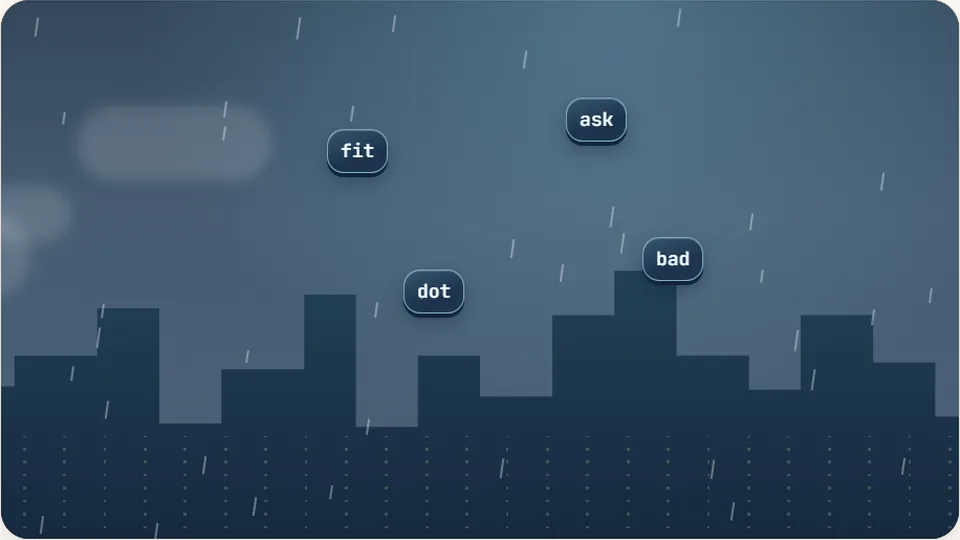
Word Rain
Clear the falling words before they hit the ground.
Play now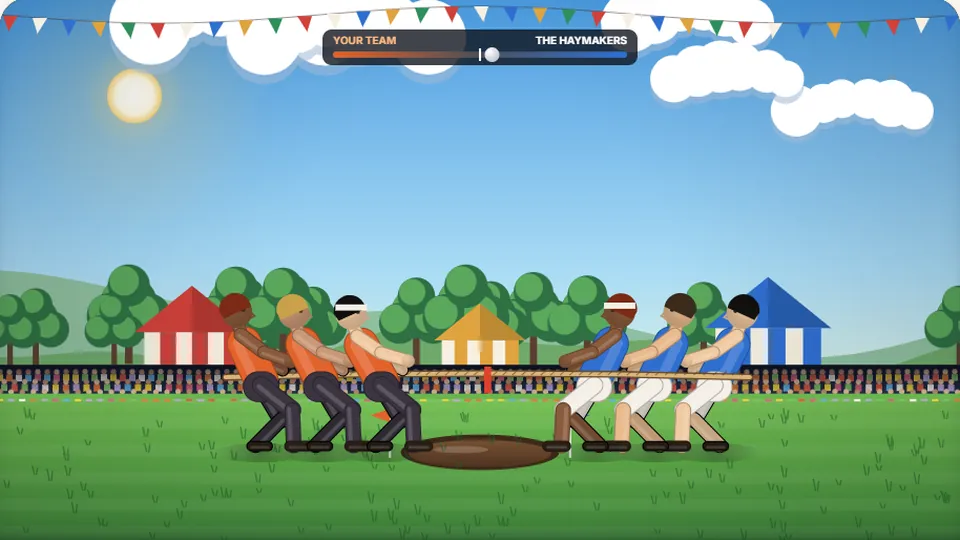 Sports
Tug of Words
Every clean word hauls the rope your way — drag the other team into the mud.
Play now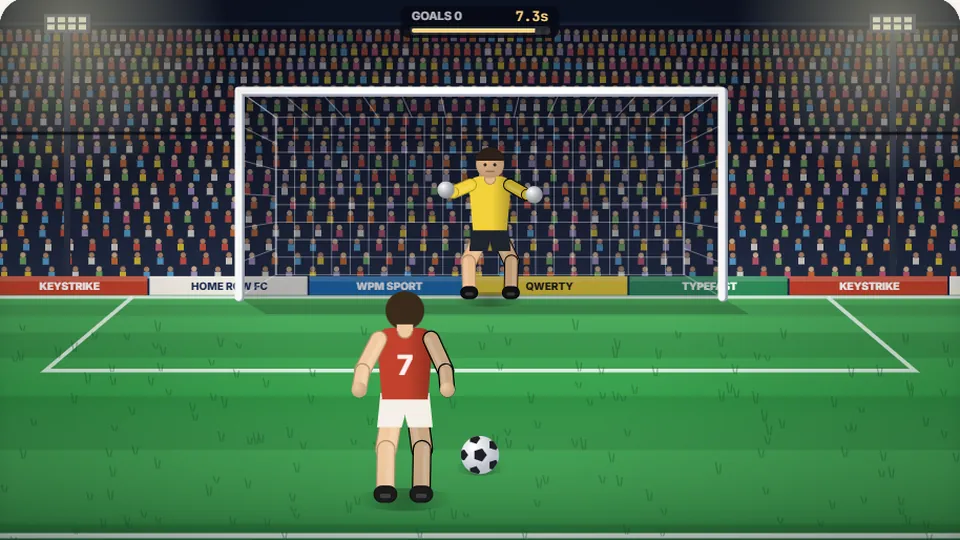 Sports
Penalty Kick
Beat the whistle and the keeper with clean, quick typing.
Play now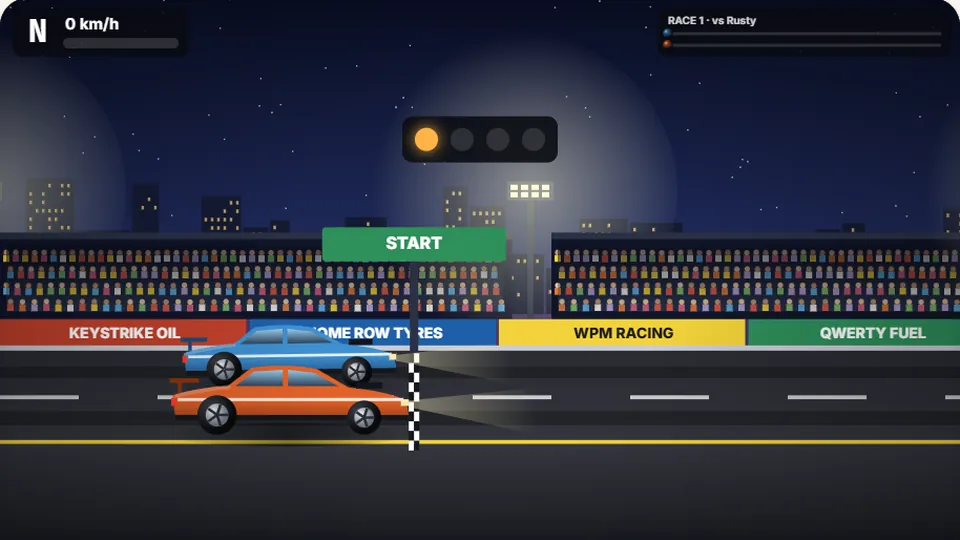 Racing
Drag Strip Typing
Six words, six gears — shift cleanly and beat the car in the next lane.
Play now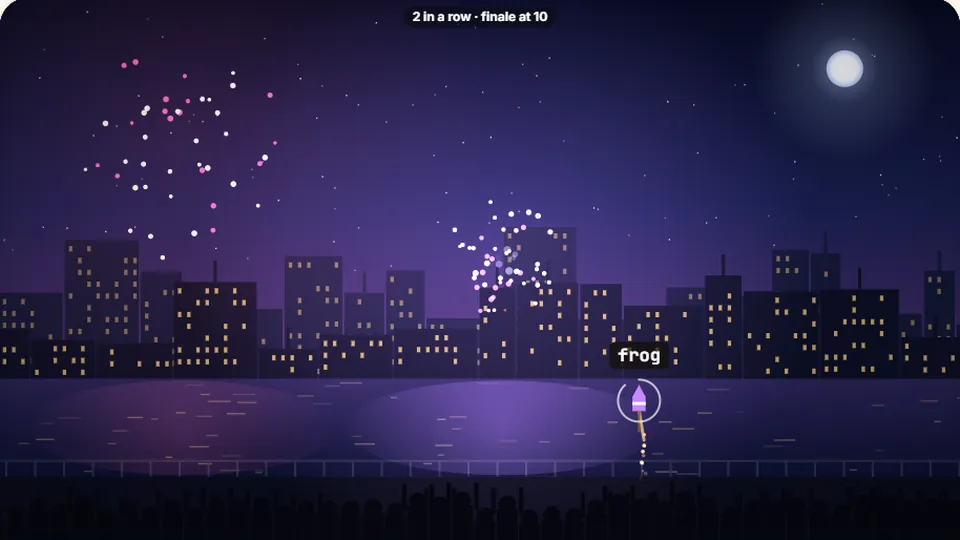 Kids
Fireworks Typing
Rockets climb into the night — type their words to make them burst.
Play now Adventure
Pirate Cannons
Load the guns by typing and sink the enemy ship before it sinks you.
Play now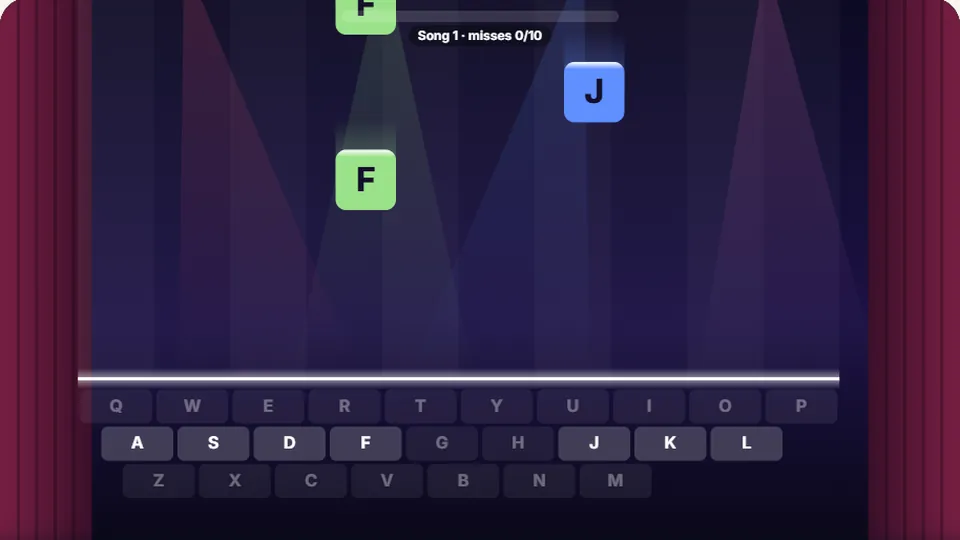 Learn
Melody Keys
Letters fall like notes — press each one on the line to play the melody.
Play now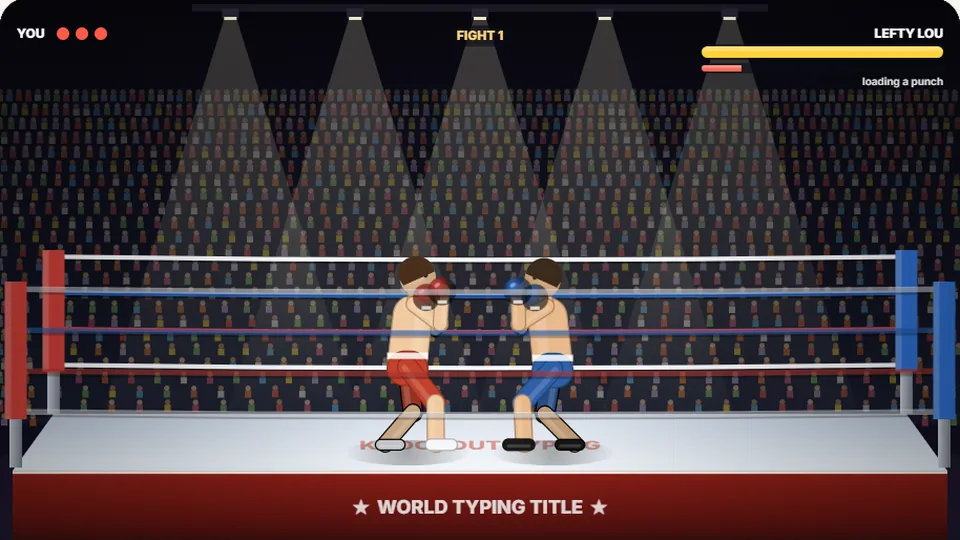 Sports
Knockout Typing
Step into the ring and win the fight with clean typing.
Play nowCommon questions
Frequently asked questions about Word Bowling
How does bowling scoring work in this typing game?
What separates the Easy, Medium, and Hard difficulty modes?
Does my high score sync across different devices?
Can I play Word Bowling on a tablet or mobile phone?
What happens if I make a typo during the tenth frame?
Why is typing accuracy more valuable than pure typing speed here?
Ready to step up to the approach?
Lace up your bowling shoes, settle your fingers on the home row, and bowl ten clean frames right now.