Typing Games
Vault Cracker typing game
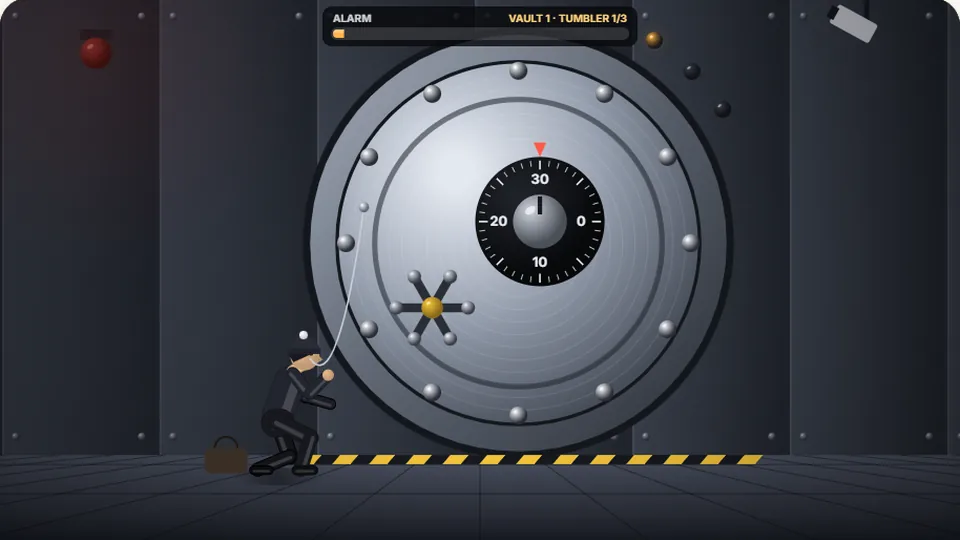
Type each code of letters and numbers to open a tumbler. Wrong keys feed the alarm. Open every tumbler before the alarm is full.
Vault Cracker
Crack the code before the alarm tripsnumber typing games
Vault Cracker is a free online code typing game that tests your speed and accuracy with alphanumeric sequences. You work against a ticking clock to open a secure vault. To clear each tumbler, you must type the exact combination of letters and numbers shown on the screen. It is one of our most popular number typing games, designed specifically to help you master the top row of your keyboard.
We built and tested this game to solve a common problem: most typing practice games focus entirely on standard words. This leaves your hands clumsy when you need to type serial numbers, passwords, or zip codes. Vault Cracker forces you to move your fingers fluidly between the home row and the number row, building the muscle memory needed for real-world data entry tasks.
Like all games on our site, this run-in-browser tool is free. There are no downloads, no registration screens, and no hidden fees. You can jump straight into the action, adjust your settings, and start training your fingers to find those elusive number keys without looking down.
- Free to play
- 100%
- Difficulty modes
- 3
- Downloads needed
- 0
- Row practice
- Top
- Interactive dial turns as you type each correct character
- Mix of uppercase letters, lowercase letters, and numbers
- Saves your personal high scores directly in your browser
- A useful training tool for office workers and programmers
Step-by-step
How to crack the vault
Study the active tumbler
Look at the center of the screen to see the current code sequence. The characters are a mix of letters and numbers. A progress bar shows how much time you have left before the alarm sounds.
Type the code precisely
Type each character in order. The dial turns with every correct keypress. If you make a mistake, you must correct it quickly to keep the dial moving forward.
Clear all tumblers
Each successful code opens one tumbler of the lock. Open all the tumblers to crack the vault, secure your score, and move on to the next level of security.
Manage your difficulty
Choose between Easy, Medium, and Hard modes. Harder modes feature longer codes, a faster alarm timer, and more complex character combinations.
Pro tip: Keep your hands anchored on the home row (ASDF and JKL;). Reach your fingers upward to strike the numbers rather than moving your entire hand off the keyboard.
Skill building
Why practice with alphanumeric codes?
In everyday typing, we rarely use numbers as often as letters. This makes the top row of the keyboard the weakest area for most people. When you have to type a phone number, a tracking code, or a price, your typing speed drops significantly. You might even find yourself looking down at your hands to find the correct key.
Vault Cracker bridges this gap. By combining letters and numbers into random sequences, the game prevents your brain from relying on familiar word patterns. You cannot guess the next letter; you must read each character individually and strike the corresponding key. This deliberate practice builds independent finger movement and high accuracy.
This game is especially useful for adults who work with spreadsheets, databases, or billing software. Improving your speed on the number row can save you hours of cumulative time during a standard work week. It turns a tedious data entry chore into a fast-paced mental challenge.
| Key type | Finger movement | Common mistakes | Practice focus |
|---|---|---|---|
| Home row letters | Minimal movement | Striking with wrong finger | Resting posture |
| Top row letters | Short reach upward | Stretching too far | Quick return to home |
| Number row keys | Long reach upward | Looking at the hands | Muscle memory reach |
According to a 2018 Aalto University study of 168,000 volunteers, the average online typing speed is around 52 words per minute. However, this average drops when numbers and symbols are introduced. Regular practice helps close that gap.
Inside the game
Game features designed for learning
We designed Vault Cracker with clean mechanics to help you focus entirely on your typing form. Here is what you will find when you start the game:
Three difficulty modes
Easy mode uses simple, short sequences. Medium and Hard modes introduce longer codes and tighter time limits to push your limits.
Local high scores
The game automatically saves your best scores for each difficulty level directly in your browser, so you can track your progress over time.
Scoreboard controls
Easily pause the game, restart a run, toggle the sound effects, or switch to full screen mode using the buttons right next to the board.
Light and dark themes
Switch between a bright interface and a high-contrast dark mode to make reading the codes comfortable for your eyes at any time of day.
Tips for high scores and better accuracy
What to do
- Keep your fingers resting lightly on the home row keys.
- Prioritize accuracy over speed; a single mistake stops the dial.
- Use the correct finger for each number key rather than just your index fingers.
- Practice in short, focused sessions of 10 to 15 minutes daily.
- Use a physical keyboard whenever possible for the best tactile feedback.
What to avoid
- Do not look down at your hands to find the numbers on the top row.
- Do not rush; the timer is generous if you type smoothly.
- Do not use the numeric keypad; the goal is to master the top row.
- Do not ignore your mistakes; correct them immediately to keep going.
Typing and game terms to know
- Alphanumeric
- A character set that contains both letters and numbers, used in this game to create secure codes.
- Home row
- The middle row of keys on a keyboard (ASDF and JKL;) where your fingers should rest between keystrokes.
- Number row
- The row of keys above the letters, containing numbers 1 through 0, which requires a deliberate upward reach.
- WPM
- Words Per Minute. A standard measurement of typing speed where one 'word' equals five characters, including spaces.
- Accuracy rate
- The percentage of correct keystrokes out of your total attempts. Keeping this above 95% is critical for speed.
- Muscle memory
- The ability of your fingers to find keys automatically without conscious thought or visual confirmation.
- Tumbler
- A moving part within a lock. In this game, typing a code correctly opens one tumbler to bring you closer to the vault.
- QWERTY
- The standard keyboard layout designed by Christopher Latham Sholes in the 1870s, named after the first six keys on the top row.
Other challenges
Explore more free typing games
If you want to take a break from number typing games, we have a wide variety of other challenges. Our library includes arcade shooters, word puzzles, and speed tests designed to keep your practice sessions interesting.
 Arcade
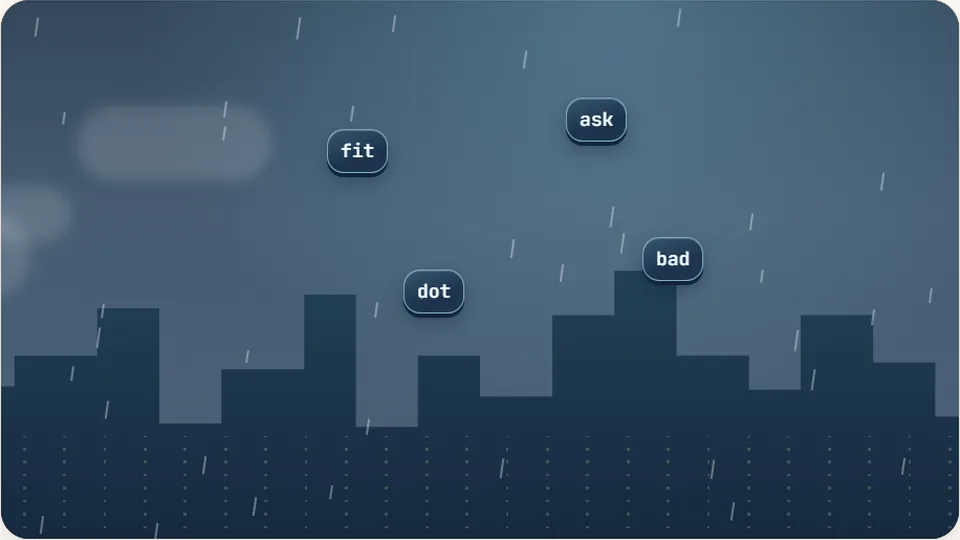
Word Rain
Clear the falling words before they hit the ground.
Play now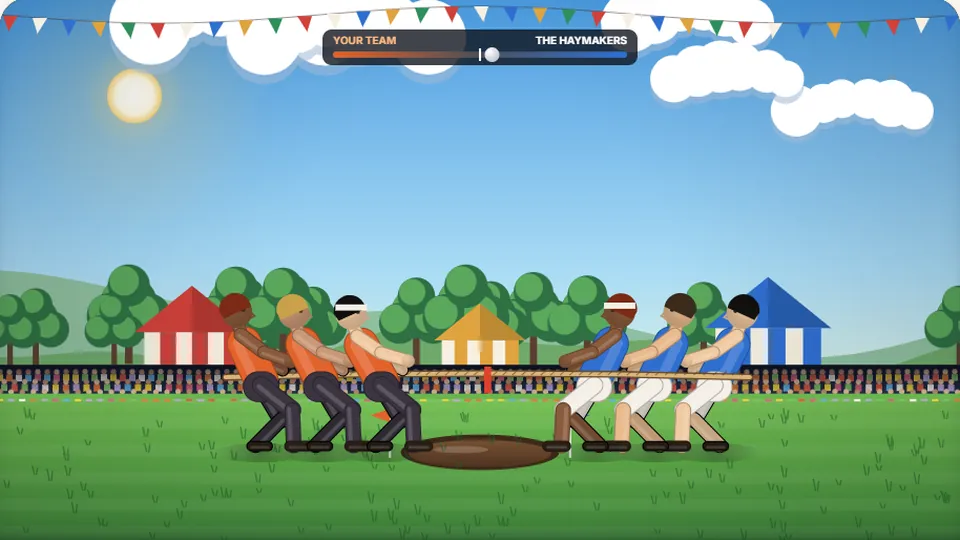 Sports
Tug of Words
Every clean word hauls the rope your way — drag the other team into the mud.
Play now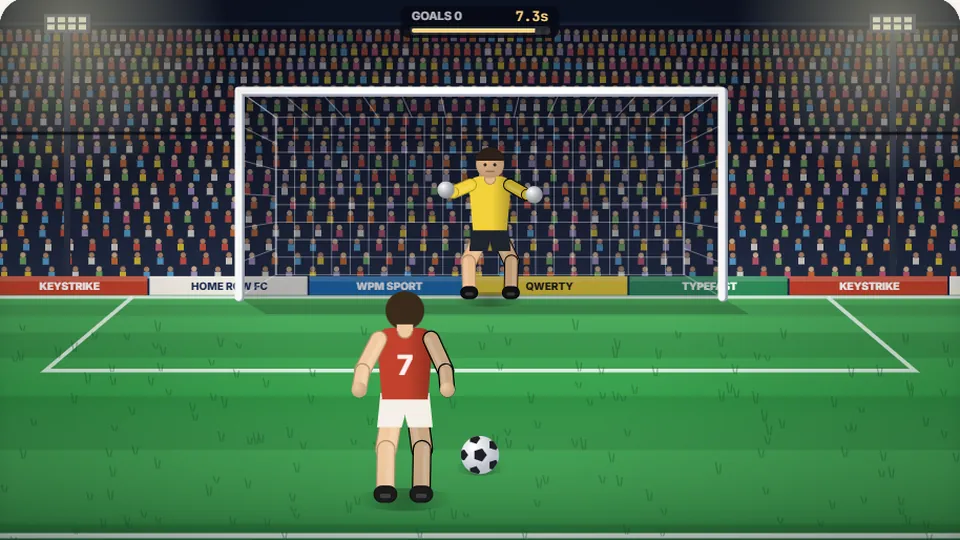 Sports
Penalty Kick
Beat the whistle and the keeper with clean, quick typing.
Play now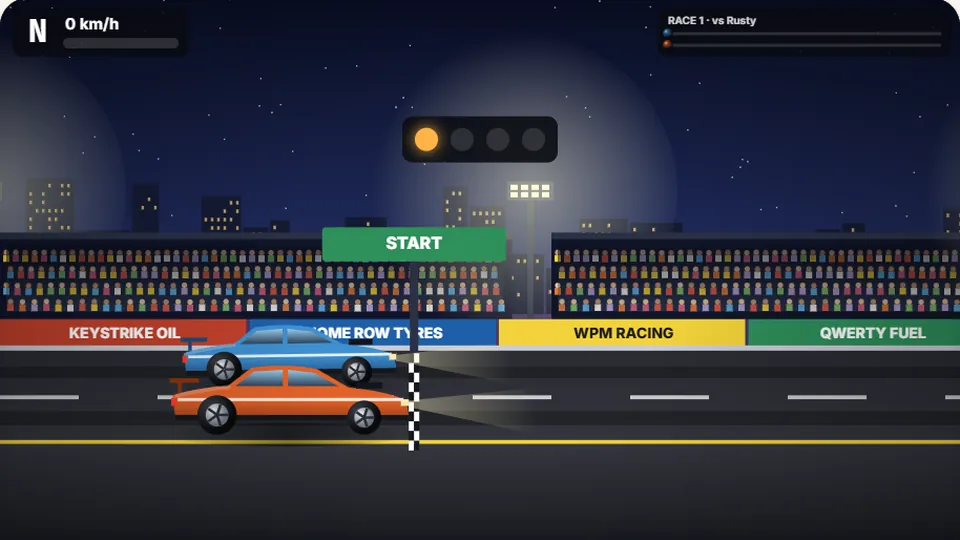 Racing
Drag Strip Typing
Six words, six gears — shift cleanly and beat the car in the next lane.
Play now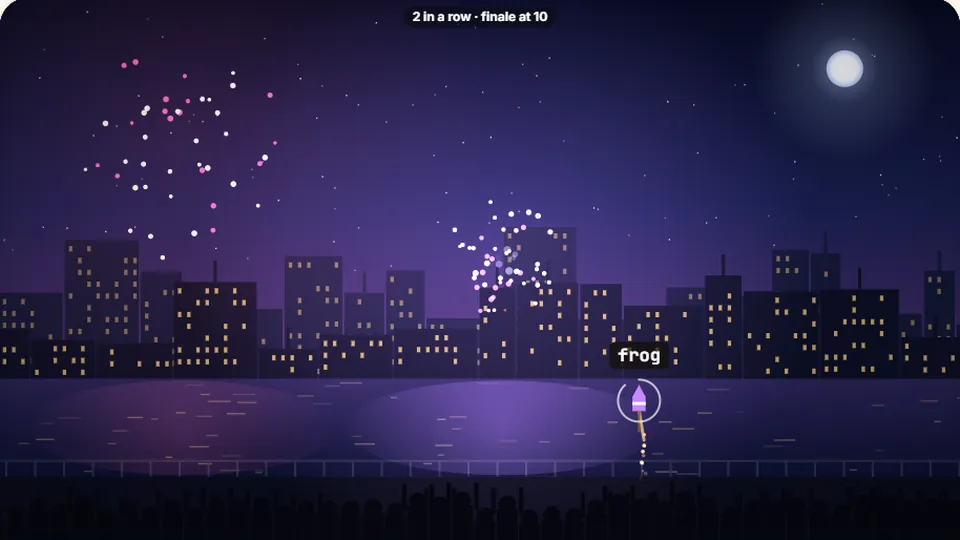 Kids
Fireworks Typing
Rockets climb into the night — type their words to make them burst.
Play now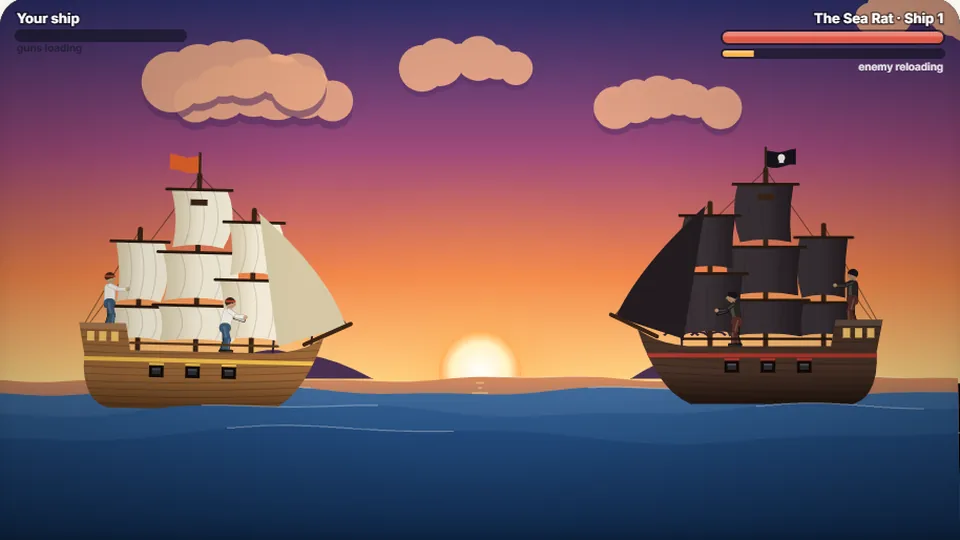 Adventure
Pirate Cannons
Load the guns by typing and sink the enemy ship before it sinks you.
Play now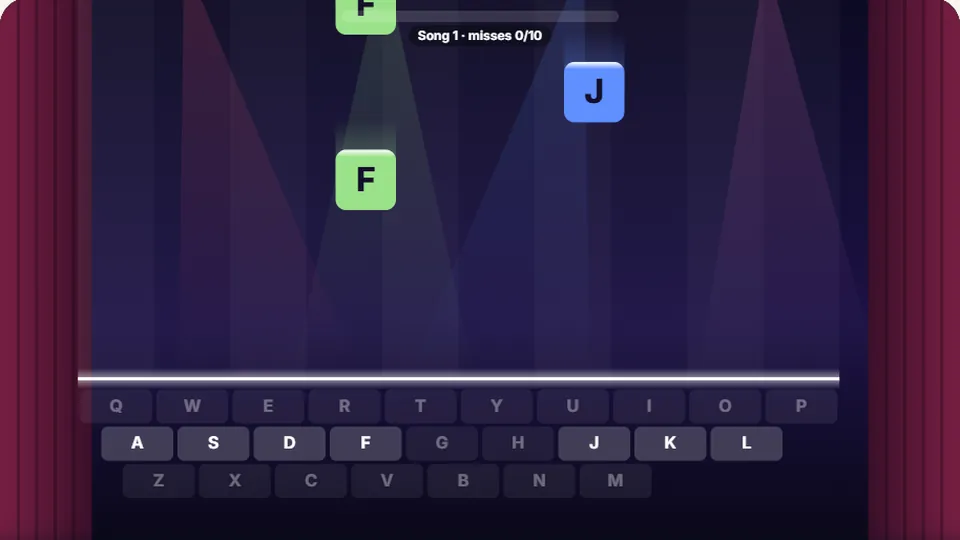 Learn
Melody Keys
Letters fall like notes — press each one on the line to play the melody.
Play now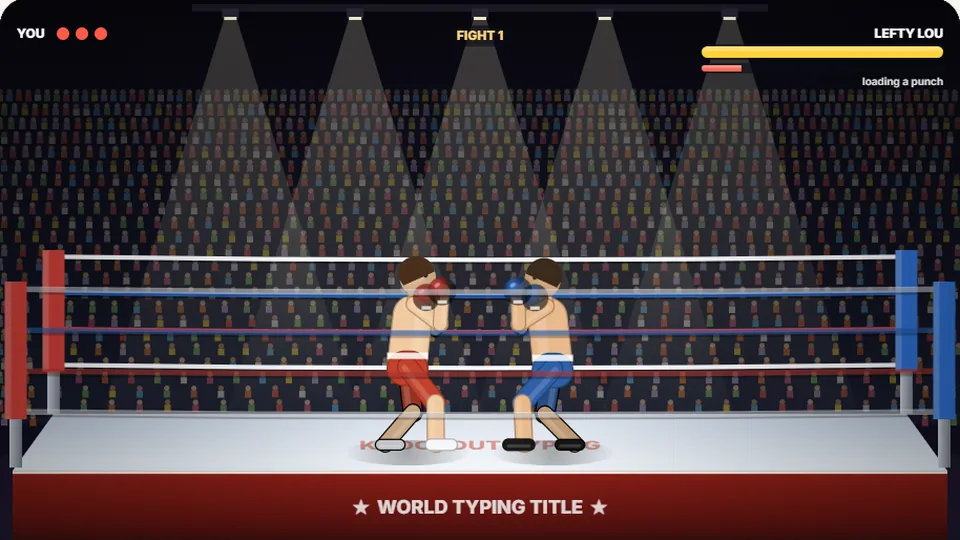 Sports
Knockout Typing
Step into the ring and win the fight with clean typing.
Play nowQuestions?
Frequently asked questions
Is Vault Cracker completely free?
Can I play this game on my phone or tablet?
How does the game save my high scores?
Why is it important to practice typing numbers?
What is the best way to improve my speed in this game?
How many games and tests are available on this site?
Are you ready to crack the vault?
Put your keyboard skills to the test. Type the codes, turn the dial, and open the lock before the timer runs out. Play Vault Cracker for free right now.