Typing Games
Quote Quest typing game
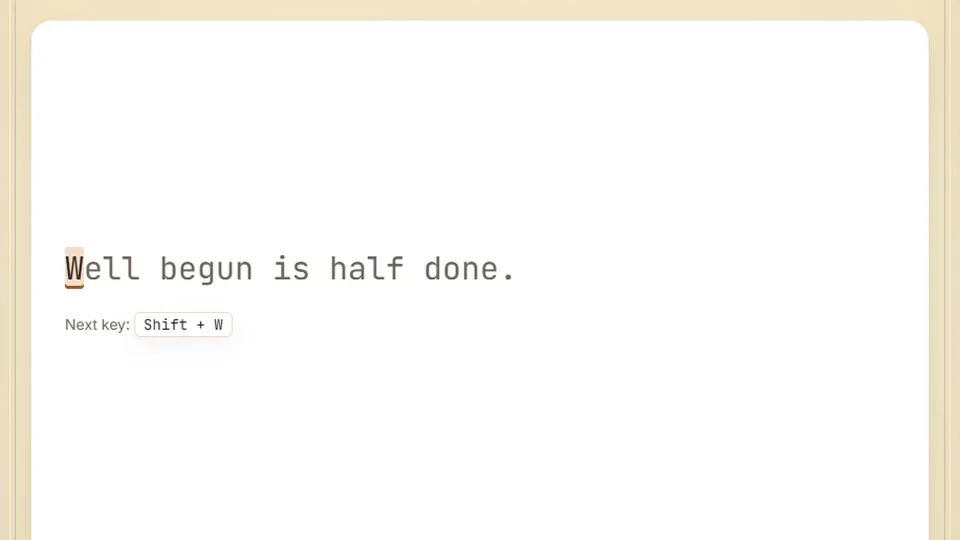
Type each saying exactly as shown. Finish one and the next appears. Your WPM and accuracy track as you type real sentences.
About the game
Type famous proverbs and improve your accuracyfun to type typing games
Quote Quest is a relaxed, focus-driven typing game designed to help you practice typing real-world sentences. Instead of forcing you to type random letters or disconnected words, this game presents you with famous proverbs, historical quotes, and well-known sayings. It is one of our favorite fun to type typing games because the content is naturally engaging and keeps your mind active while your fingers build muscle memory.
We built this game to bridge the gap between simple drills and actual everyday writing. When you type continuous prose with punctuation and capital letters, you train your hands for the exact patterns used in emails, essays, and work documents. The clean layout keeps distractions to a minimum so you can focus entirely on your rhythm.
Like all games on our platform, Quote Quest runs directly in your web browser. There is no need to register an account or download any files. You can simply load the page, choose your preferred difficulty level, and begin typing immediately to see how your speed and accuracy hold up under realistic conditions.
- Free to play
- 100%
- Difficulty modes
- 3
- Downloads needed
- 0
- Target accuracy
- 95%+
- Features a wide variety of famous quotes, idioms, and historical sayings.
- Tracks your typing speed in real time as you progress through each quote.
- Saves your personal best scores directly in your local browser storage.
- Supports both light and dark themes to make practice comfortable at any hour.
How it works
A typing game designed for real-world practice
In Quote Quest, you are presented with a passage of text containing a well-known saying. As you type, the game highlights your progress. Correct letters turn green, while mistakes are marked in red, allowing you to quickly spot and correct errors. Because these are real sentences, you will practice shift keys for capitalization, as well as common punctuation marks like commas, periods, and apostrophes.
This setup makes it one of the most practical online typing games available. Many typing drills focus on isolated words, which can create a false sense of speed. By practicing with complete thoughts and natural sentence structures, you learn how to transition smoothly between words, which is how real typing works outside of a training tool.
- The standard word
- A standard word in typing speed calculations is defined as exactly five keystrokes, which includes spaces and punctuation.
- Accuracy focus
- The game encourages you to maintain high accuracy. Rushing and making mistakes actually slows down your overall WPM score.
- Local saves
- Your high scores for Easy, Medium, and Hard modes are stored on your device, so you can track your personal progress over time.
- Interface controls
- Quick buttons next to the scoreboard let you pause the timer, restart the current quote, toggle sound, or enter full screen.
Quick start guide
Start playing Quote Quest in three simple steps
Select your difficulty
Choose from Easy, Medium, or Hard modes. Higher difficulties feature longer quotes, more complex vocabulary, and trickier punctuation marks.
Type the displayed quote
Begin typing the text shown on the screen. Watch the highlighted cursor guide you through the sentence, and try to maintain a steady, even rhythm.
Review your final stats
Once you finish the quote, the game displays your final words per minute (WPM) and accuracy percentage. Try to beat your saved high score on your next run.
For the best experience, we recommend using a physical keyboard. While the game works on phones and tablets using the on-screen keyboard, a physical keyboard allows you to practice proper home-row finger placement.
Why practice quotes
Why typing full sentences is the best way to practice
Many people search for practice typing games hoping to increase their raw speed. However, typing random words often creates bad habits. When you type real sentences, your brain processes the natural flow of language. You learn to anticipate common letter pairings and word transitions, which naturally builds a more fluid typing style over time.
According to a 2018 study by Aalto University, the average typing speed for online volunteers is around 52 words per minute, while everyday comfortable typing sits around 40 WPM. To move past this average, you must focus on accuracy. Constantly stopping to backspace over errors ruins your physical momentum. Quote Quest helps you build that steady rhythm by rewarding clean, error-free typing.
By focusing on accuracy first, your speed will naturally follow. This game serves as an excellent warm-up before you start your workday or study session, helping you align your hands and focus your mind.
Game options
Features built to help you improve
We designed Quote Quest with simple, functional features to make your practice sessions as productive as possible.
Real sentence practice
No random letter strings. You only type meaningful English quotes, making this one of the most practical word typing games available.
Accuracy tracking
The game monitors every single keystroke. Aim for 95% accuracy or higher to ensure you are building correct muscle memory.
Comfortable themes
Switch easily between light and dark visual themes to reduce eye strain during long practice sessions.
Local high scores
Your best speeds and accuracy ratings are automatically saved in your browser, allowing you to challenge yourself daily.
Explore more
Discover more fun typing games
If you enjoy Quote Quest, we have a wide selection of other free online typing games to keep your practice sessions fresh. Whether you want to test your speed under pressure, play arcade-style challenges, or focus on specific keyboard rows, you can find a game that fits your current goals.
 Arcade
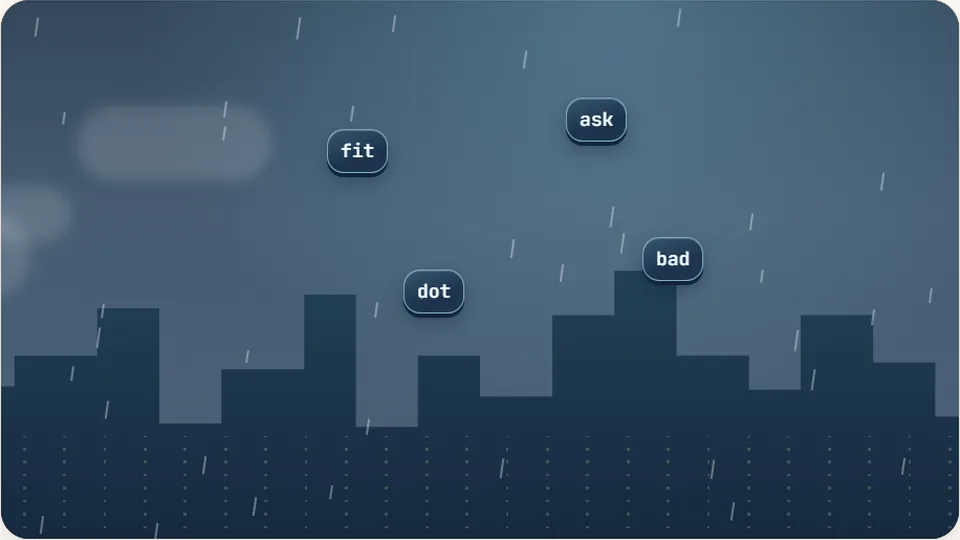
Word Rain
Clear the falling words before they hit the ground.
Play now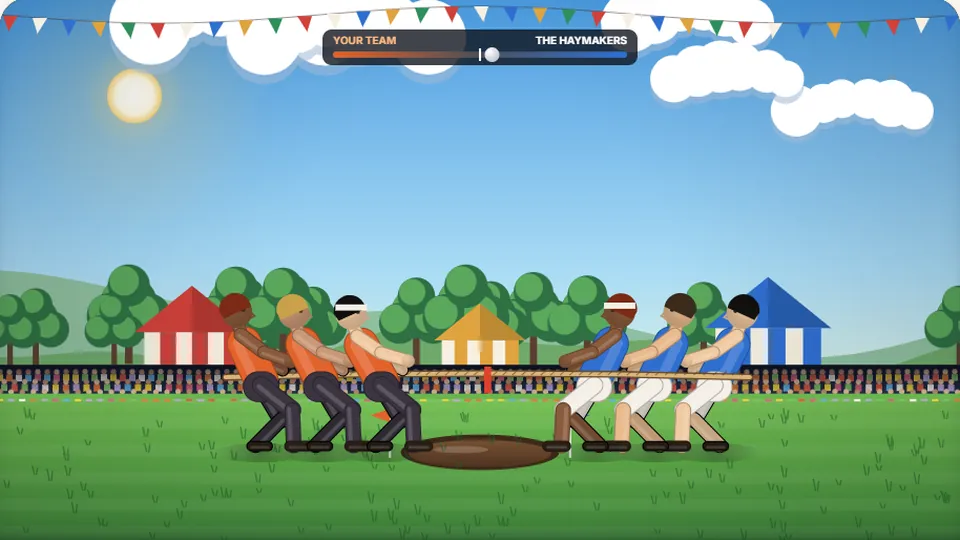 Sports
Tug of Words
Every clean word hauls the rope your way — drag the other team into the mud.
Play now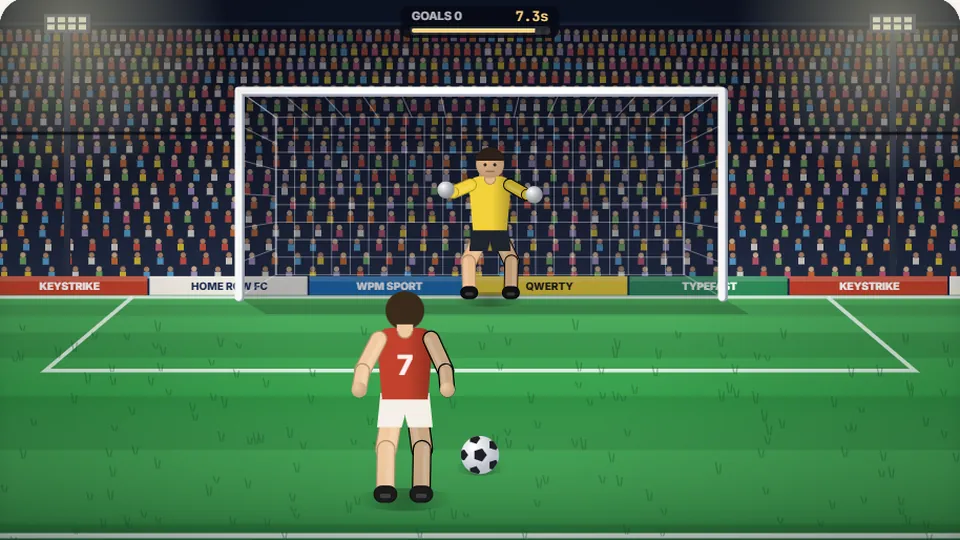 Sports
Penalty Kick
Beat the whistle and the keeper with clean, quick typing.
Play now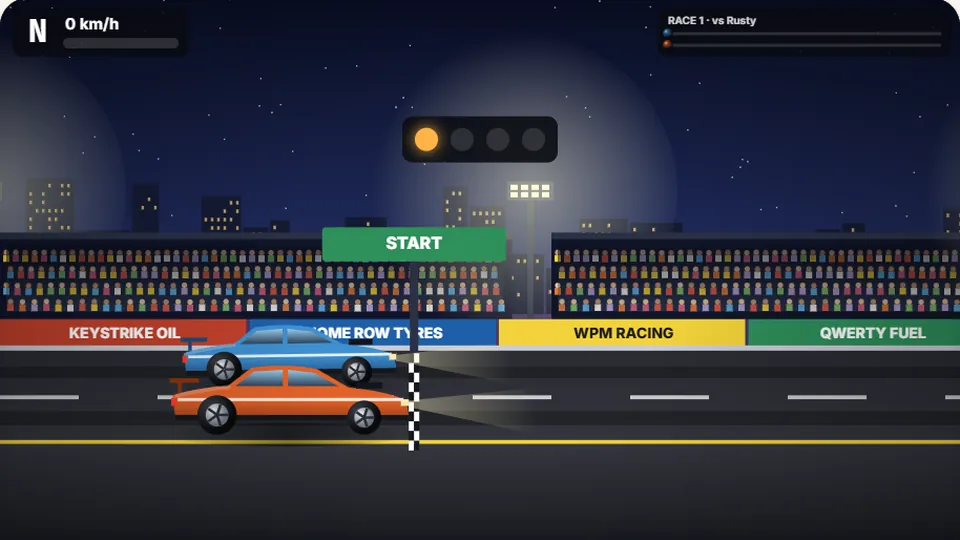 Racing
Drag Strip Typing
Six words, six gears — shift cleanly and beat the car in the next lane.
Play now Kids
Fireworks Typing
Rockets climb into the night — type their words to make them burst.
Play now Adventure
Pirate Cannons
Load the guns by typing and sink the enemy ship before it sinks you.
Play now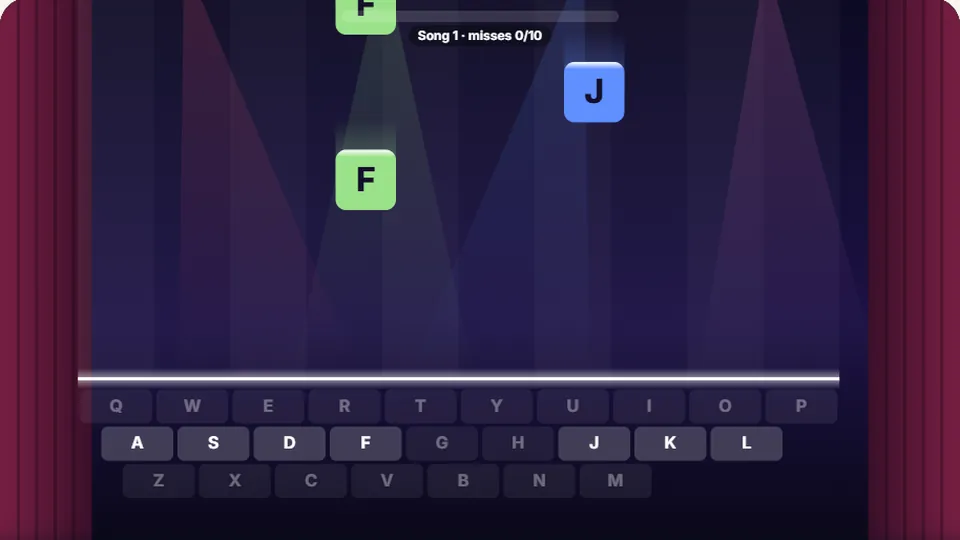 Learn
Melody Keys
Letters fall like notes — press each one on the line to play the melody.
Play now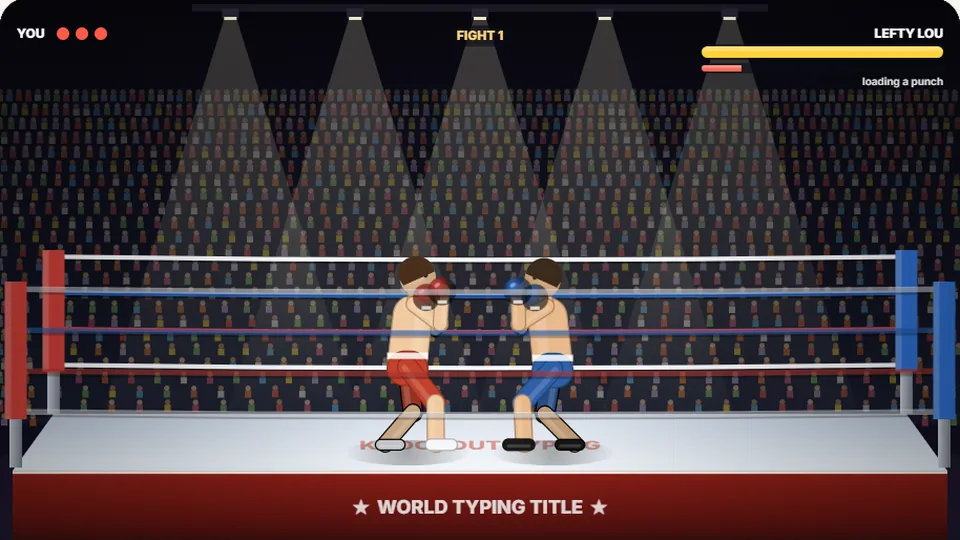 Sports
Knockout Typing
Step into the ring and win the fight with clean typing.
Play nowCommon questions
Frequently asked questions about Quote Quest
Is Quote Quest completely free to play?
How does the game calculate my typing speed?
Can I play this typing game on my mobile phone or tablet?
Where are my high scores saved?
Why is accuracy more important than speed in this game?
Does this game support different keyboard layouts?
Ready to test your typing skills?
Launch Quote Quest now to practice typing famous sayings, track your accuracy, and build real-world typing speed in your browser.