Typing Games
Hammer Forge typing game
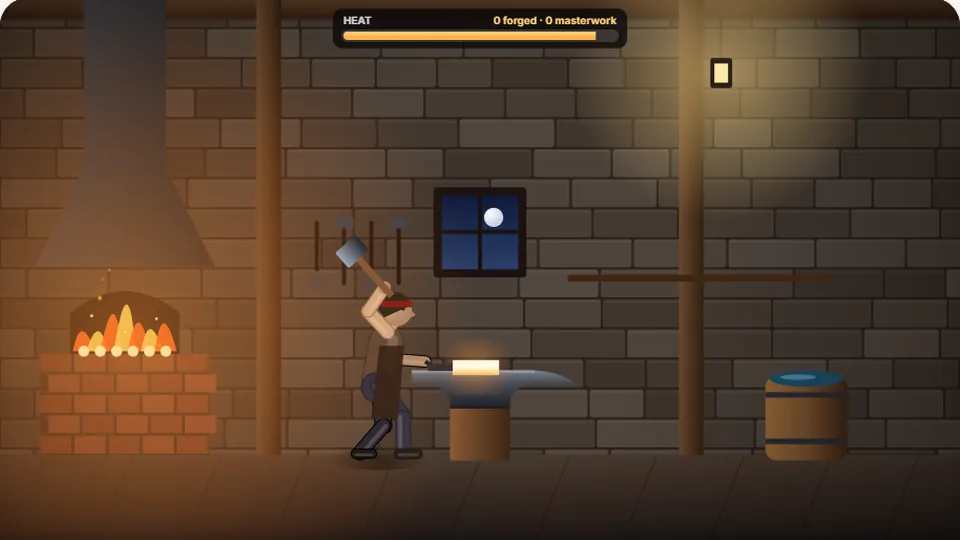
Every letter is a hammer blow. Finish the word before the steel cools. Clean and quick makes a masterwork; wrong keys waste heat.
Forge your skills
Strike while the iron is hotblacksmith typing game
Hammer Forge is a free blacksmith typing game where your keyboard controls the heavy hammer of a master smith. Every letter you type represents a precise strike on glowing, heated steel. Your objective is to finish typing the displayed words to shape your blade before the metal cools down and ruins the forge work.
We built this game to combine the rhythmic flow of typing with a visual sense of craftsmanship. As you type, sparks fly from the anvil and the metal changes color. It is a focused, mechanical experience that rewards steady accuracy over frantic button-mashing.
Like all games on our site, Hammer Forge plays directly in your web browser with no downloads, accounts, or sign-ups required. You can adjust the difficulty level to match your current words-per-minute speed and track your personal best scores directly on your device.
- Free to play
- 100%
- Difficulty modes
- 3
- Downloads needed
- 0
- Score saving
- Local
- Every keystroke acts as a heavy hammer blow on the anvil
- The cooling meter forces you to maintain a steady typing rhythm
- Three difficulty settings accommodate beginners and typing experts
- On-screen controls let you pause, restart, or toggle sound instantly
Gameplay basics
How to forge your first blade
Select your heat
Choose from Easy, Medium, or Hard difficulty before you begin. Higher difficulties give you longer words and cause the heated steel to cool down much faster between your hammer strikes.
Strike the keys
Type the letters as they appear on the screen. Each correct key represents a hammer strike that shapes the glowing metal. Mistyped letters pause your progress and waste precious time.
Watch the temperature
A cooling meter tracks the heat of your blade. If you type too slowly or make too many mistakes, the metal turns cold and gray, ending your forging run. Keep typing to keep the metal hot.
Complete the weapon
Finish typing the entire sequence of words to successfully temper and complete your blade. Your final score is calculated based on your speed, accuracy, and remaining heat.
Pro tip: Do not rush your strikes. A single typo halts your momentum, which cools the metal faster than typing at a steady, deliberate pace.
Under the hood
The physics of typing under pressure
In Hammer Forge, we wanted to capture the physical rhythm of blacksmithing. Standard word typing games often use simple timers, but our cooling mechanic ties your typing speed directly to the physical state of the metal. When you stop typing, the temperature drops. When you type quickly and accurately, the steel glows a bright, vibrant orange.
This system trains you to look ahead at the upcoming letters. If you pause to search for a key, the heat slips away. By keeping your eyes on the screen and maintaining a steady cadence, you keep the temperature high and maximize your final score multiplier.
We also included standard browser controls right next to the scoreboard. You can pause the action if you need a break, restart a run instantly, toggle the metallic sound effects, or switch to full-screen mode to eliminate distractions.
Thermal decay
The steel loses heat constantly. You must maintain a steady WPM to keep the metal workable.
Physical layout
Designed for physical keyboards, helping you practice muscle memory and home-row discipline.
Local high scores
Your best scores for Easy, Medium, and Hard are saved locally in your browser cache.
Visual feedback
Sparks fly and colors shift from bright orange to cold gray based on your real-time speed.
Choosing your forge difficulty
We designed three distinct modes to ensure players of all skill levels can enjoy the game. Here is how the difficulty settings affect the gameplay mechanics:
| Difficulty | Word complexity | Cooling speed |
|---|---|---|
| Easy | Short 3-5 letter words | Very slow cooling rate |
| Medium | Standard 5-8 letter words | Moderate cooling rate |
| Hard | Long and complex vocabulary | Rapid cooling rate |
We recommend starting on Medium if you average around 40 to 50 words per minute. Switch to Hard once you can consistently maintain 95% accuracy.
More fun typing games to try next
If you enjoy the rhythmic, tactile feel of Hammer Forge, you might also like these other cool typing games on our site. Each one focuses on a different style of play, from fast-paced action to relaxed learning.
| Your goal | Game to play | Why it fits |
|---|---|---|
| Chop through wood with speed | Lumberjack Typing | Features a similar physical rhythm where every keystroke powers an axe swing. |
| Defend against incoming threats | Zombie Type | A classic shooter where typing words defeats approaching targets before they reach you. |
| Enjoy a relaxed, stress-free practice | Zen Type | No timers, no pressure, and no cooling meters—just smooth typing practice. |
| Test your raw speed and accuracy | Typing Test | A standard timed test to measure your official words-per-minute score. |
Browse our collection
Explore more free typing games
Our library features dozens of unique games designed to help you build muscle memory, improve your accuracy, and increase your typing speed. Whether you prefer arcade action, sports simulations, or puzzle challenges, we have a game for you.
 Arcade
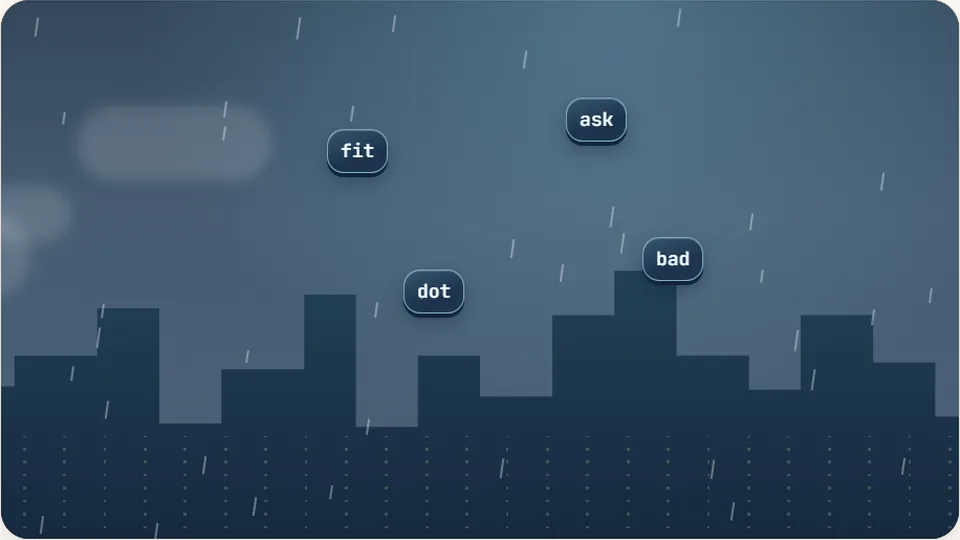
Word Rain
Clear the falling words before they hit the ground.
Play now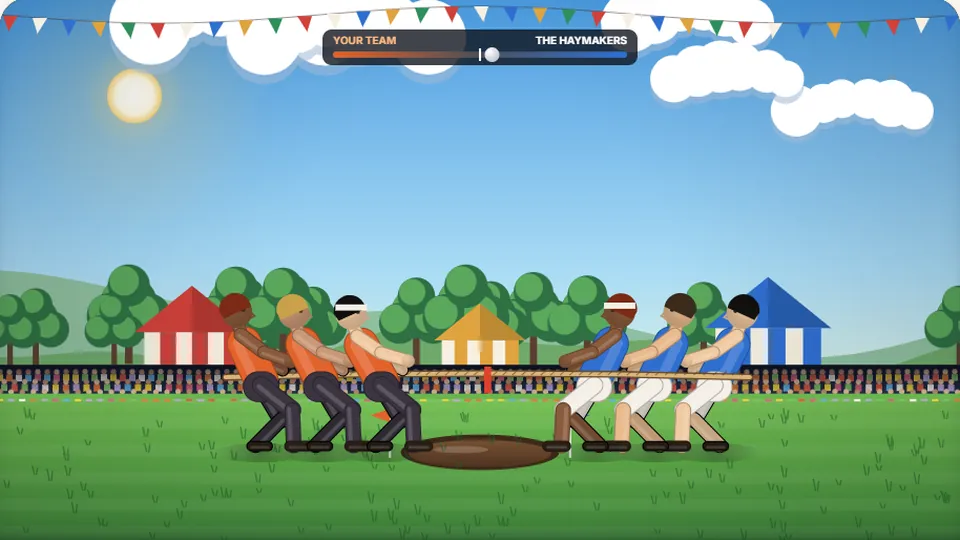 Sports
Tug of Words
Every clean word hauls the rope your way — drag the other team into the mud.
Play now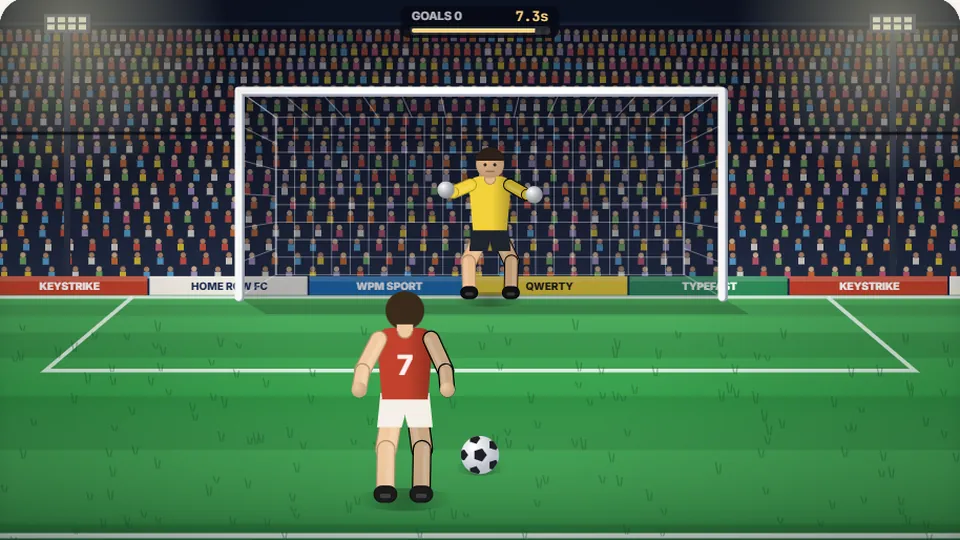 Sports
Penalty Kick
Beat the whistle and the keeper with clean, quick typing.
Play now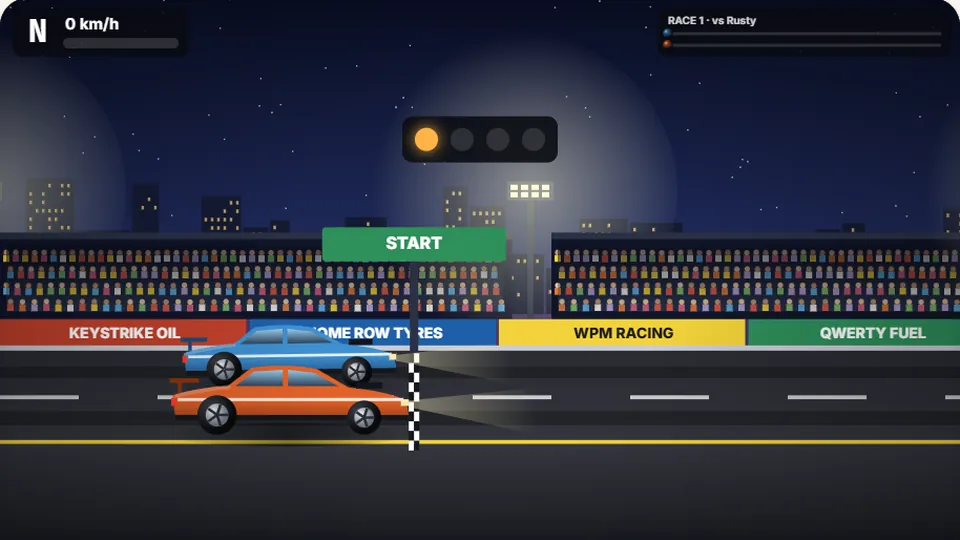 Racing
Drag Strip Typing
Six words, six gears — shift cleanly and beat the car in the next lane.
Play now Kids
Fireworks Typing
Rockets climb into the night — type their words to make them burst.
Play now Adventure
Pirate Cannons
Load the guns by typing and sink the enemy ship before it sinks you.
Play now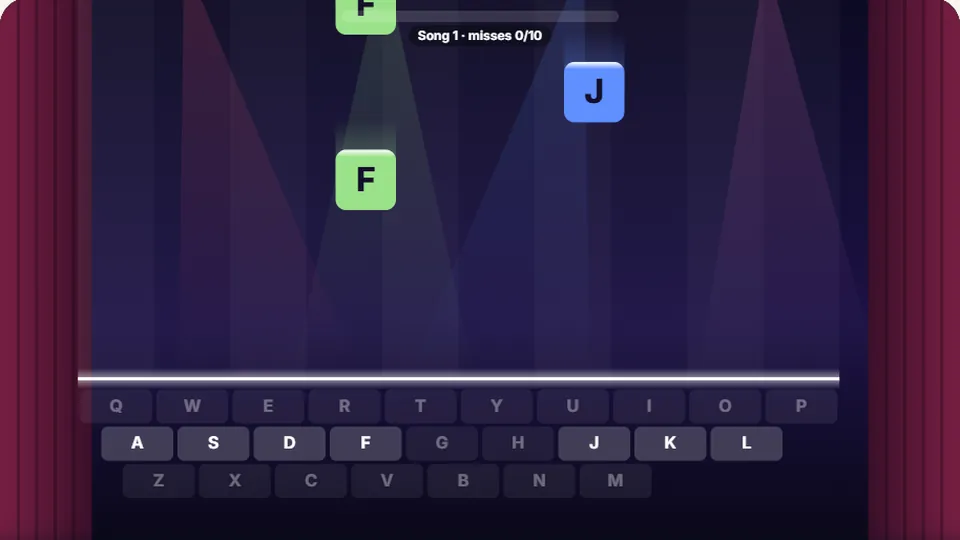 Learn
Melody Keys
Letters fall like notes — press each one on the line to play the melody.
Play now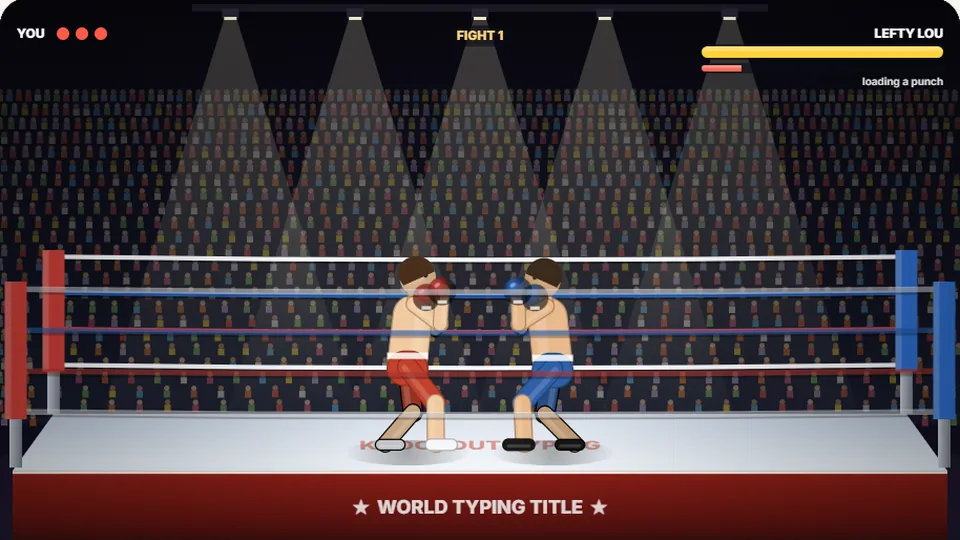 Sports
Knockout Typing
Step into the ring and win the fight with clean typing.
Play nowFrequently asked questions
Common questions about Hammer Forge
Do I need to download anything to play Hammer Forge?
How does the saving system work for high scores?
Can I play this game on my phone or tablet?
What happens if I make a typo in the game?
Are there light and dark themes available?
Ready to heat up the forge?
Step up to the anvil, grab your hammer, and see how many masterwork blades you can create before the steel goes cold.