Typing Games
Lumberjack Typing
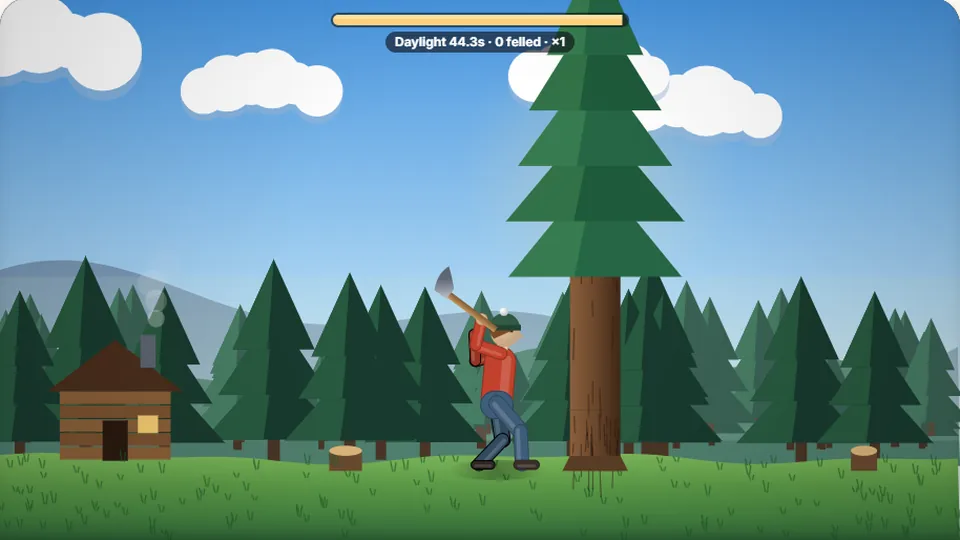
Every letter is an axe swing. Finish the word to fell the tree and win back time. Clean trees in a row build a streak.
Chop wood under pressure
Chop wood and beat the clock in Lumberjack Typingspeed typing games
Lumberjack Typing is a fast-paced speed typing game built around single-key precision and steady rhythmic output. Your objective is straightforward: swing your axe by hitting the target letter on screen and fell as many trees as possible before daylight fades. Every tree you bring down refunds precious seconds to the main clock, creating an intense endurance loop.
We designed this tool to train rapid single-character key recognition without relying on full dictionary words. Because the letters prompt one at a time in rapid succession, you cannot visually skim ahead or rely on muscle memory for familiar words. Instead, you must keep your hands grounded on the home row and strike individual keys cleanly as they appear.
Like all games on ProTypingGames, Lumberjack Typing runs straight in your web browser. There are no downloads, accounts, or install steps required. Simply load up the game, select your preferred difficulty mode, and start swinging.
- Letter per chop
- 1
- Difficulty levels
- 3
- Free to play
- 100%
- Installs needed
- 0
- Instant responsive visual feedback on every axe swing
- Dynamic daylight timer that extends with every felled tree
- Local browser saves for high scores across three difficulty settings
- Clean single-key focus designed to test pure visual response time
Core mechanics
What is Lumberjack Typing?
Lumberjack Typing shifts the focus away from typing whole sentences or long paragraphs. Instead, it tests your immediate visual-to-finger reaction speed. A character appears on the trunk of the current tree. Hitting that exact character makes your lumberjack swing the axe, driving a notch into the timber.
Each tree requires a specific sequence of single letters to chop completely through. Once the trunk splits and the tree falls, extra daylight adds to your running timer, giving you extra time to start on the next tree. Hesitate or hit wrong keys, and the sun sets before you can stack your wood supply.
- Control Scheme
- Direct single-key inputs matching on-screen targets
- Primary Focus
- Key recognition, physical index placement, and single-tap reaction time
- Time Mechanics
- Counting down sunset clock, restored by finishing tree trunks
- Score Tracking
- Total logs chopped, stored locally in your browser
Quick start guide
How to play Lumberjack Typing
Choose your difficulty
Select Easy, Medium, or Hard from the start menu. Higher modes shrink the daylight timer, demand faster keystrokes, and expand the pool of target keys across the entire keyboard.
Match the target character
Look at the prompt displayed on the tree trunk. Press the corresponding key on your keyboard to swing the axe and chop into the wood.
Fell the tree to gain time
Complete the key prompts required for the current tree to chop it down completely. Clearing a tree adds time back to your sun timer.
Stack logs until sunset
Keep up your typing rhythm without making wild key errors. Continue chopping trees to extend your session and set a new personal high score.
Tip: Avoid staring at your physical keyboard. Rely on the home row bumps on F and J so your eyes stay locked on the screen prompts.
Strategies for fast wood chopping
What to do
- Keep your fingers lightly anchored on the ASDF and JKL; home row keys
- Maintain a steady rhythm rather than bursting keys randomly
- Keep your eyes fixed on the center of the tree trunk for incoming characters
- Use physical keyboard bump indicators to confirm hand placement without looking down
What to avoid
- Do not hammer keys frantically when the daylight timer runs low
- Avoid looking down at your hands mid-game, which slows down your reaction time
- Do not stick to Easy mode once you can consistently survive past two minutes
- Avoid using a single finger to reach across multiple keyboard rows
Play online
Browse the game library
We host 69 free games and 23 typing tests designed to improve touch typing skills, speed, and accuracy directly in your browser.
 Arcade
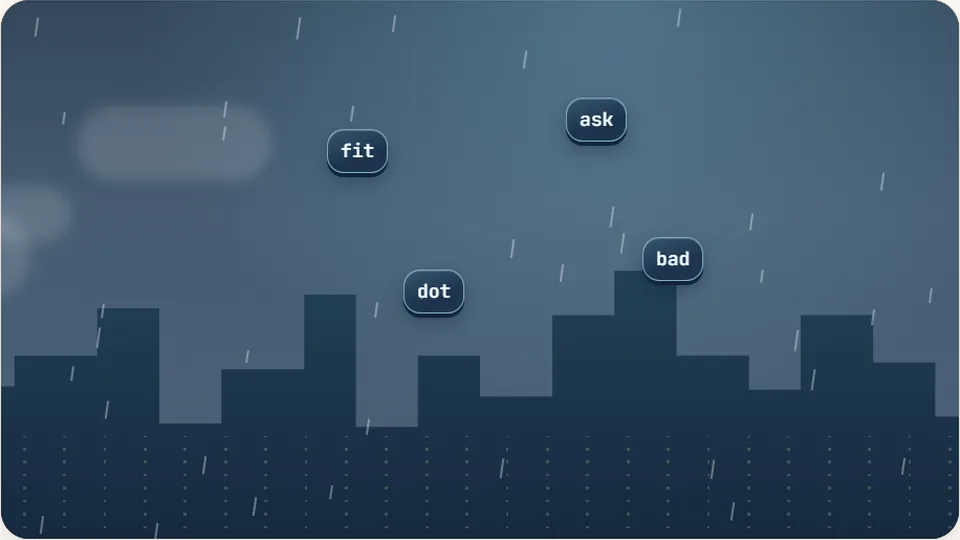
Word Rain
Clear the falling words before they hit the ground.
Play now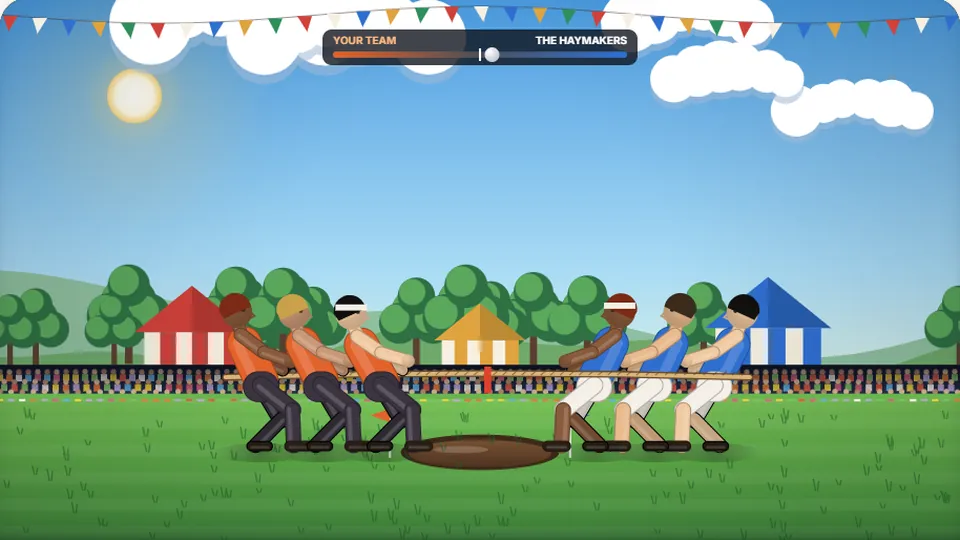 Sports
Tug of Words
Every clean word hauls the rope your way — drag the other team into the mud.
Play now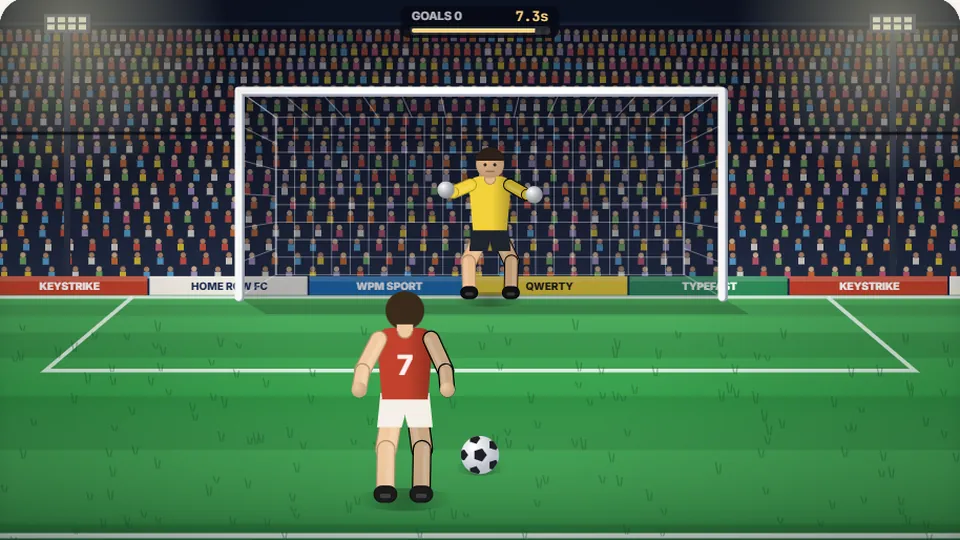 Sports
Penalty Kick
Beat the whistle and the keeper with clean, quick typing.
Play now Racing
Drag Strip Typing
Six words, six gears — shift cleanly and beat the car in the next lane.
Play now Kids
Fireworks Typing
Rockets climb into the night — type their words to make them burst.
Play now Adventure
Pirate Cannons
Load the guns by typing and sink the enemy ship before it sinks you.
Play now Learn
Melody Keys
Letters fall like notes — press each one on the line to play the melody.
Play now Sports
Knockout Typing
Step into the ring and win the fight with clean typing.
Play nowAnswers
Frequently asked questions
Is Lumberjack Typing completely free?
How does the daylight timer work?
Are my high scores saved automatically?
Can I play Lumberjack Typing on a mobile device?
What makes this different from word typing games?
Ready to swing your axe?
Test your reaction time, stack your timber high, and beat the setting sun in Lumberjack Typing.