Typing Games
Ninja Words typing game
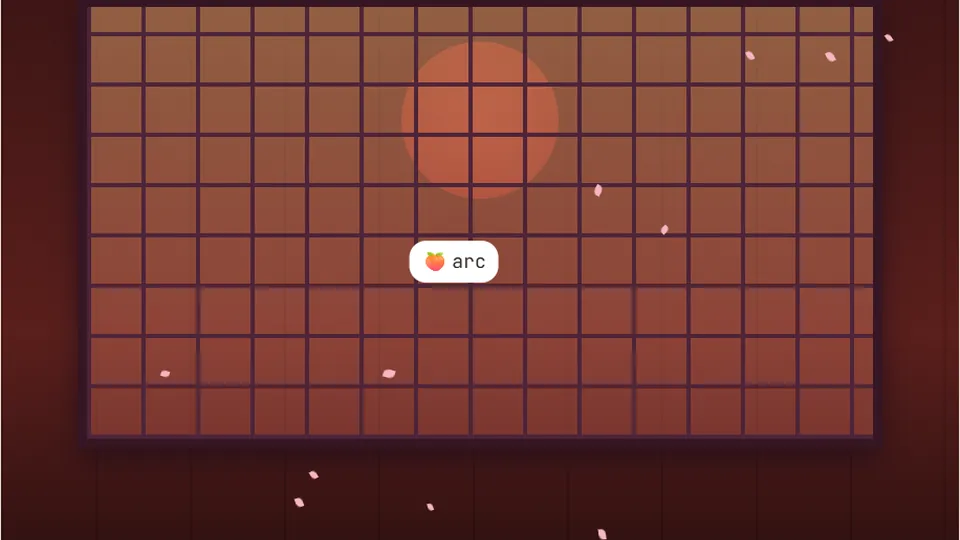
Words are tossed into the air. Type a word to slice it before it falls back down. Let three words drop and the round ends.
Arcade mechanics
Slice airborne targets with clean keystrokestyping games fruit ninja
Ninja Words delivers the frantic energy of typing games fruit ninja fans love directly to your desktop browser. Words launch upward from the bottom edge of your screen in parabolic arcs. Your goal is simple: type the matching letters before gravity pulls each word off the bottom border.
Unlike static drills that allow you to pause and deliberate, this arcade layout demands rapid target acquisition and smooth rhythmic execution. Missing a word breaks your combo and costs you a life, pushing your fingers to move without looking down at the keyboard.
Every round tracks your reaction speed, keystroke accuracy, and peak streak. Three distinct difficulty settings let you calibrate the upward velocity and word complexity to match your current comfort level.
- Difficulty modes
- 3
- Accounts or logins required
- 0
- Browser-based play
- 100%
- High score saving
- Local
- Words launch in arcing trajectories that test peripheral vision
- Instant visual slicing feedback on every completed word
- Separate best score tracking for Easy, Medium, and Hard
- Toggle sound, pause, or switch to full screen at any moment
Game structure
What makes Ninja Words work
At its core, Ninja Words translates classic blade-swiping gameplay into an interactive keyboard exercise. Words burst into the air at varying angles and speeds, peak near the top of the frame, and begin falling. Typing the initial letter locks onto the floating word, and finishing the sequence slices it cleanly in midair.
This dynamic movement teaches your eyes to track moving text across the screen while your hands execute keystrokes on muscle memory alone. Because multiple words can occupy the air at the exact same moment, you must triage targets based on altitude and descent rate.
- Visual tracking
- Trains your gaze to follow moving targets across the field without breaking hand position.
- Priority planning
- Forces you to identify which descending word threatens your life total first.
- Typing rhythm
- Encourages smooth bursts of keypresses rather than hesitant single-letter hunting.
- Zero friction
- Runs instantly in any modern browser with local storage keeping your records.
Controls and flow
Mastering the aerial slice
Choose your difficulty
Select Easy, Medium, or Hard from the menu screen. Easy launches short, familiar words at modest velocity, while Hard introduces longer vocabularies and multi-target volleys.
Track the highest-risk word
Observe words launching upward. Watch their arcs to see which word will hit the lower boundary first, and commit your focus to that specific target.
Type accurately to slice
Enter the spelling using your keyboard. As soon as you hit the final correct letter, the word splits in half and clears from the active play area.
Build your combo streak
Clear consecutive airborne words without letting any slip past the bottom line or mistyping strings to climb the scoreboard and set a new personal record.
Keep your fingers resting quietly on the home row bumps (F and J) between volleys so you can strike in any direction across the layout instantly.
Refining your technique
Techniques for high-speed word slicing
Succeeding in arcade typing games requires shifting your attention away from individual keystrokes toward full-word chunking. When a word launches into view, recognize the overall shape and letter pattern as a single motion rather than spelling it out sound by sound.
Panic is the primary reason players drop lives on higher difficulties. When three words launch together, stay calm, target the one closest to falling below the cut line, finish it completely, and snap immediately to the next apex.
Target apexes
Words move slowest at the absolute peak of their flight arc. Typing targets right as they reach their apex gives you the widest margin for error.
Anchor your hands
Floating hands lead to drift and missed keys. Rest your fingers lightly on the home row so every key reach remains consistent under pressure.
Avoid panic mashing
A mistype costs precious split seconds to correct. Smooth, steady keystrokes at 95% accuracy will consistently outscore wild, erratic bursts.
Prioritize low-altitude drops
Always clear the word that is nearest to the bottom threshold first, even if a newer, easier word just entered the top of the screen.
Varied training
Explore complementary arcade styles
Switching between different mechanics keeps your reflexes sharp and builds versatile keyboard control.
Word Rain
Test your vertical defense as words drop straight down from the clouds in steady streams.
Combo Rush
Maintain blistering speeds and perfect accuracy to push your multiplier to the limit.
Jet Typer
Pilot an aircraft through tight obstacles by clearing verbal targets before impact.
Whack-a-Word
Strike sudden popping targets across a static grid to sharpen spatial hand movements.
Arcade collection
More typing games to explore
Discover dozens of free, responsive typing exercises designed to sharpen your speed and keyboard confidence across every genre.
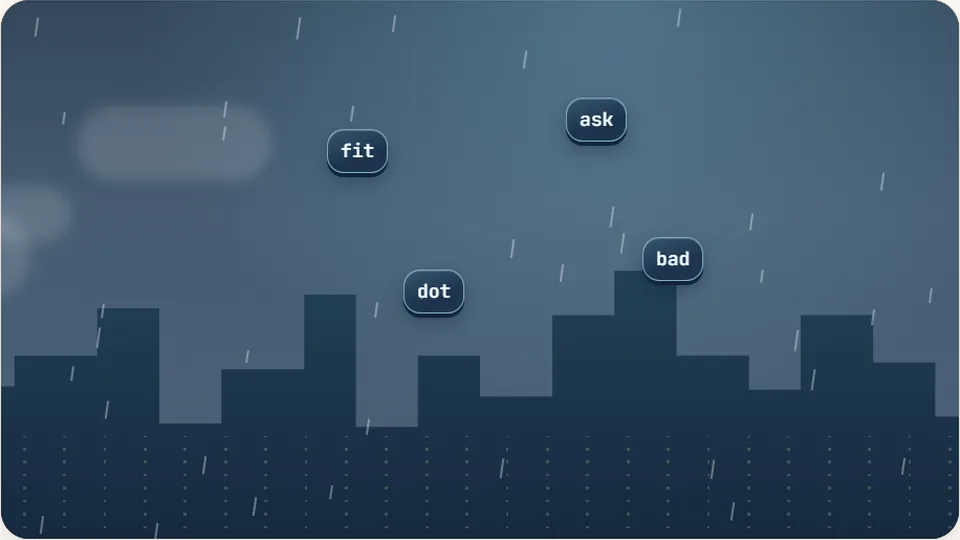 Arcade
Word Rain
Clear the falling words before they hit the ground.
Play now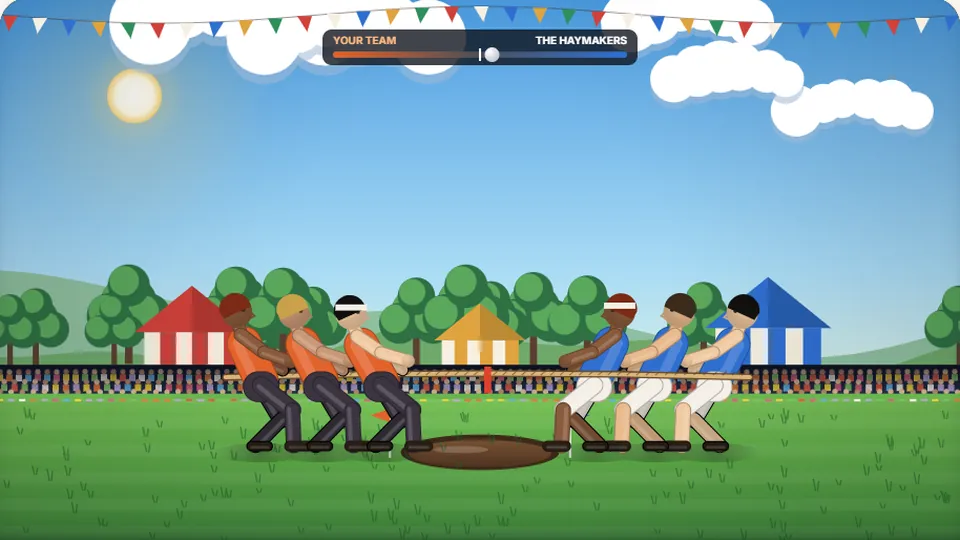 Sports
Tug of Words
Every clean word hauls the rope your way — drag the other team into the mud.
Play now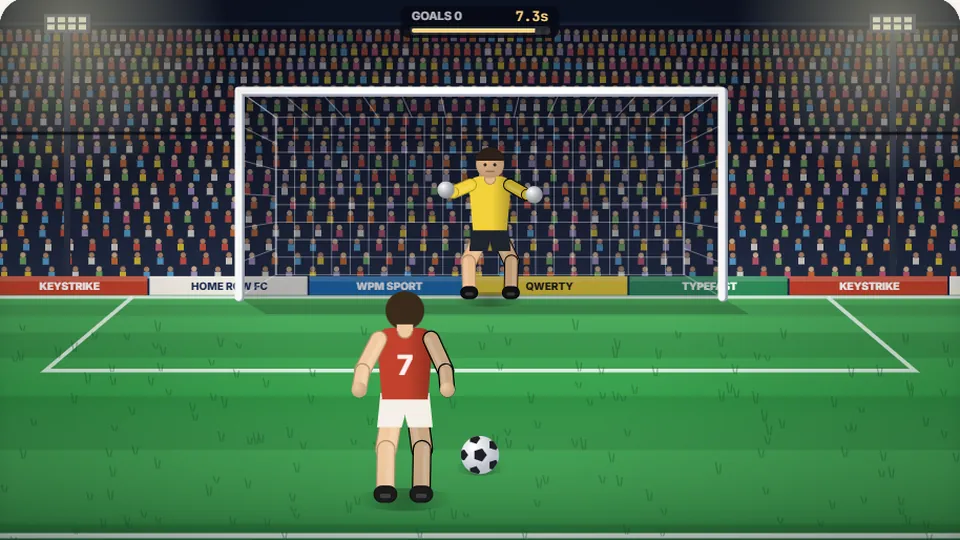 Sports
Penalty Kick
Beat the whistle and the keeper with clean, quick typing.
Play now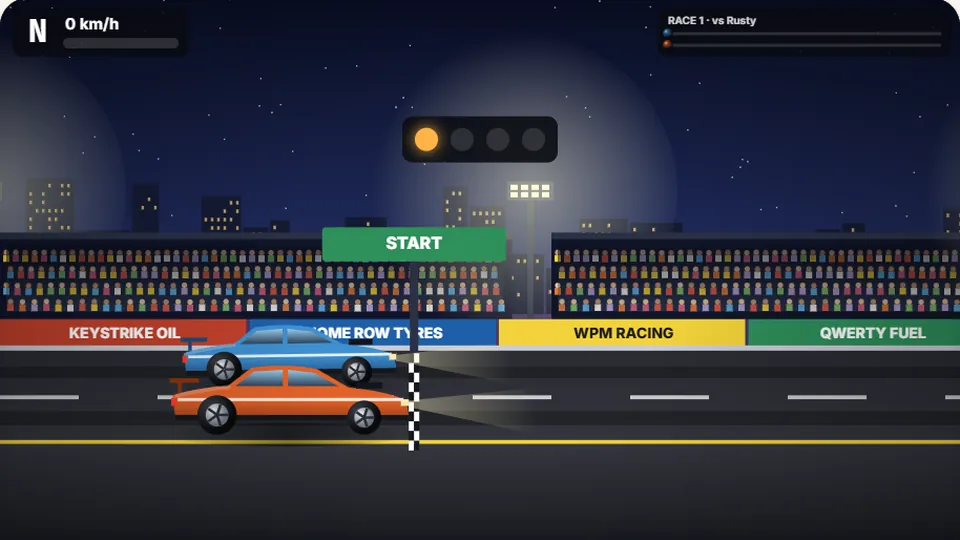 Racing
Drag Strip Typing
Six words, six gears — shift cleanly and beat the car in the next lane.
Play now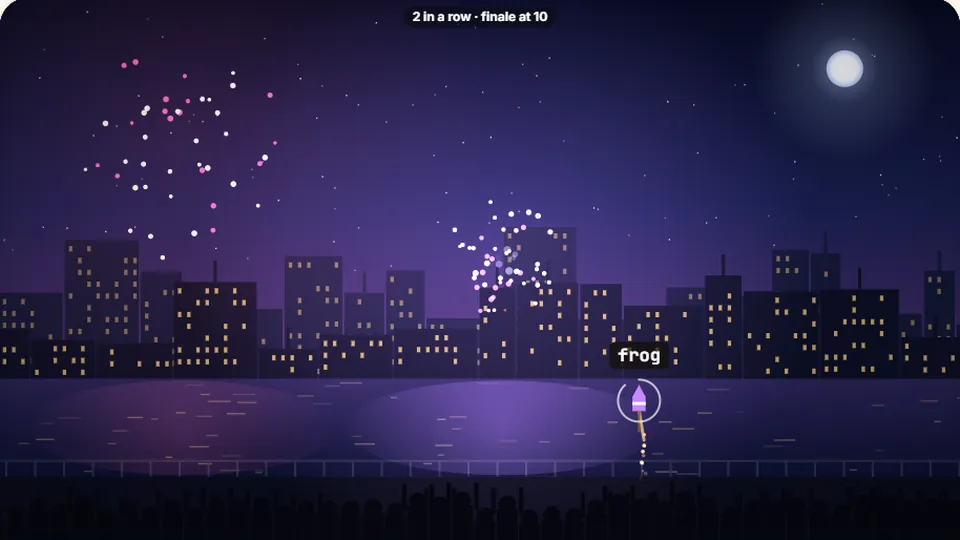 Kids
Fireworks Typing
Rockets climb into the night — type their words to make them burst.
Play now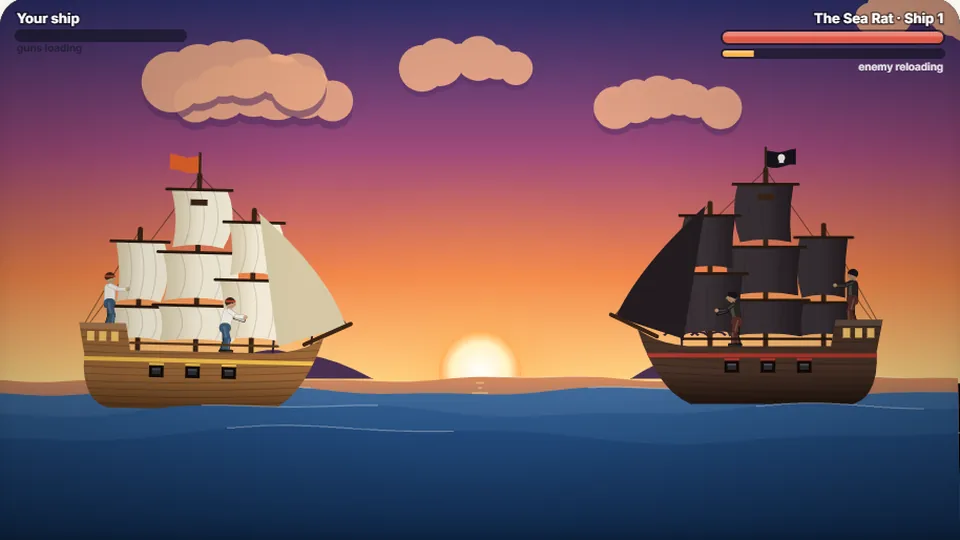 Adventure
Pirate Cannons
Load the guns by typing and sink the enemy ship before it sinks you.
Play now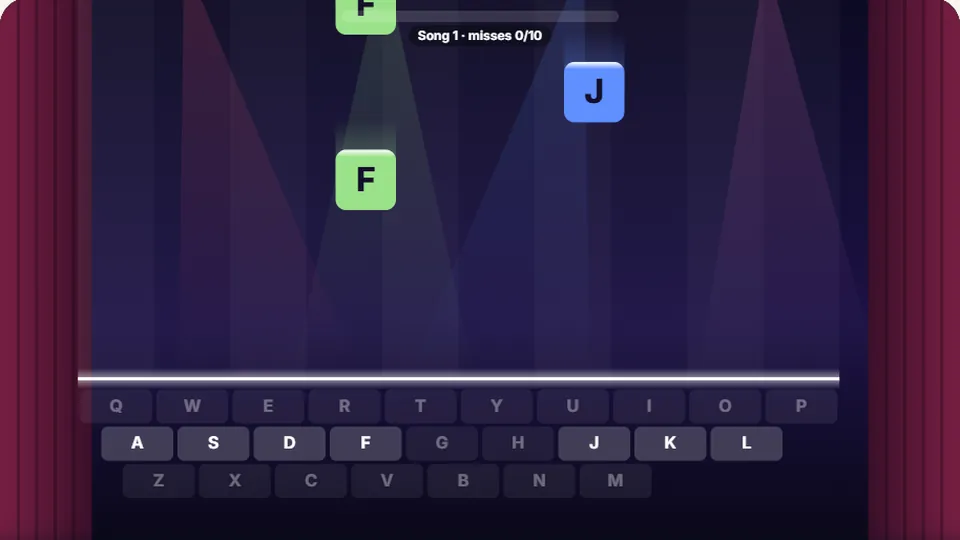 Learn
Melody Keys
Letters fall like notes — press each one on the line to play the melody.
Play now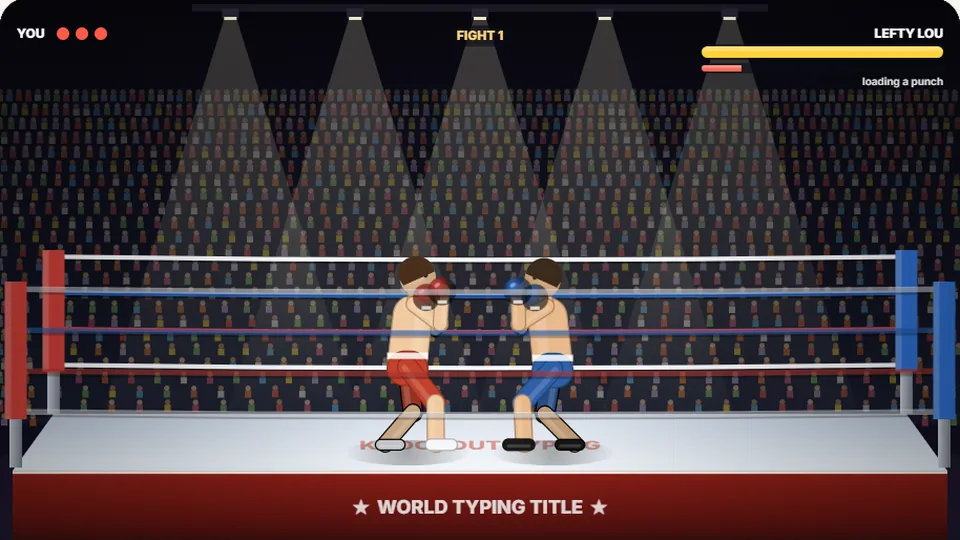 Sports
Knockout Typing
Step into the ring and win the fight with clean typing.
Play nowCommon questions
Frequently asked questions
What makes this different from traditional typing tests?
Do I need to download files or create an account?
How does the game track my high scores?
Can I play on a touchscreen device?
What should I do if the game runs too fast?
Ready to test your ninja reflexes?
Jump into the arena, track airborne targets, and slice words with rapid, accurate typing.