Typing Games
Busy Bee typing game
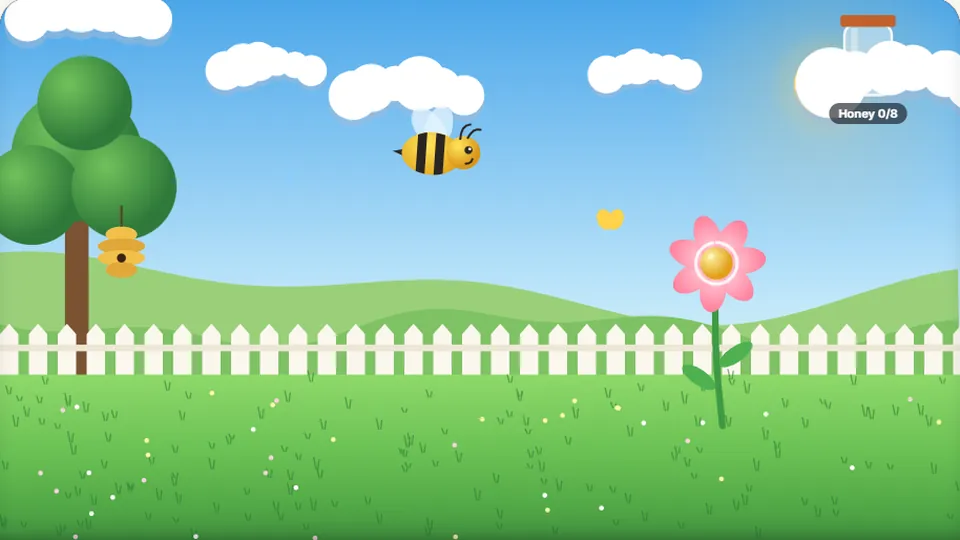
Type the letter or word on a flower and the bee flies over to collect nectar. Flowers close after a while. Fill the honey jar to level up.
Play Busy Bee
Help the bee gather nectartyping games for kids
Busy Bee is one of our free typing games for kids and absolute beginners. The goal is simple: flowers open up, revealing a single letter or a very short word. Type what you see on the flower, and the bee flies over to collect the nectar.
You have to type the letter or word before the flower closes again. It is a relaxed way to practice finding keys on the keyboard without the pressure of a fast-paced racing game.
- To play
- Free
- Difficulty modes
- 3
- Account needed
- No
- Play anywhere
- Browser
- Practice single letters and short words
- Clear, colorful graphics for kids
- Tracks your best score automatically
- Works on phones, tablets and computers
The Basics
What is Busy Bee?
Busy Bee is an interactive typing exercise designed specifically as a kindergarten typing game or for early readers. Instead of long sentences or complex paragraphs, the game focuses on recognizing individual letters and basic vocabulary.
When a flower blooms on screen, it displays a target. Typing that target correctly sends the bee to the flower. If you take too long, the flower closes and you miss that chance. The game continues, offering a steady stream of typing practice.
- Target audience
- Kids and beginners learning the keyboard.
- Gameplay
- Type letters on open flowers to collect nectar.
- Focus
- Letter recognition and basic word typing.
- Pacing
- Relaxed, with flowers opening and closing.
Instructions
How to play Busy Bee
Watch the flowers
Keep an eye on the garden. Flowers will open randomly, and each one will have a letter or a short word written on it.
Type the target
Use your keyboard to type the exact letter or word shown on the open flower.
Collect the nectar
If you type it correctly, the bee will fly to the flower and collect the nectar, earning you points.
Be quick
Flowers don't stay open forever. Try to type the target before the flower closes and disappears.
You can change the difficulty mode to make the flowers stay open longer or disappear faster.
Benefits
Why this is a great abc typing game
Finding easy typing games that don't overwhelm beginners can be difficult. Many games focus on speed from the start, which is frustrating if you are still learning where the keys are. Busy Bee is different.
By focusing on single letters and very short words, it acts as a gentle introduction to the keyboard. It helps build the connection between seeing a letter on the screen and finding the corresponding key.
Letter recognition
Reinforces the alphabet and key placement for early learners.
Low pressure
A relaxed pace that encourages accuracy over raw speed.
Keyboard familiarity
Helps beginners build a mental map of the keyboard layout.
More practice
Other typing games for beginners
If you enjoy the relaxed pace of Busy Bee, try these other games designed for kids and new typists.
Balloon Pop
Type letters to pop colorful balloons before they float away.
Animal Rescue
Type short words to help animals find their way home.
Alphabet Dash
Practice typing the alphabet in order, a great way to learn the keys.
Tips for playing Busy Bee
What to do
- Look for the letters on the keyboard before the flower opens if you are unsure.
- Try to use the correct fingers for each key, even if it feels slow at first.
- Focus on typing the correct letter rather than typing as fast as possible.
- Play on Easy mode until you feel comfortable finding the keys.
What to avoid
- Don't worry if you miss a flower; another one will open soon.
- Avoid mashing the keyboard if you can't find the right letter.
- Don't rush to Hard mode before you have mastered the basics.
- Try not to look down at your hands too much, though it's okay for beginners.
Questions
Common questions about Busy Bee
Is Busy Bee good for kindergarteners?
Do I need to download anything to play?
Can I play this on an iPad or tablet?
Does the game save my child's score?
Are there different difficulty levels?
Keep playing
Try our other typing games
We have 69 games and 23 typing tests on the site. Find your next favorite.
 Arcade
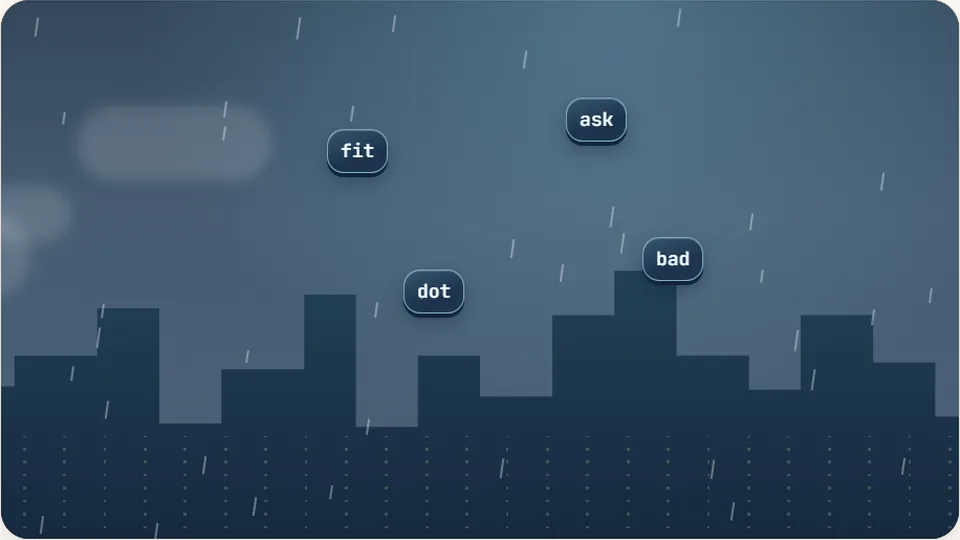
Word Rain
Clear the falling words before they hit the ground.
Play now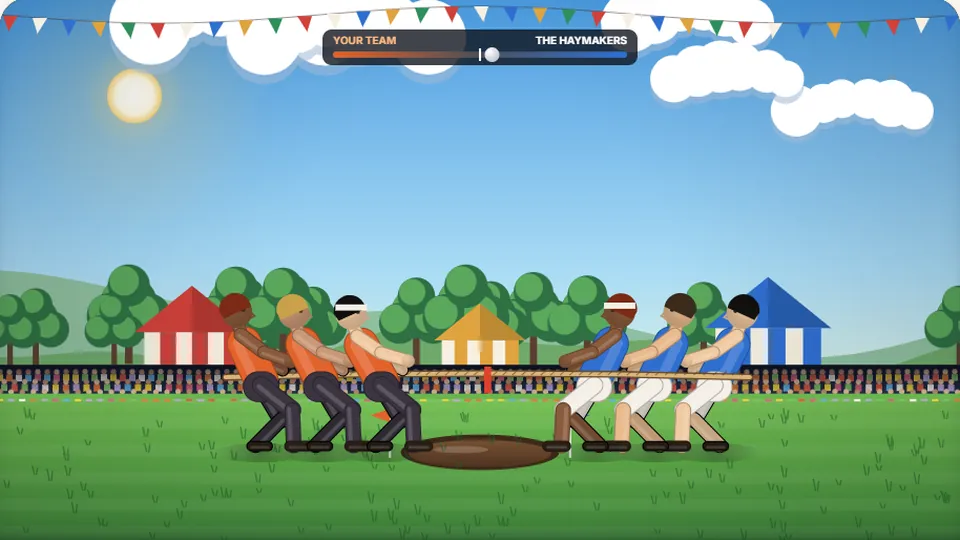 Sports
Tug of Words
Every clean word hauls the rope your way — drag the other team into the mud.
Play now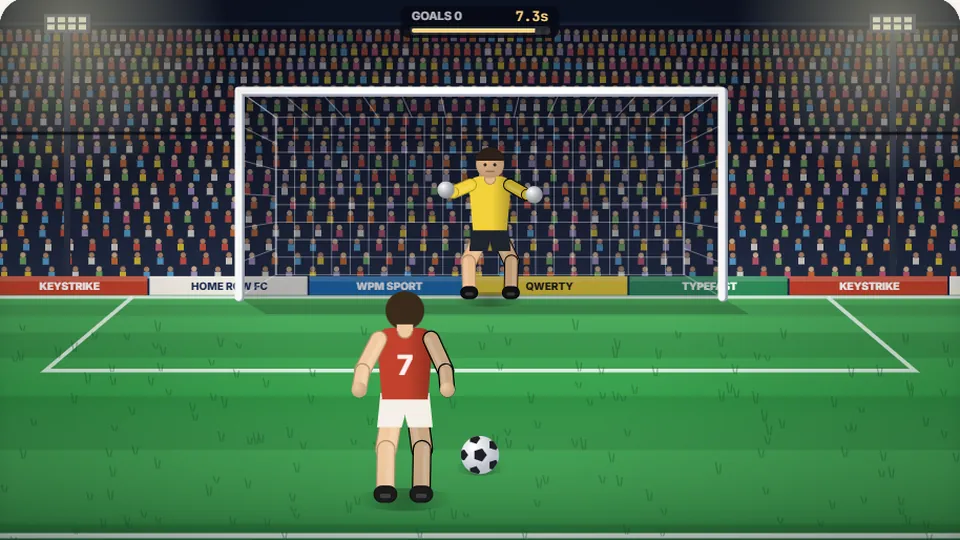 Sports
Penalty Kick
Beat the whistle and the keeper with clean, quick typing.
Play now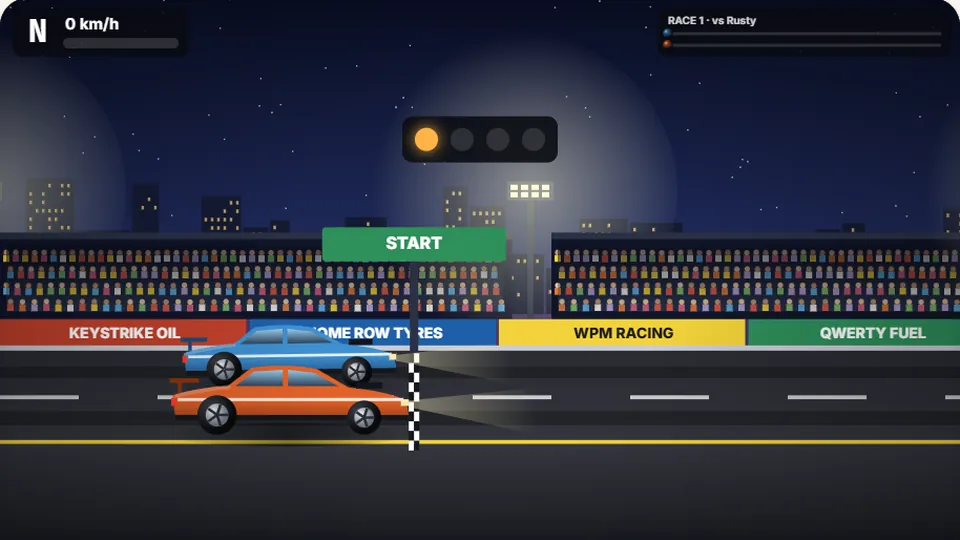 Racing
Drag Strip Typing
Six words, six gears — shift cleanly and beat the car in the next lane.
Play now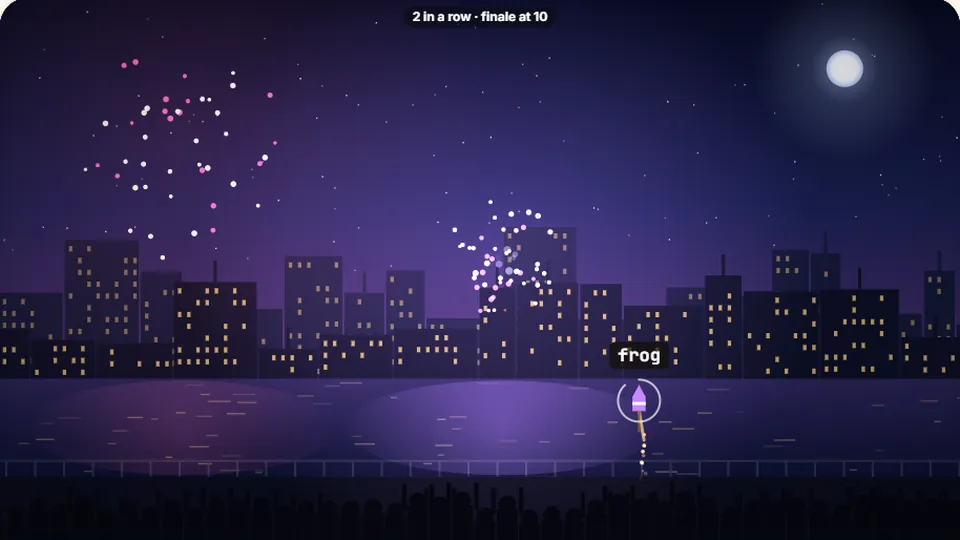 Kids
Fireworks Typing
Rockets climb into the night — type their words to make them burst.
Play now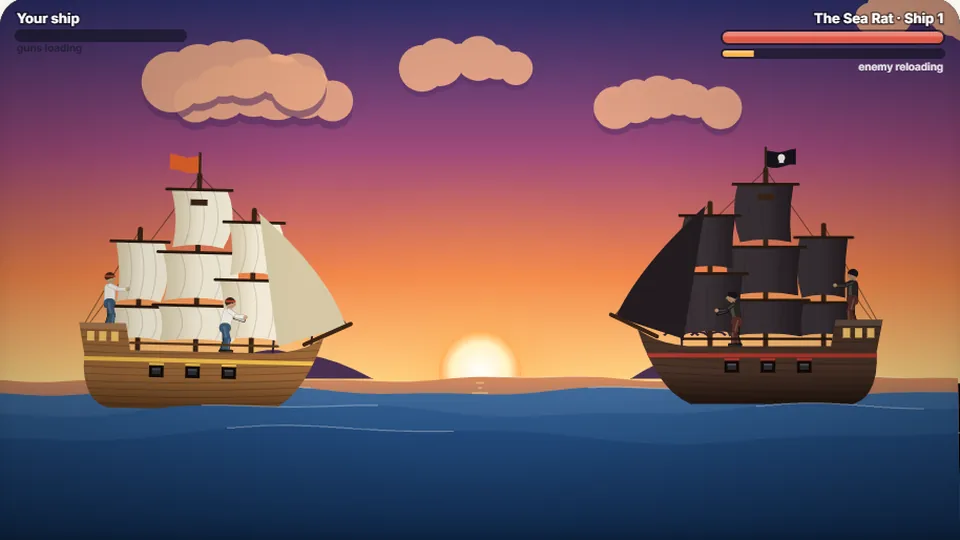 Adventure
Pirate Cannons
Load the guns by typing and sink the enemy ship before it sinks you.
Play now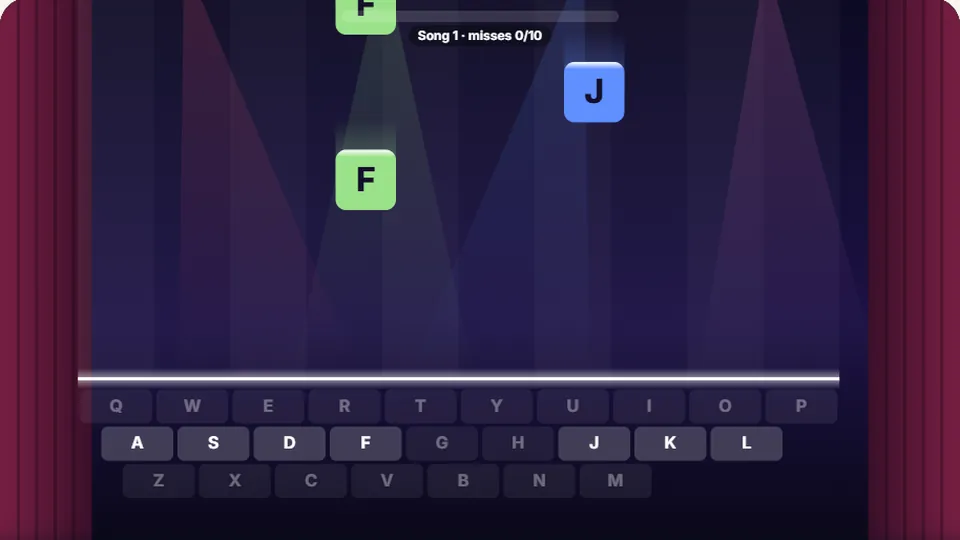 Learn
Melody Keys
Letters fall like notes — press each one on the line to play the melody.
Play now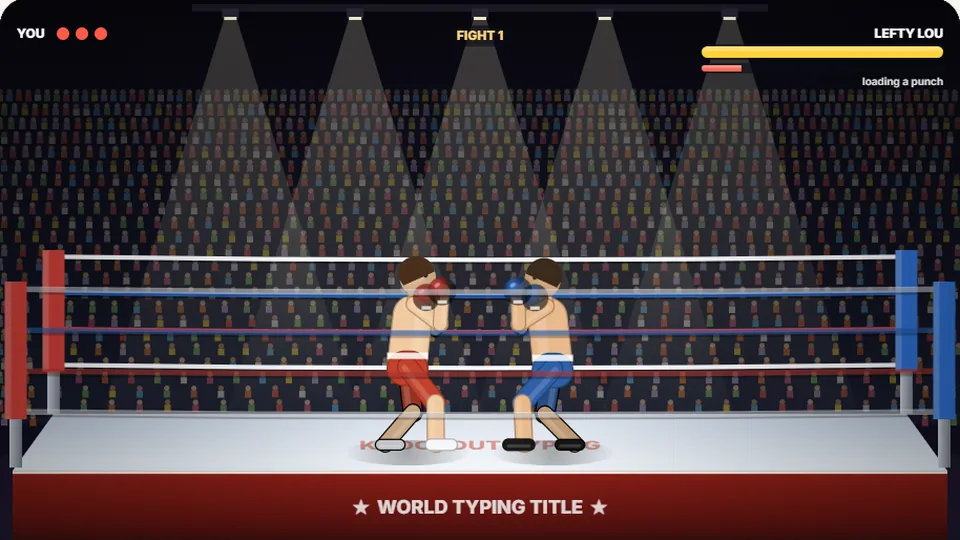 Sports
Knockout Typing
Step into the ring and win the fight with clean typing.
Play nowReady to help the bee?
Start practicing your letters and short words with Busy Bee.