Typing Games
Meteor Typist typing game
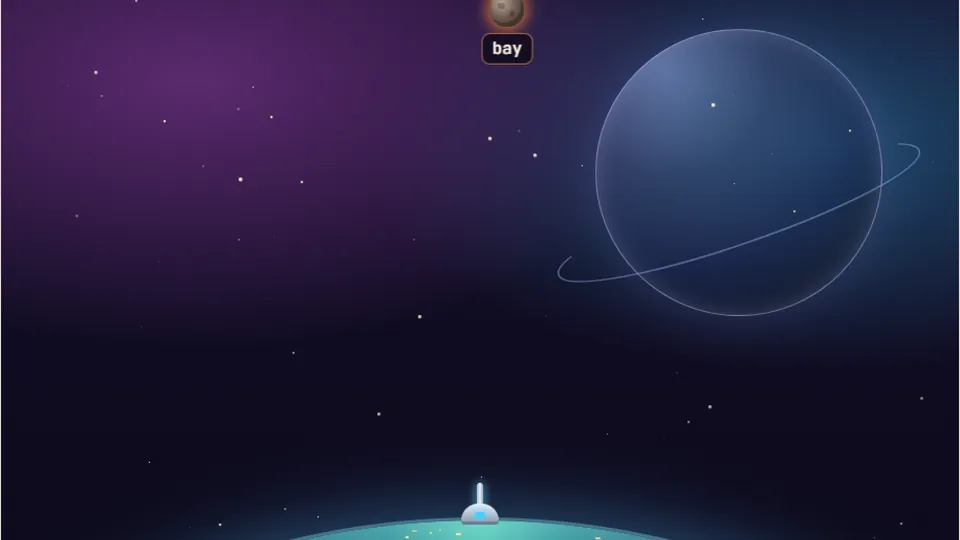
Each correct letter fires the defence laser at the locked meteor. Finish the word to vaporise it before impact.
Defend the planet
Blast space rocks before they hit Earthspace typing games
Meteor Typist brings arcade defense to space typing games. Massive rocks fall from orbit directly toward Earth, each bearing a unique word across its surface. Your job is simple: read the word on the nearest rock, type every character accurately, and send a point-defense missile into the target before it impacts your planetary shield.
Unlike quiet keyboard drills, space rocks down here do not wait for you to find your rhythm. Multiple targets tumble downward at different angles and speeds. You must prioritize high-risk threats, keep your eyes fixed on the incoming trajectory, and execute clean keypresses under pressure.
We built Meteor Typist to run straight in your desktop or mobile browser without extra downloads or user registration. Choose a comfortable speed, monitor your trajectory, and keep your atmosphere clear of falling debris.
- Difficulty modes
- 3
- Free browser play
- 100%
- Installs required
- 0
- Local best scores
- Saved
- Targets move continuously from deep space toward the bottom defense zone
- Short, crisp vocabulary built for clear target recognition under time limits
- Visual feedback instantly highlights correct inputs and tracks pending hazards
- Local browser memory preserves your top scores for every difficulty tier
Defense guide
How to clear the skies in Meteor Typist
Identify the lowest rock
Scan the sky as space rocks appear near the top of the display. The rock closest to your atmospheric shield poses the immediate threat. Read its word before keying anything.
Type the exact text string
Press the matching characters on your keyboard in precise order. Each correct keystroke locks onto the falling rock, while mistakes halt your firing sequence until corrected.
Destroy targets to score points
Completing the word fires your point-defense system, vaporizing the rock instantly. The game tallies points based on target height, total letter count, and clean execution.
Manage high-density waves
As your score climbs, meteors drop faster and in tighter groups. Keep your eyes shifting between targets so you can clear fast-moving rocks before they hit.
Pro tip: Pause the game, adjust volume, or switch to dark theme anytime using the quick control icons beside the main scoreboard.
Game mechanics
Tactical keyboard features built for space defense
Meteor Typist pairs classic shooter mechanics with target practice to build real execution control.
Priority targeting system
Space rocks fall at varying rates. Deciding which word to clear first forces quick spatial judgment while your fingers hit assigned home row keys.
Three difficulty presets
Select Easy for casual target practice, Medium for steady orbital defense, or Hard for rapid-fire multi-target combat.
Persistent local tracking
Your high scores automatically save inside your device browser, giving you clear bench benchmarks across all three difficulty levels.
Clean hardware response
Engineered for physical desktop keyboards, but fully supported on tablets and smartphones using standard on-screen controls.
Pacing profile across difficulty levels
Every difficulty tier in Meteor Typist alters fall velocity, word complexity, and spawning frequency. Use this baseline guide to pick the appropriate defense zone for your current speed.
In a 2018 Aalto University research project evaluating 168,000 volunteers, the global average online typing speed landed near 52 WPM. Matching that standard gives you enough reaction time to conquer Medium mode cleanly.
- Easy Mode Defense25WPM
Slower descent rates and short 3 to 5 letter words. Perfect for getting comfortable with key placement without shield pressure.
- Average Comfort Zone40WPM
Standard daily writing pace. Most players handle normal orbital waves cleanly around this operational speed.
- Medium Mode Defense50WPM
Moderate falling speed mixed with 5 to 8 letter vocabulary. Requires steady rhythm and solid finger positioning.
- Hard Mode Defense75WPM
Fast descent rates, tight clusters, and complex vocabulary strings. Demands top-tier accuracy under strict time limits.
Defense tactics
Smart combat tactics for shooter typing games
Fast-paced shooter typing games punish hesitation. When three meteors drop at once, typing the wrong target first can let a lower rock pierce your atmosphere. Developing good peripheral awareness helps you gauge impact vectors before you strike your first key.
Focus on accuracy over raw muscle burst. Typing mistakes stall your laser cannon, requiring a backspace or key reset that costs precious seconds. A steady 40 WPM pace with zero errors will outscore an erratic 70 WPM burst that constantly stumbles over key boundaries.
Keep your hands anchored on the standard home row markers (ASDF and JKL;). Use the tactile bumps on F and J to maintain reference positions so your eyes never drop from the falling rocks to look at the physical board.
Read whole words first
Scan the entire target word before touching the board. Chunking letters into recognizable patterns speeds up mental execution.
Clear lowest hazards first
Always focus on the meteor closest to the bottom edge, even if a longer, more attractive target just appeared up high.
Keep errors near zero
Accuracy rates above 95% keep your defense firing steadily. Avoid rushing inputs when multiple meteors converge.
Use visual indicators
Watch the character highlight on the falling target to confirm your input status without breaking visual focus.
| Mode | Meteor Speed | Word Length | Target Focus |
|---|---|---|---|
| Easy | Slow descent | 3 - 5 letters | Basic key positioning |
| Medium | Moderate speed | 5 - 8 letters | Rhythm and priority |
| Hard | Rapid descent | 6 - 10+ letters | High-pressure precision |
Arcade collection
Explore more online keyboard games
If you enjoy space typing games, check out our full collection of free browser-based arcade challenges, typing tests, and skill trainers.
 Arcade
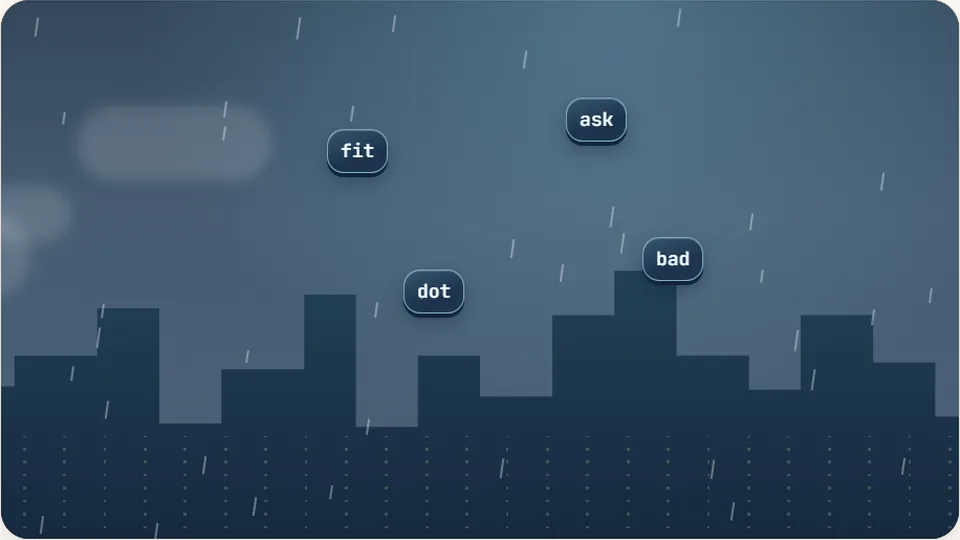
Word Rain
Clear the falling words before they hit the ground.
Play now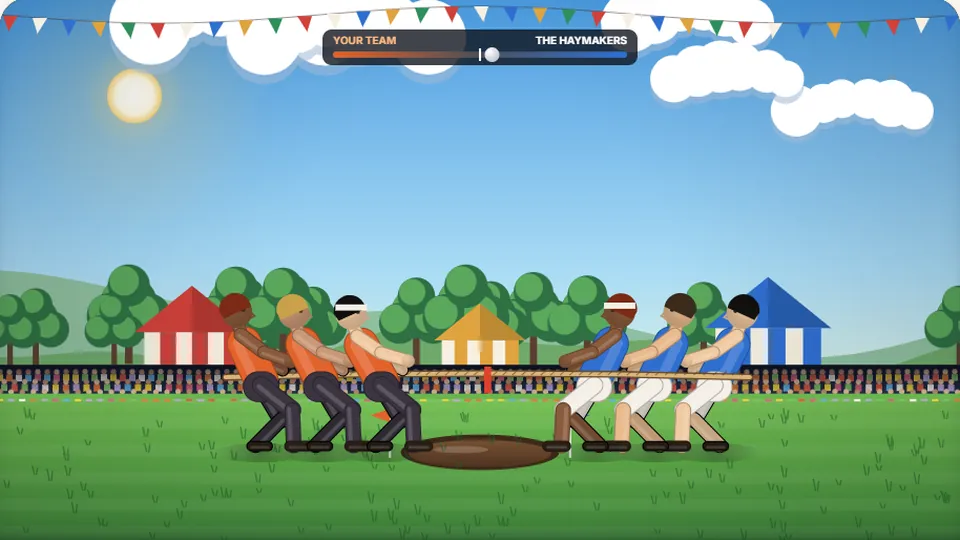 Sports
Tug of Words
Every clean word hauls the rope your way — drag the other team into the mud.
Play now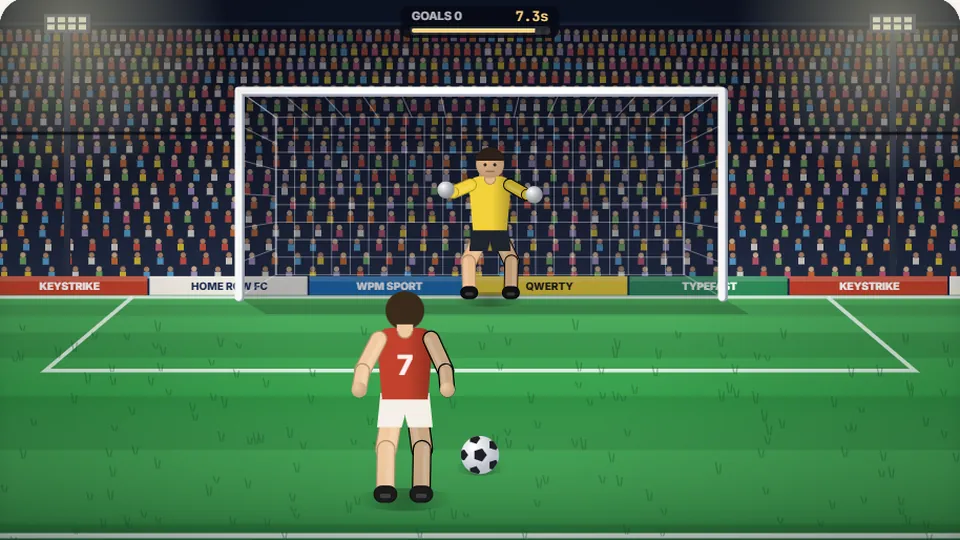 Sports
Penalty Kick
Beat the whistle and the keeper with clean, quick typing.
Play now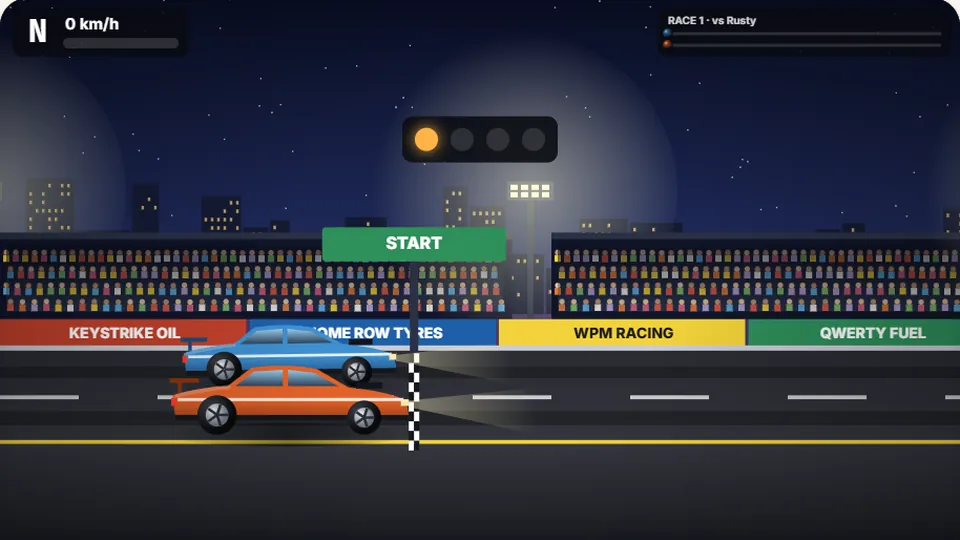 Racing
Drag Strip Typing
Six words, six gears — shift cleanly and beat the car in the next lane.
Play now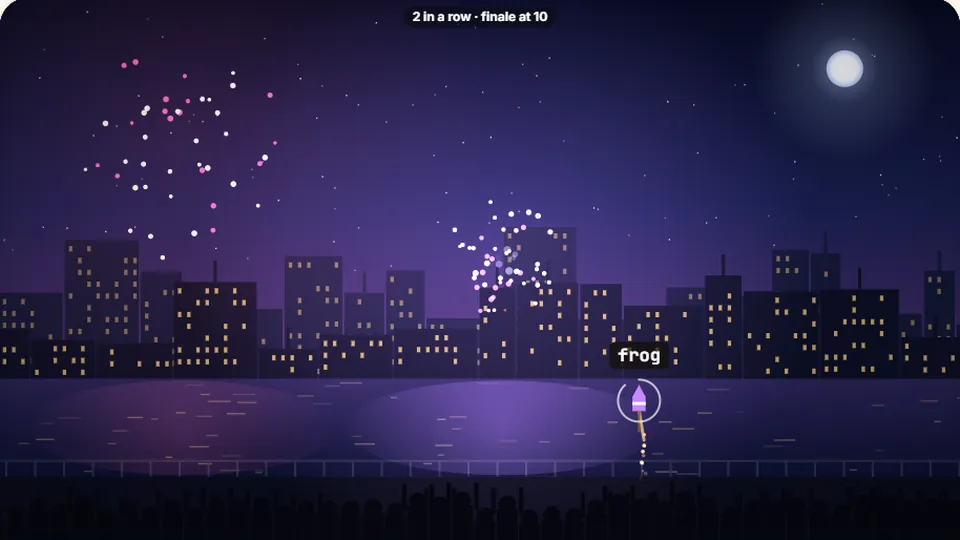 Kids
Fireworks Typing
Rockets climb into the night — type their words to make them burst.
Play now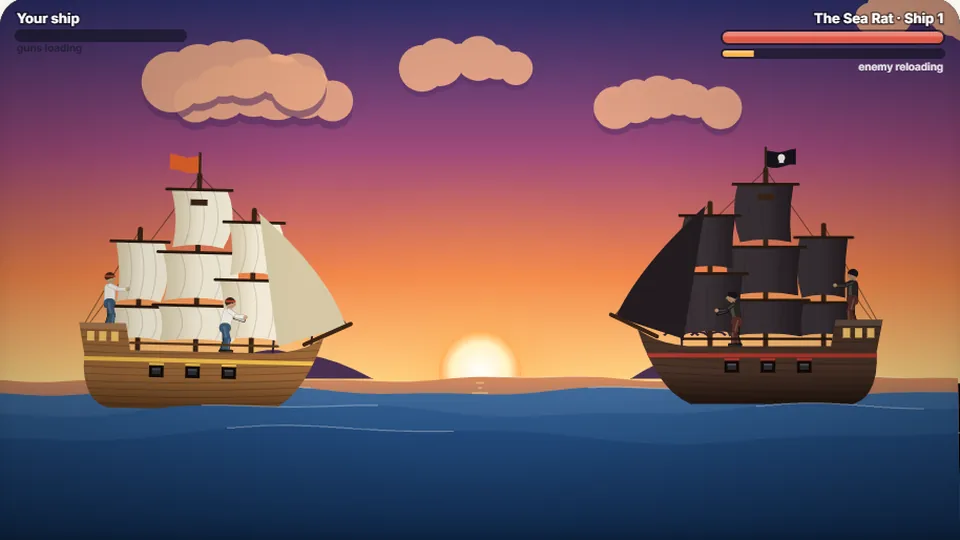 Adventure
Pirate Cannons
Load the guns by typing and sink the enemy ship before it sinks you.
Play now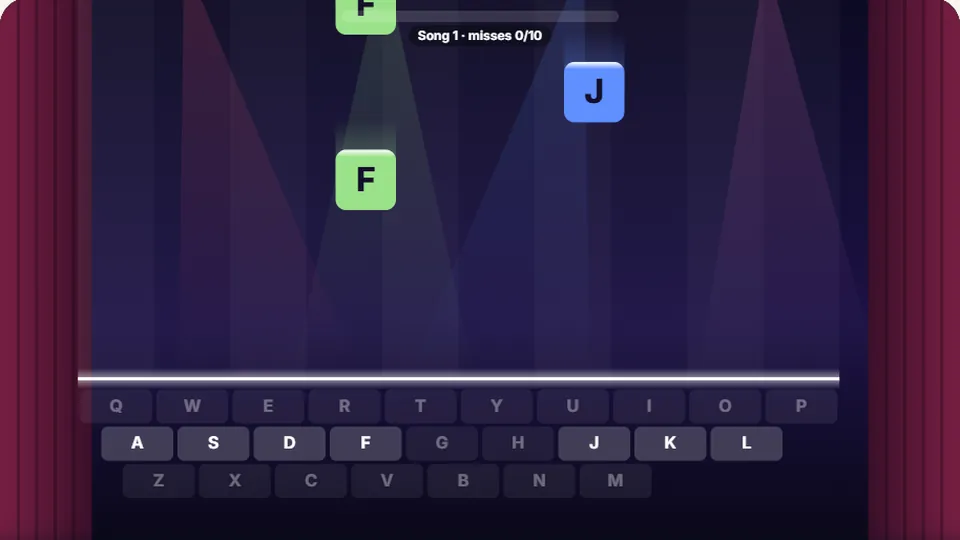 Learn
Melody Keys
Letters fall like notes — press each one on the line to play the melody.
Play now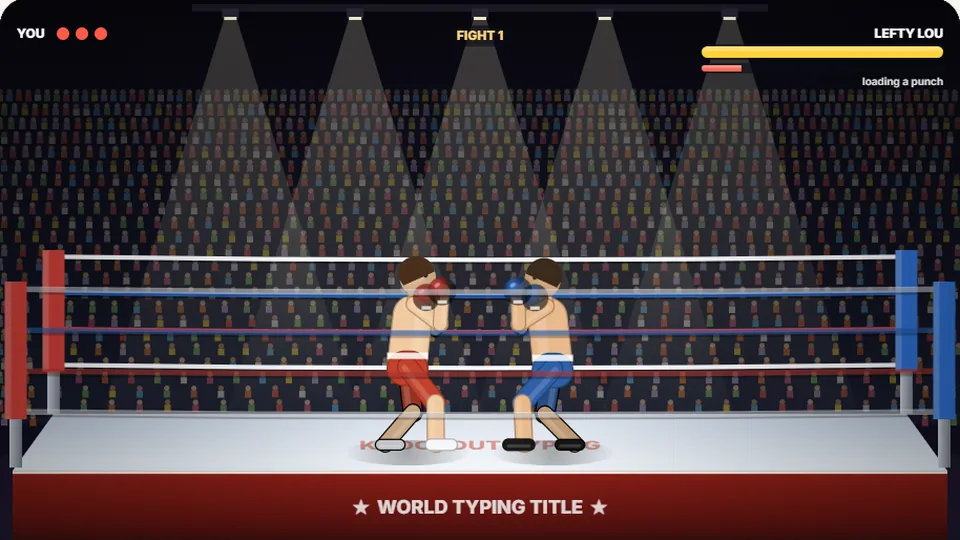 Sports
Knockout Typing
Step into the ring and win the fight with clean typing.
Play nowCommon questions
Frequently asked questions
Is Meteor Typist free to play?
Can I play Meteor Typist on a mobile phone or tablet?
How does Meteor Typist save my best scores?
What features are included near the scoreboard?
How do cool typing games help improve real-world speed?
What should I do if I get stuck on Hard mode?
Ready to defend Earth from falling space rocks?
Test your reaction time, practice high-accuracy keystrokes, and clear incoming space hazards right now.