Typing Games
Zen Type typing game
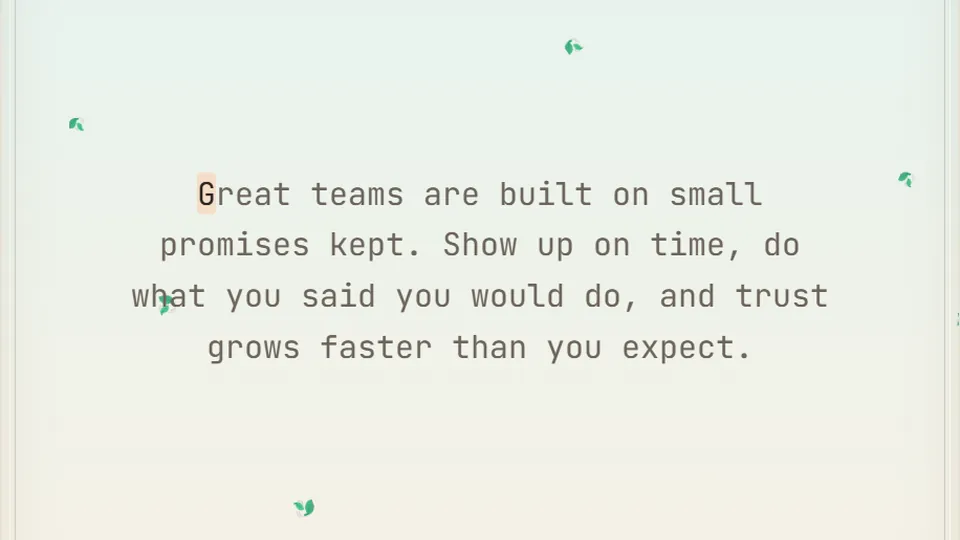
Just type the flowing text at your own pace. No timer, no lives — your WPM and accuracy track quietly, and your best WPM is saved.
No pressure
A calm space for typing practicepractice typing games
We built Zen Type because sometimes you need a break from falling blocks, ticking timers, and sudden game-over screens. This mode is a quiet, open-ended space where you can focus entirely on your finger placement and rhythm. It is one of our favorite practice typing games for players who want to build muscle memory without the stress of a traditional arcade game.
As you type the flowing passages, the game quietly tracks your words per minute and accuracy in the background. There are no penalties, no lives to lose, and no rush. You can focus on clean keystrokes and smooth transitions, which is how real typing speed is built.
Like everything on our site, Zen Type runs directly in your web browser. There is no download required and you do not need to create an account to start practicing.
- Time pressure
- 0
- Free to play
- 100%
- WPM tracking
- Live
- Best scores
- Saved
- Flowing text passages with no sudden interruptions
- Live WPM and accuracy metrics that update as you type
- Save your personal best scores directly in your browser
- Clean, minimalist interface with light and dark themes
Simple setup
How to use Zen Type for daily practice
Choose your difficulty
Select Easy, Medium, or Hard mode before you begin. Each difficulty features different passage lengths and vocabulary complexity, and each mode saves its own high score in your browser.
Find your home row position
Place your fingers on the home row keys (ASDF and JKL;). Feel for the raised bumps on the F and J keys to ensure your hands are aligned correctly before typing.
Type at a steady rhythm
Begin typing the displayed text. Do not rush to hit a high speed right away. Instead, aim for a steady, rhythmic cadence where your fingers move fluidly from one key to the next.
Monitor your stats calmly
Watch your live WPM and accuracy update at the top of the screen. If you make a mistake, simply correct it and keep moving forward without worrying about a timer.
We recommend practicing for 10 to 15 minutes a day. Consistent, daily practice is much more effective for building muscle memory than one long, exhausting session.
The science of speed
Why low-pressure typing practice is highly effective
Many online typing games use high-stress mechanics like falling meteors or chasing monsters to force speed. While those are excellent for testing your limits, they can sometimes cause you to tense up. Tension leads to mistakes, and repeating mistakes actually trains your brain to type the wrong keys.
Zen Type takes the opposite approach. By removing the timer, your brain has the time to plan the movement of your fingers. This deliberate practice helps establish strong neural pathways for common letter combinations, which eventually translates to effortless speed.
According to a 2018 Aalto University study of 168,000 volunteers, the average online typing speed is around 52 WPM, with everyday comfortable speed sitting near 40 WPM. The fastest typists in the study did not necessarily move their fingers faster; instead, they made fewer errors and kept their hands in a stable position. Zen Type encourages exactly this kind of stable, accurate movement.
Accuracy first
Aiming for 95% accuracy or higher ensures you are not reinforcing bad habits that slow you down later.
Muscle memory
Slow, deliberate movements help your fingers memorize the physical distance between keys.
Steady pacing
Eliminating the timer helps you find a natural typing rhythm rather than typing in short, erratic bursts.
Your four-week typing improvement plan
If you want to transition from a casual typist to a fast, accurate touch-typist, structure is key. Here is a simple four-week routine using our learn typing games to build your skills.
- Week 1
Establish the home row
Focus entirely on keeping your hands on the home row. Do not look down at your keyboard. Use Zen Type on Easy mode to practice short, simple words without any pressure.
- Week 2
Build accuracy and rhythm
Shift your focus to accuracy. Try to complete passages in Zen Type on Medium mode while keeping your accuracy above 95%. Introduce simple key-finding games to build muscle memory.
- Week 3
Introduce mild pressure
Now that your fingers know where the keys are, introduce a light challenge. Mix your calm practice with games that require you to react to words on a screen before they disappear.
- Week 4
Test your limits
Challenge yourself with longer passages and more complex vocabulary on Hard mode. Use our typing tests to measure your official WPM progress and see how much you have improved.
Full library
Discover more online typing games
We have designed a wide variety of typing games to suit every mood. Whether you want a high-speed racing challenge, a retro arcade shooter, or another relaxing practice session, we have 69 different games to choose from.
 Arcade
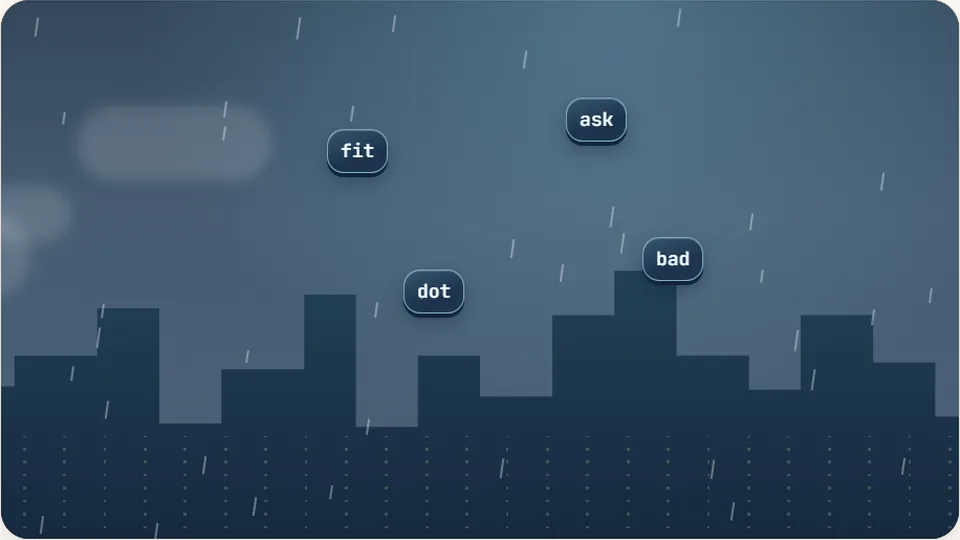
Word Rain
Clear the falling words before they hit the ground.
Play now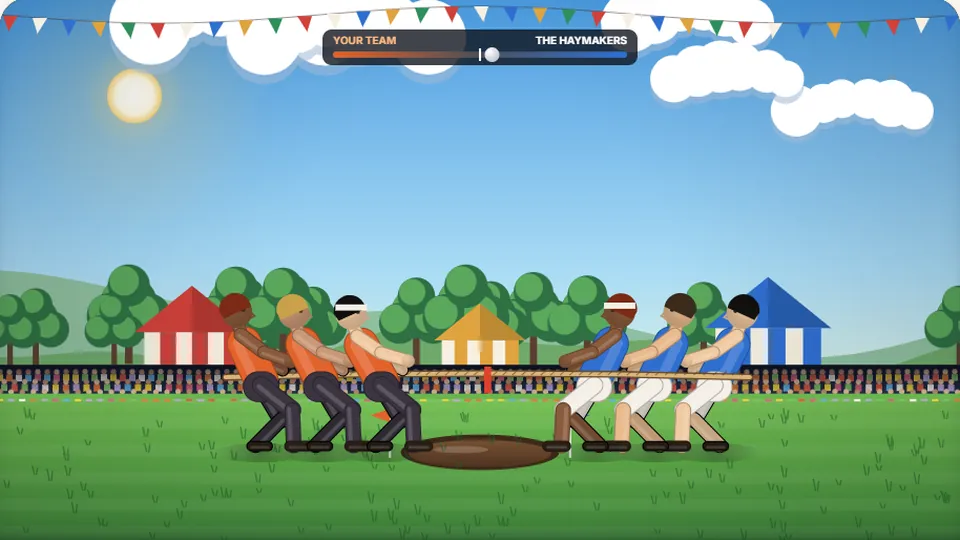 Sports
Tug of Words
Every clean word hauls the rope your way — drag the other team into the mud.
Play now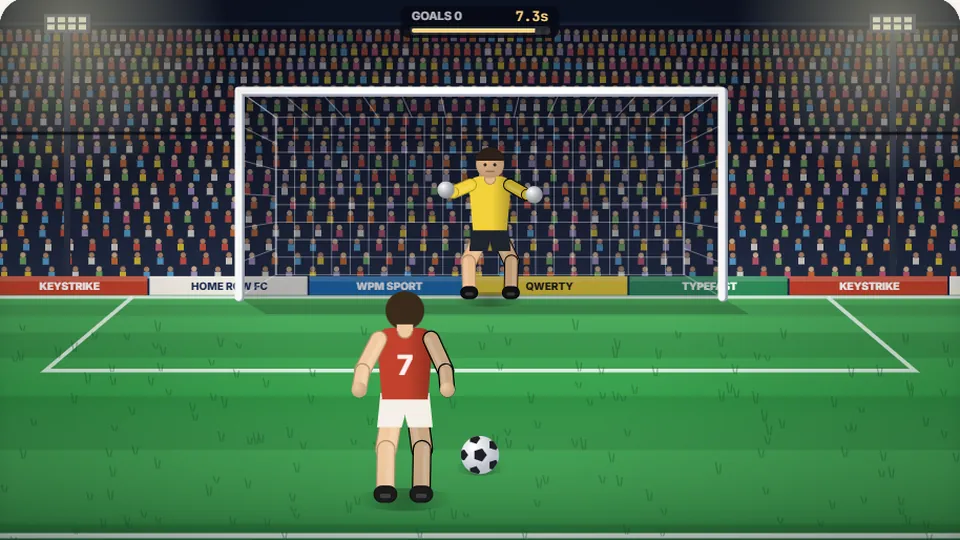 Sports
Penalty Kick
Beat the whistle and the keeper with clean, quick typing.
Play now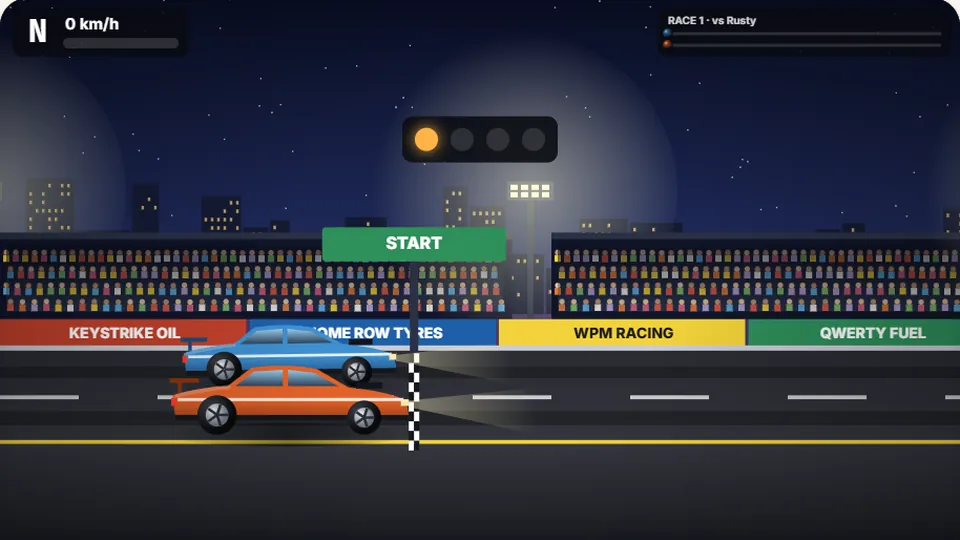 Racing
Drag Strip Typing
Six words, six gears — shift cleanly and beat the car in the next lane.
Play now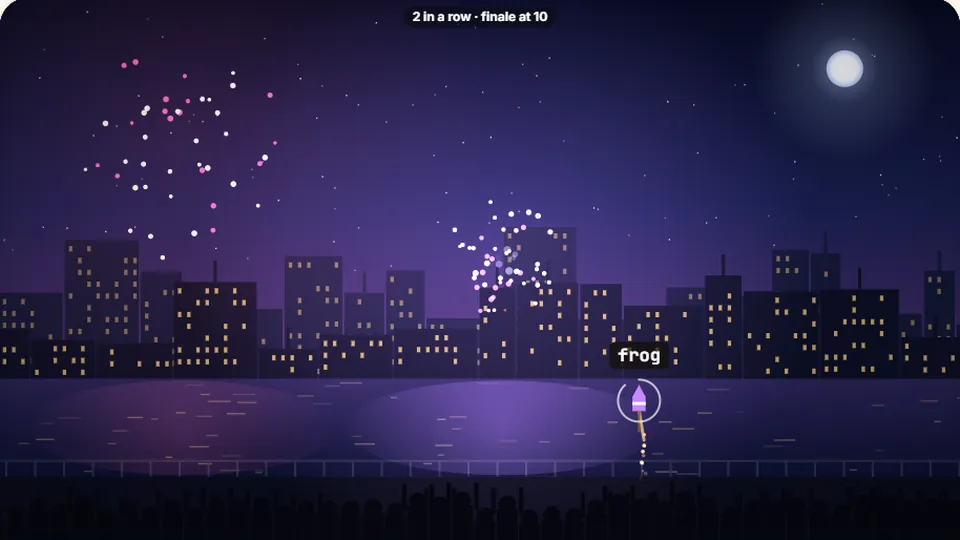 Kids
Fireworks Typing
Rockets climb into the night — type their words to make them burst.
Play now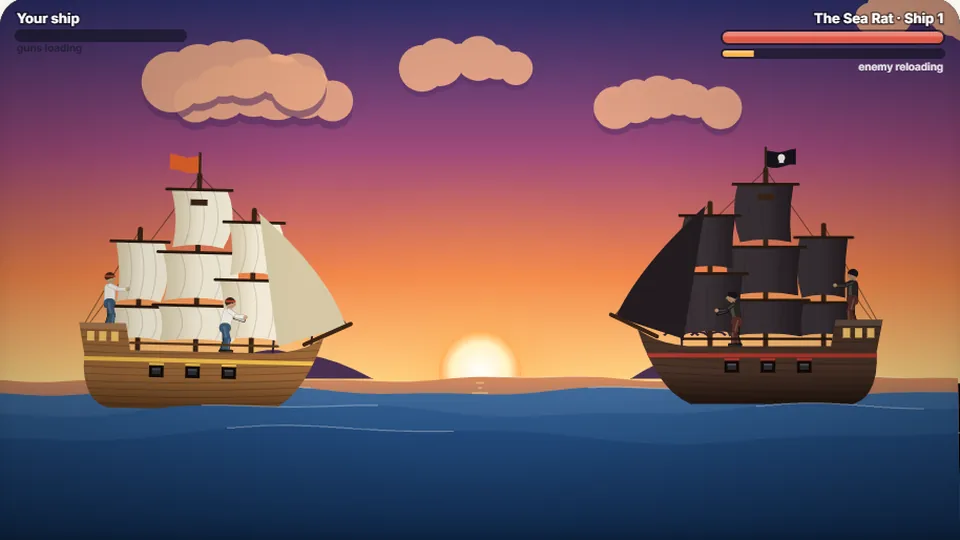 Adventure
Pirate Cannons
Load the guns by typing and sink the enemy ship before it sinks you.
Play now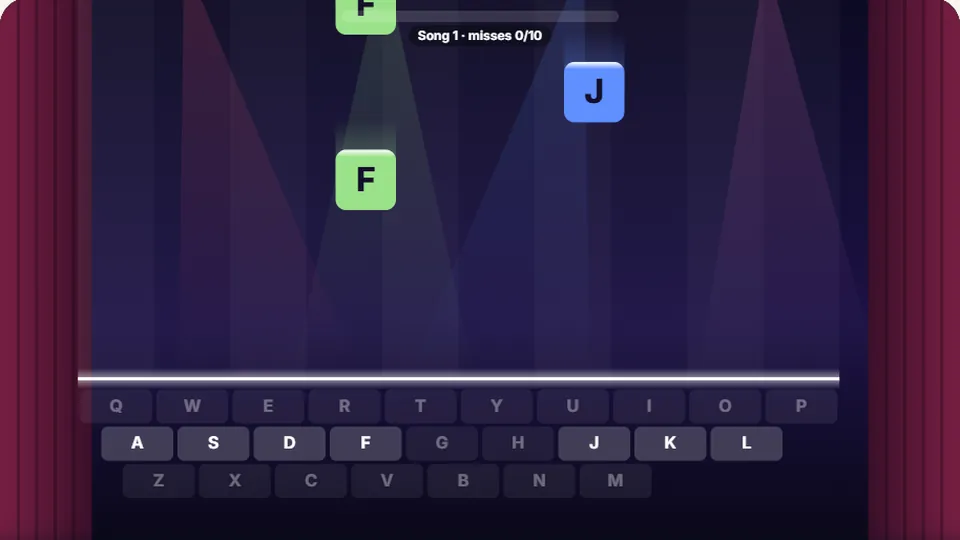 Learn
Melody Keys
Letters fall like notes — press each one on the line to play the melody.
Play now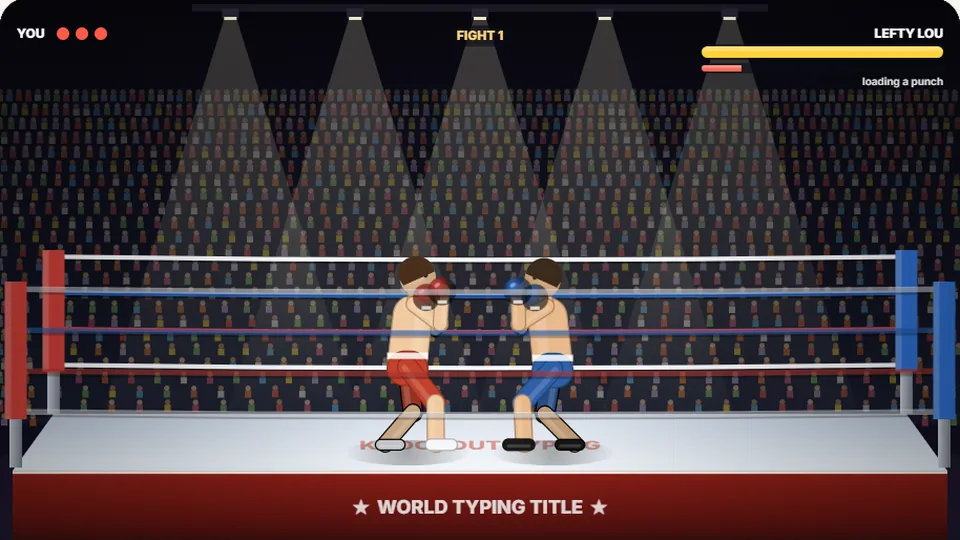 Sports
Knockout Typing
Step into the ring and win the fight with clean typing.
Play nowQuestions & answers
Frequently asked questions about Zen Type
What makes Zen Type different from other practice typing games?
How is WPM calculated in this game?
Are my best scores saved?
Can I play Zen Type on a mobile phone or tablet?
How do I toggle the sound or go full screen?
Is Zen Type completely free to play?
Ready to start your typing practice?
Open Zen Type now to enjoy a calm, focused typing session, or explore our full library of 69 free typing games.