Typing Games
Word Tower typing game
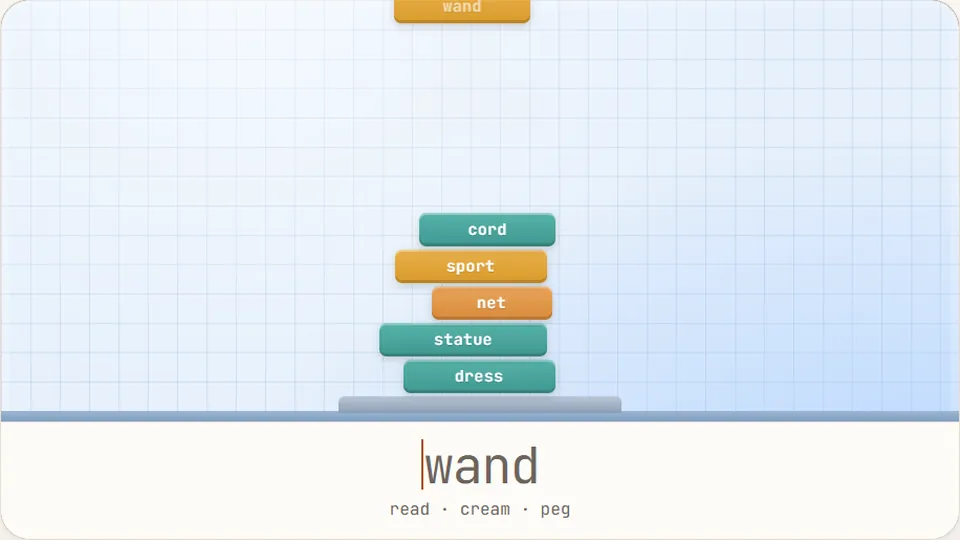
A box falls toward your tower. Type its word before it lands and it stacks; too slow and it bounces off and tumbles away.
About the game
Build your skills one block at a timeStack and type
Word Tower is a focused puzzle game designed to help you practice typing games without the distraction of complex controls. The goal is simple: catch falling word boxes by typing the text inside them. Every successful word adds a new level to your tower. If you miss a word or the timer resets before you finish, you lose your momentum. It is a test of both steady hands and quick eyes.
We built this game to help players move beyond basic drills. While standard tests are useful, a game like Word Tower introduces a vertical visual element that forces you to track movement while maintaining your home row position. It is free to play in your browser with no account required, making it an easy way to fit in a few minutes of keyboard practice throughout your day.
The game scales with your ability. You can choose between Easy, Medium, and Hard modes, each offering a distinct challenge in terms of word length and falling speed. Your best scores are saved locally in your browser, so you can always return to see if you can beat your previous height record.
- Total games
- 69
- Difficulty levels
- 3
- Cost to play
- 0
- Score tracking
- Top
- Type words to stack blocks and build a tower
- Three difficulty modes for all skill levels
- Saved high scores for personal progress
- Works on desktop and mobile browsers
Getting started
How to play Word Tower
Select your difficulty
Choose from Easy, Medium, or Hard. Easy uses shorter words and a slower pace, while Hard introduces complex vocabulary and rapid drops.
Type the falling words
As a word box falls from the top, type the letters exactly as they appear. You must finish the word before it hits the ground or the timer expires.
Stack the blocks
Every word you complete successfully adds a block to your tower. The game continues as long as you can keep up with the falling words.
Manage the scoreboard
Use the controls by the scoreboard to pause the action, restart the round, or toggle the sound and full-screen mode.
Focus on accuracy first. A single typo can break your rhythm and prevent the block from stacking.
Gameplay depth
Mastering the vertical typing challenge
Word Tower differs from horizontal scrolling games because it uses vertical space to create pressure. When you practice typing games in this format, you learn to process information that moves toward a fixed point. This helps develop visual tracking skills that are useful for real-world data entry and programming tasks where you often move between lines of text.
The physics of the tower are straightforward: complete a word, and the block settles. The real challenge comes from the timer. As your tower grows taller, the margin for error shrinks. You have to maintain a consistent speed to ensure the next block has a place to land. We tested various speeds to ensure that the Hard mode provides a genuine challenge even for those who type above 80 WPM.
The interface is kept clean to minimize distractions. You can switch between light and dark themes depending on your environment. If you are playing on a mobile device, the on-screen keyboard will appear, but for the best experience and to truly improve your speed, we recommend using a physical QWERTY keyboard.
Precision stacking
Accuracy is the foundation of a tall tower. Missing a character pauses your progress until you correct it.
Speed scaling
The game difficulty dictates how fast words fall and how complex the vocabulary becomes.
Tactile feedback
Using a physical keyboard allows for faster reaction times compared to touchscreens.
Score persistence
Your best heights for each difficulty mode are stored in your browser's local storage.
Choosing the right game for your goals
| Improve raw speed | Word Sprint | Focuses on short bursts of high-velocity typing. |
|---|---|---|
| Build accuracy | Zen Type | A calm environment where errors are highlighted clearly. |
| Puzzle solving | Word Tower | Combines typing with the visual goal of building a tower. |
| Learn the basics | Home Row Hero | Teaches proper finger placement on the home row. |
| Kids practice | Balloon Pop | Simple, colorful, and engaging for younger learners. |
Help and info
Frequently asked questions about Word Tower
Do I need to create an account to save my score?
Can I play Word Tower on my iPad or phone?
Is Word Tower completely free?
How do I pause the game?
What is the best way to improve my score?
Full library
Explore more typing games
We have 69 different typing games and 23 typing tests to help you improve your keyboarding skills while having fun.
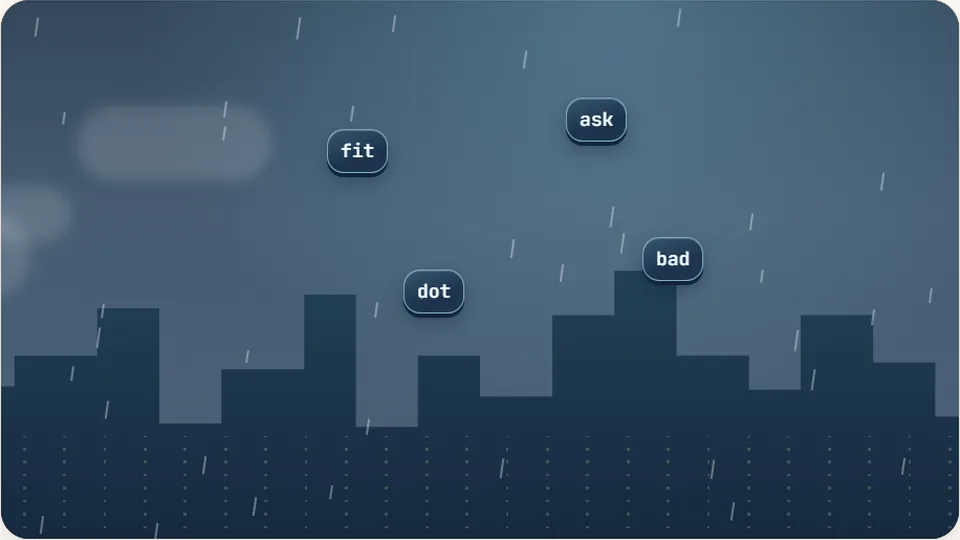 Arcade
Word Rain
Clear the falling words before they hit the ground.
Play now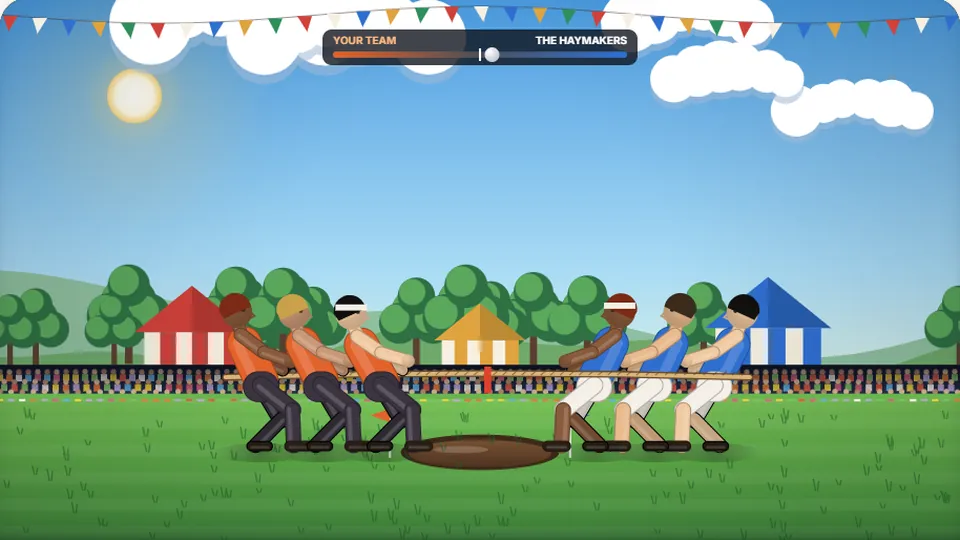 Sports
Tug of Words
Every clean word hauls the rope your way — drag the other team into the mud.
Play now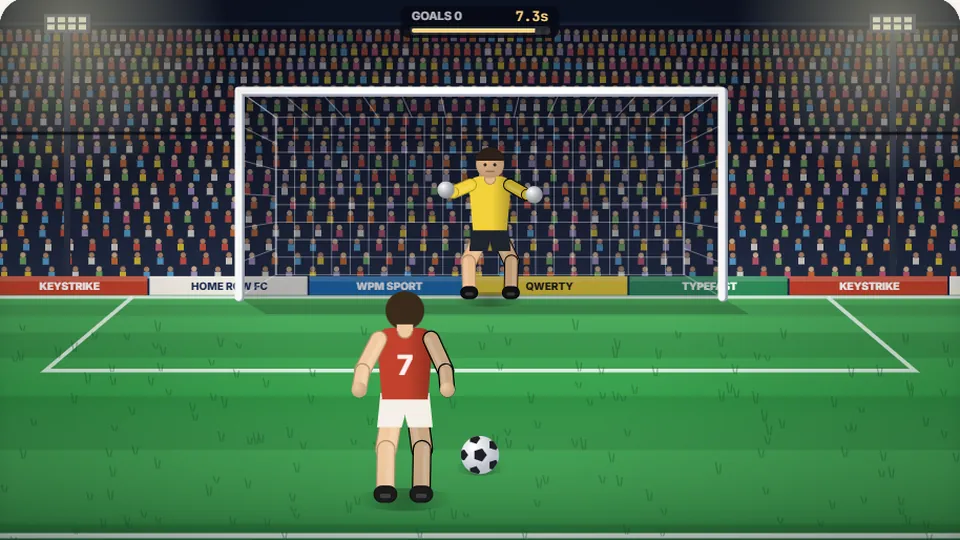 Sports
Penalty Kick
Beat the whistle and the keeper with clean, quick typing.
Play now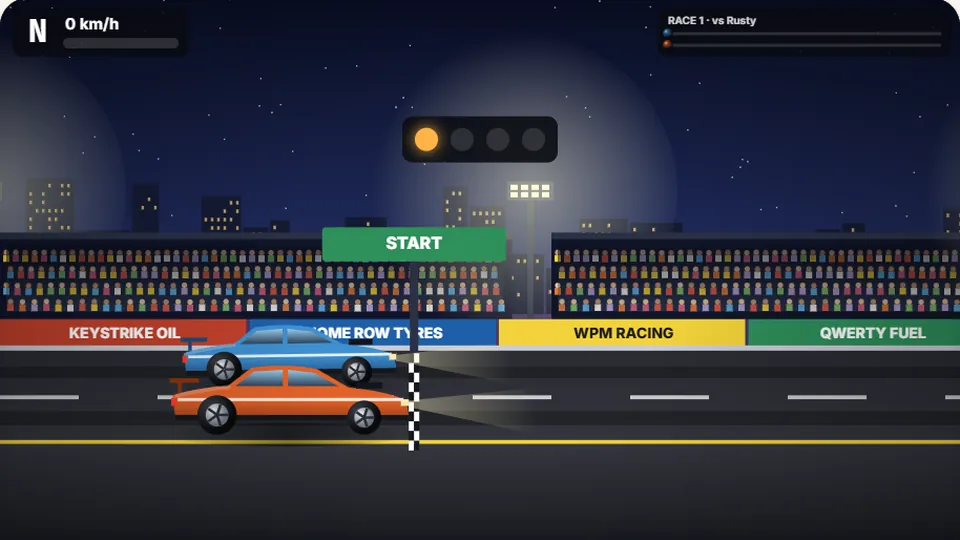 Racing
Drag Strip Typing
Six words, six gears — shift cleanly and beat the car in the next lane.
Play now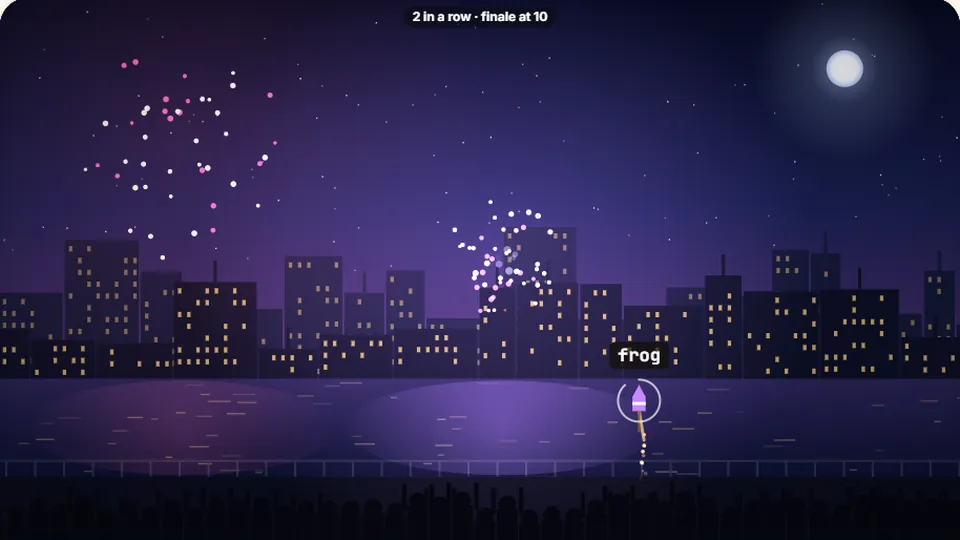 Kids
Fireworks Typing
Rockets climb into the night — type their words to make them burst.
Play now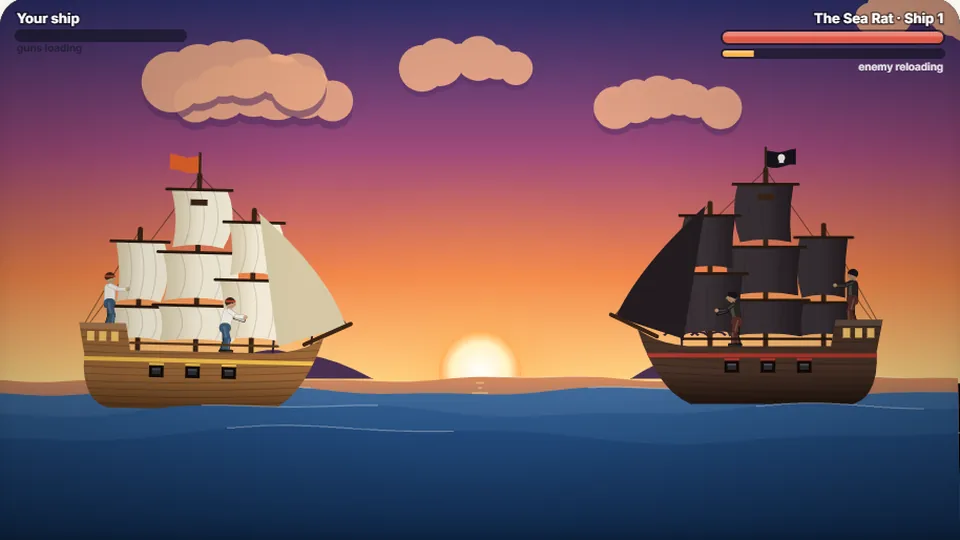 Adventure
Pirate Cannons
Load the guns by typing and sink the enemy ship before it sinks you.
Play now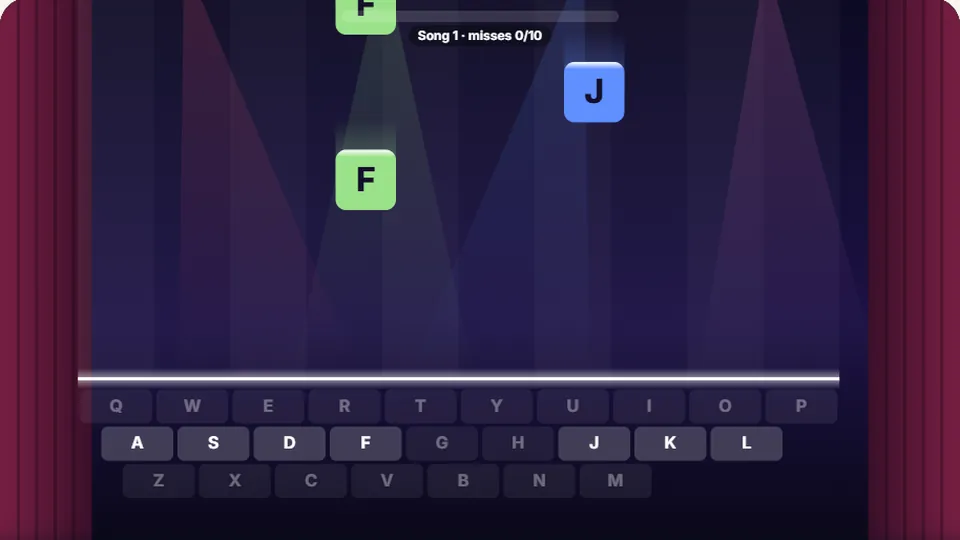 Learn
Melody Keys
Letters fall like notes — press each one on the line to play the melody.
Play now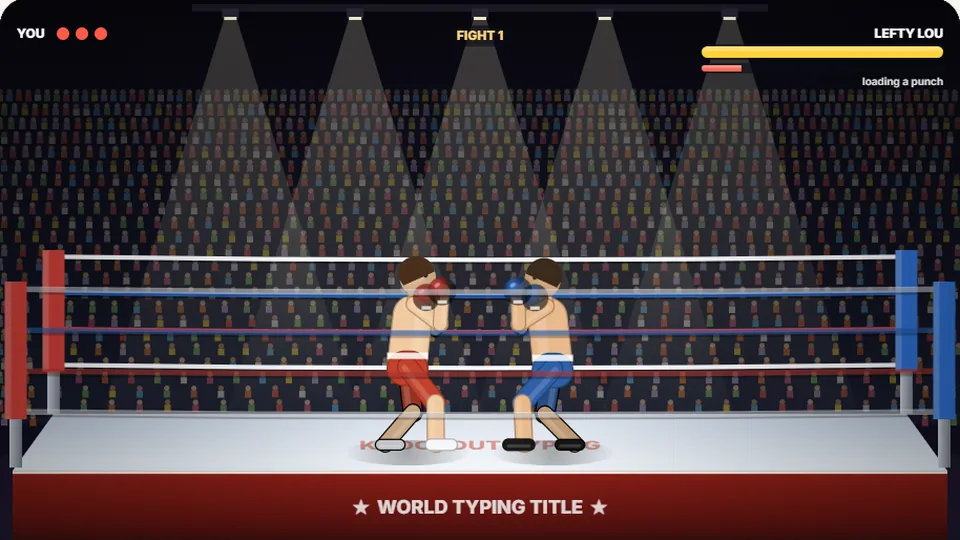 Sports
Knockout Typing
Step into the ring and win the fight with clean typing.
Play nowReady to build your tower?
Start playing Word Tower now or browse our full collection of typing practice games.