Typing Games
Memory Keys typing game
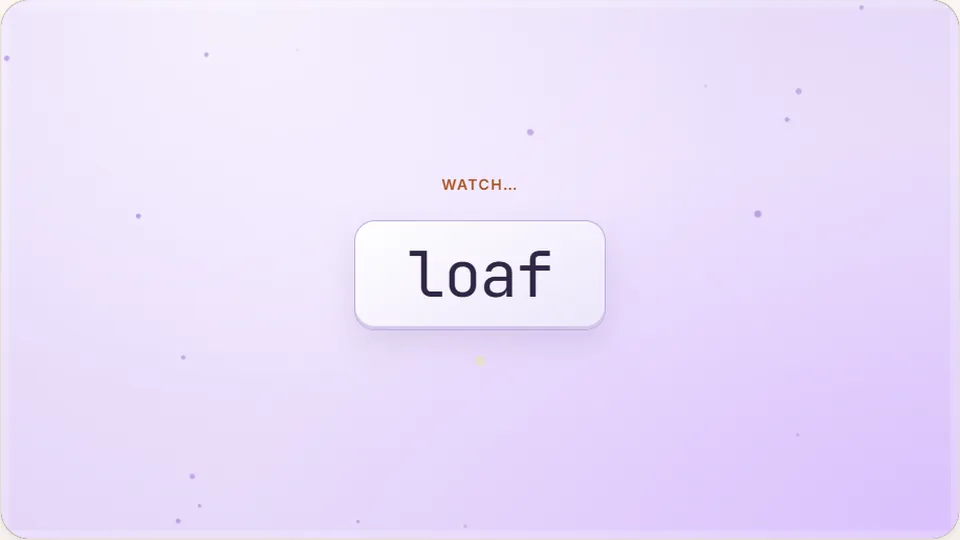
Watch the sequence of words flash up, then type them back in order from memory. Each round adds one more word.
Memory & Typing
Challenge your brain and your fingersA fun typing game
Memory Keys is one of our most popular fun typing games because it's two challenges in one. First, you watch a sequence of words as it grows longer each round. Then, you must type the entire sequence back from memory. It’s a true test of your short-term recall and your typing accuracy under pressure.
This game is for anyone who wants a different kind of typing practice. It’s a great mental workout for students on a study break, adults looking to keep their minds sharp, or typists who find standard practice a bit repetitive. Like all our games, it's completely free and plays right in your browser with no account needed.
- Word to start
- 1
- Difficulty modes
- 3
- Free to play
- 100%
- Total games
- 69
- Watch the word sequence grow longer.
- Type the entire sequence from memory.
- Focus on 100% accuracy to advance.
- Set a new high score in each difficulty.
How It Works
What is Memory Keys?
Memory Keys is a progressive memory game where you type what you recall. The game starts with a single word. If you type it correctly, the next round shows you that same word, plus a new one. Your task is to remember and type the entire, ever-growing list. It's a simple concept that quickly becomes a deep test of cognitive skills like attention and working memory.
Unlike speed-focused games where you react to words as they appear, Memory Keys forces you to pause, observe, and remember before you can type. This unique mechanic makes it a fantastic brain typing game, blending cognitive training with practical keyboard skills. The challenge isn't speed, but flawless recall and transcription.
- Game Goal
- Correctly type a growing sequence of words from memory.
- Primary Skill
- Short-term memory and typing accuracy.
- Difficulty
- Increases as the word sequence gets longer.
- Winning
- The game ends on your first mistake. Your score is the number of words in the last correct sequence.
Getting Started
How to play Memory Keys
Watch the sequence
At the start of each round, a sequence of words will appear on the screen one by one. Pay close attention and commit them to memory in the correct order.
Wait for the prompt
After the last word is shown, the screen will clear and a text input box will appear. This is your signal to begin typing.
Type from memory
Type the entire sequence of words exactly as you saw it. Use a single space between each word, but don't press Enter until you've typed the whole sequence.
Advance to the next round
If you typed the sequence correctly, the next round begins. The same sequence will be shown, with one new word added to the end.
The game ends the first time you type the sequence incorrectly. Your final score is the length of the last sequence you completed successfully.
Cognitive Benefits
More than just a word typing game
Most typing practice focuses on muscle memory, which is your brain's ability to automate physical tasks. Memory Keys is different. It actively engages your working memory, the system you use for temporarily holding and manipulating information. By combining this with the physical act of typing, you get a more complete mental workout.
This process is a form of active recall, a highly effective learning strategy. Instead of passively reviewing information, you are forced to retrieve it from your memory. Practicing this retrieval strengthens the neural pathways for both the words you're memorizing and the keyboard patterns you use to type them. This makes Memory Keys one of our most effective educational typing games for reinforcing vocabulary and typing skills simultaneously.
As the sequence grows, the game demands intense concentration. Many players find they enter a 'flow state,' where they are fully immersed in the challenge. This can help improve your ability to focus on tasks and filter out distractions, a useful skill far beyond the game itself.
Game Features
Built for practice and focus
When I designed Memory Keys, the goal was to create a clean, simple environment where you could focus entirely on the challenge. Here are the core features built into the game.
Three difficulty modes
Choose Easy, Medium, or Hard. Hard mode uses longer and more complex words, putting your memory to the ultimate test. Your high score for each mode is saved separately.
Simple, clean interface
There are no distracting timers or complex graphics during the memory phase. The minimalist design helps you focus on memorizing the word sequence without interruption.
Personal high scores
Your best score for each difficulty is saved automatically in your browser. This gives you a personal benchmark to compete against in your next session.
Instant play, no signup
Memory Keys is free to play right in your browser. No downloads, installations, or accounts are required. Just load the page and start your first round.
Explore ProTypingGames
Try our other fun typing games
If you enjoy puzzle-based challenges like Memory Keys, you might like our other brain-teasers. Or, if you're ready for a speed test, try one of our fast-paced arcade games.
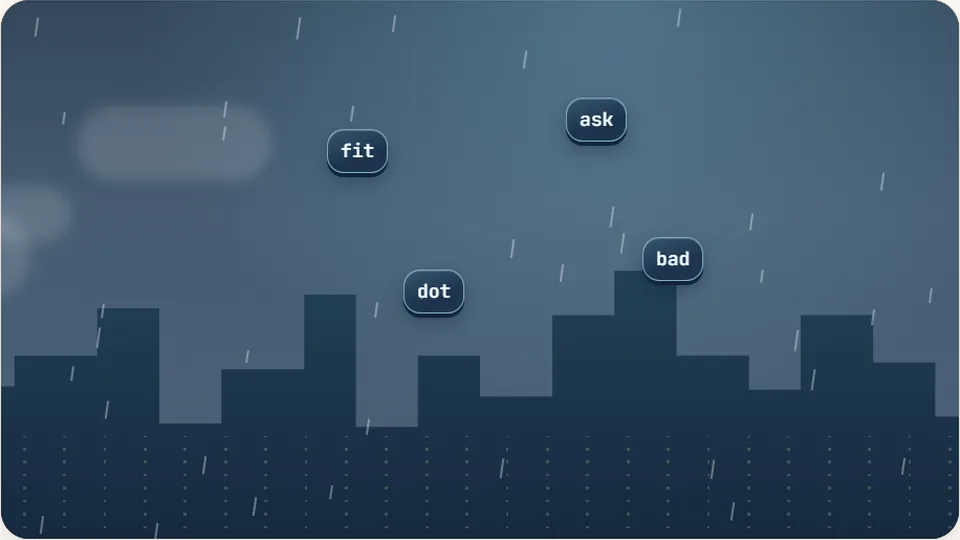 Arcade
Word Rain
Clear the falling words before they hit the ground.
Play now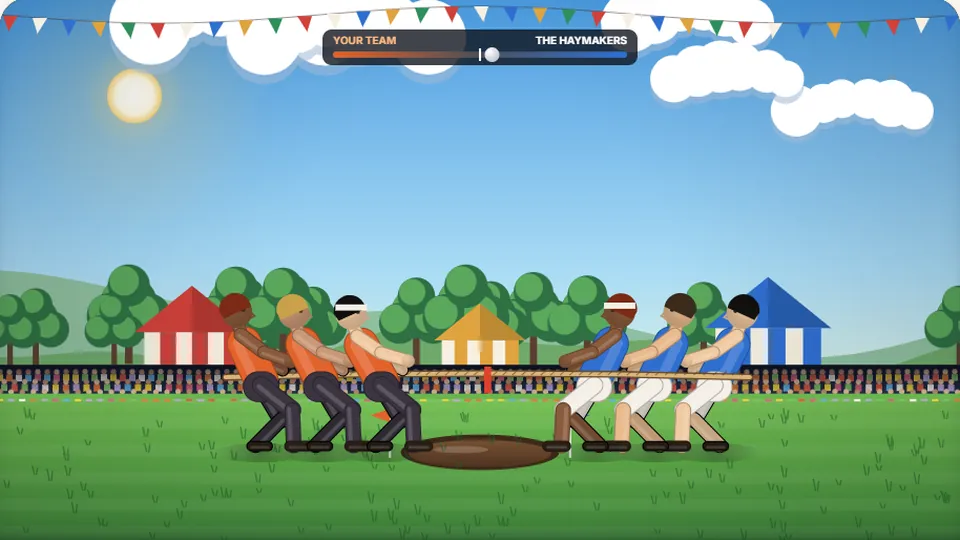 Sports
Tug of Words
Every clean word hauls the rope your way — drag the other team into the mud.
Play now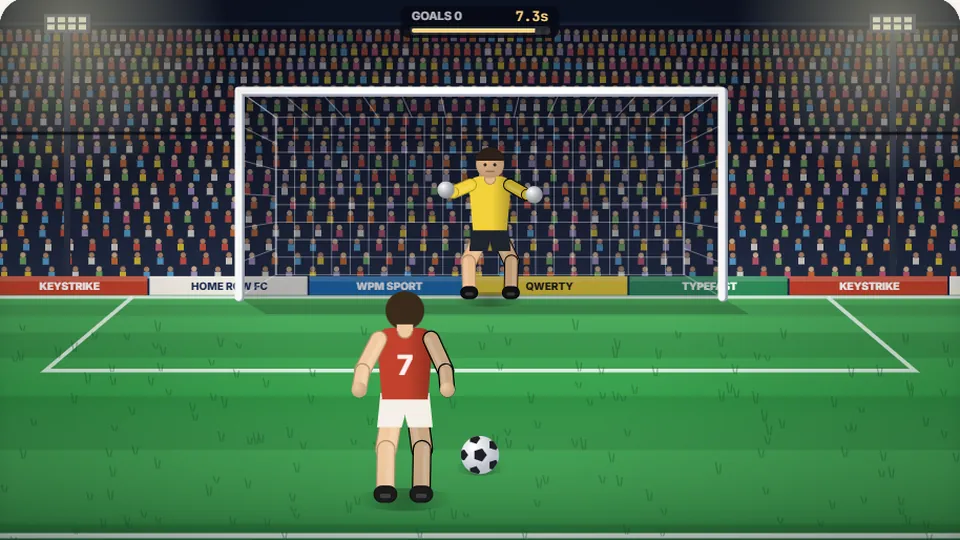 Sports
Penalty Kick
Beat the whistle and the keeper with clean, quick typing.
Play now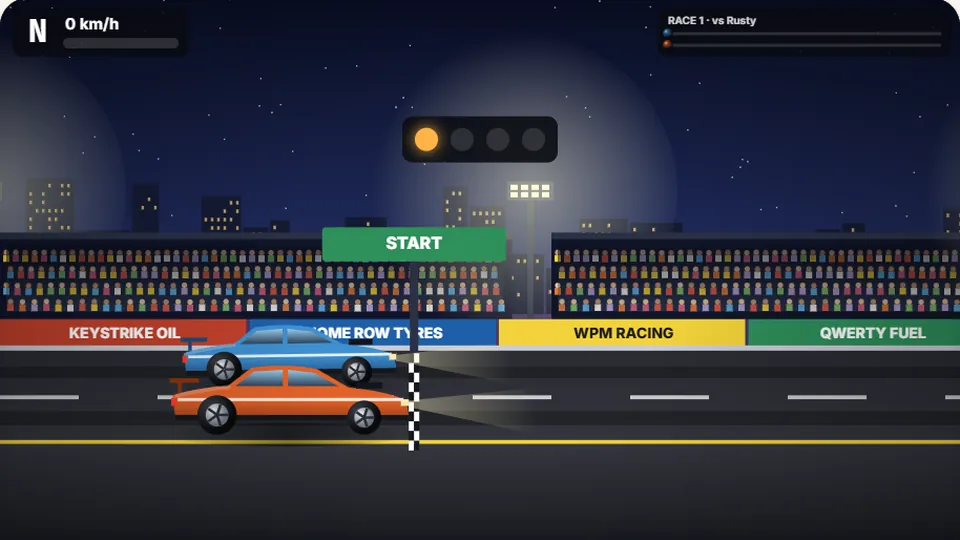 Racing
Drag Strip Typing
Six words, six gears — shift cleanly and beat the car in the next lane.
Play now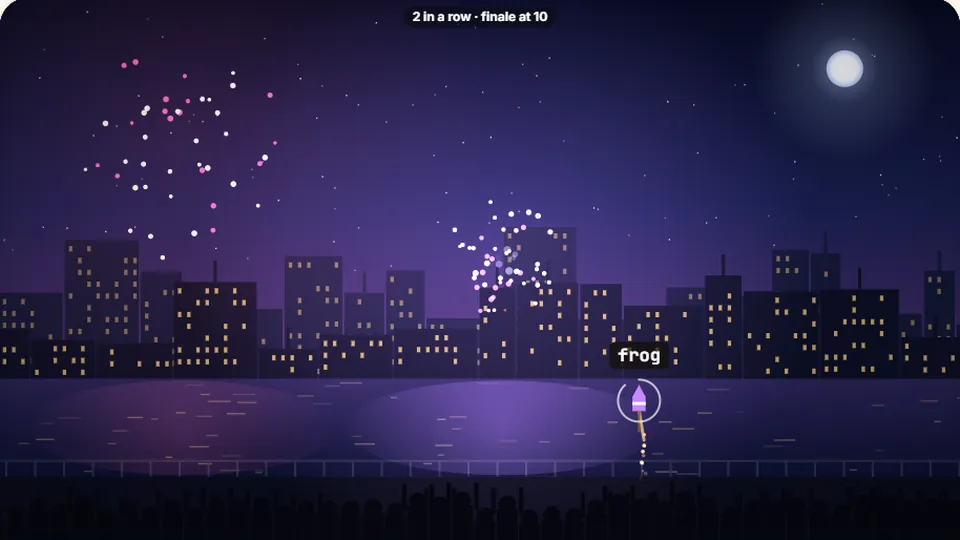 Kids
Fireworks Typing
Rockets climb into the night — type their words to make them burst.
Play now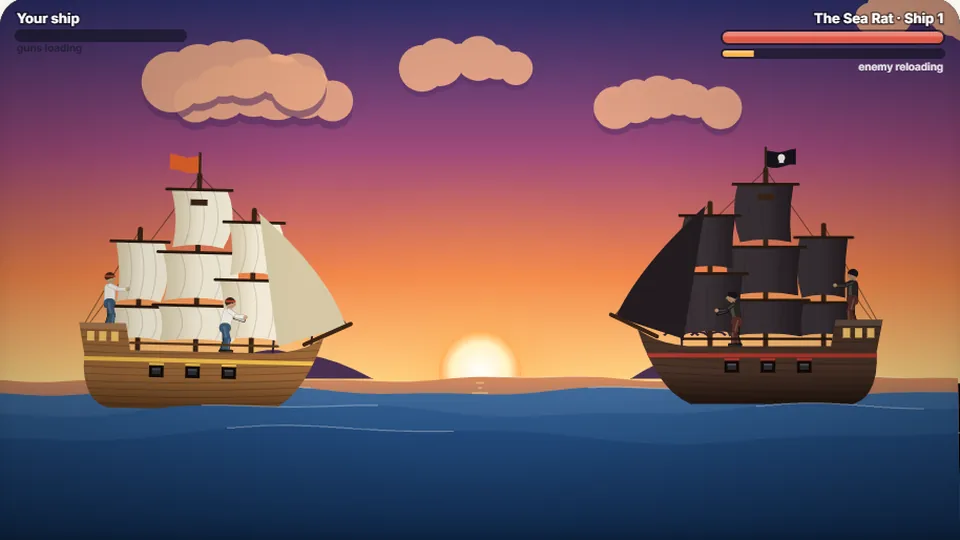 Adventure
Pirate Cannons
Load the guns by typing and sink the enemy ship before it sinks you.
Play now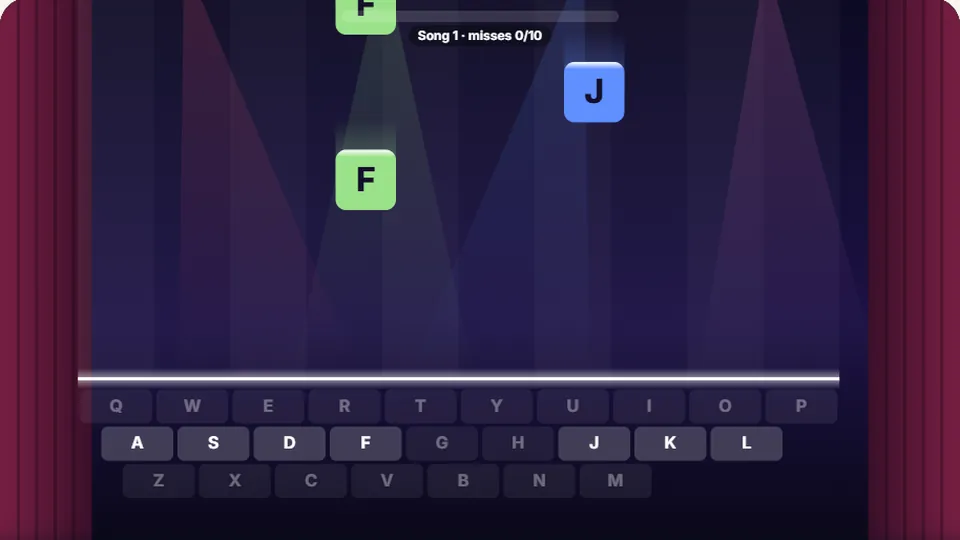 Learn
Melody Keys
Letters fall like notes — press each one on the line to play the melody.
Play now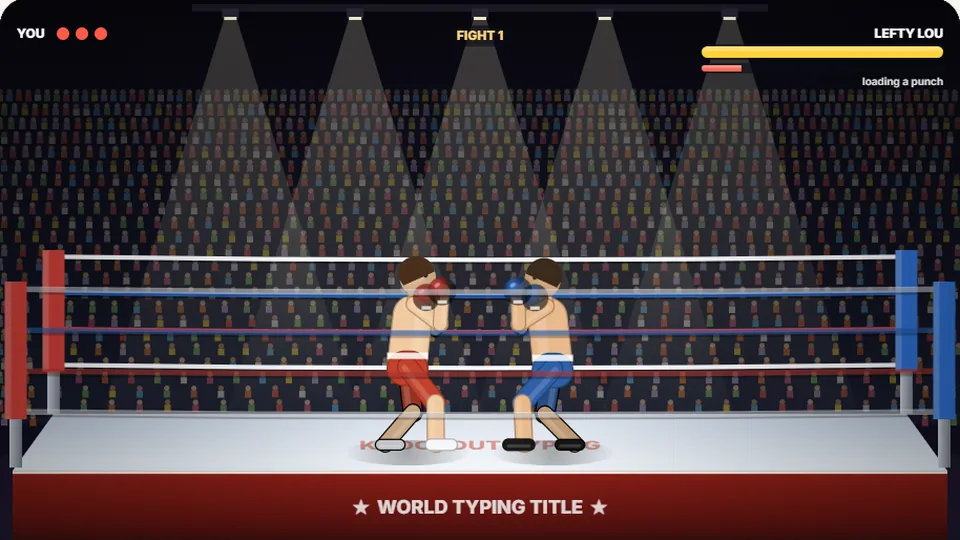 Sports
Knockout Typing
Step into the ring and win the fight with clean typing.
Play nowQuestions & Answers
Frequently asked questions
What is a good score in Memory Keys?
How is the score calculated?
Do I need to use capital letters or punctuation?
Can I play Memory Keys on my phone?
Is this a good game for learning to type?
How are the words for the sequences chosen?
Ready to test your memory?
Play Memory Keys for free in your browser. See how long of a sequence you can remember and type. Good luck!