Typing Games
Typing Adventure
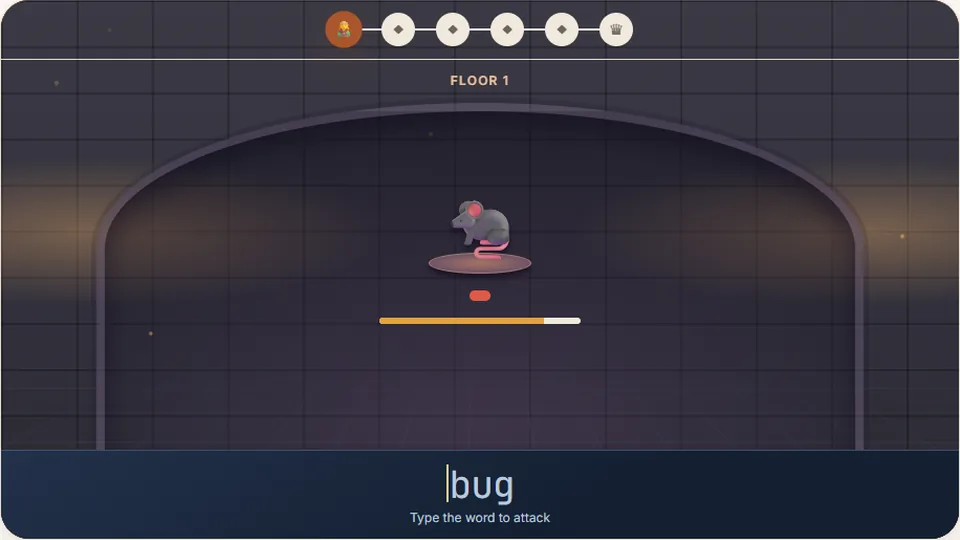
Each room holds a monster with a word. Type the word to strike it down and advance. Clear the floor, beat the boss, and descend deeper.
Play now
Defeat dungeon monsters with your keyboardrpg typing games
Welcome to Typing Adventure, a free browser-based role-playing game where your typing speed and accuracy determine your survival. In this adventure, you explore a multi-floor dungeon filled with hostile creatures. Instead of clicking buttons to swing a sword or cast a spell, you type the words that appear on your screen to strike down monsters and bosses.
We built this game to combine the progression of classic RPG typing games with focused keyboard practice. As you clear floor after floor, the words grow longer and the monsters attack faster. It is an engaging way to build muscle memory and increase your comfortable typing speed without looking at your hands.
Like all of our cool typing games, this game runs directly in your web browser. There is no software to download, and you do not need to create an account to start playing. Your highest scores are saved locally on your device so you can track your progress over time.
- Total free games
- 69
- Difficulty modes
- 3
- Free to play
- 100%
- Downloads required
- 0
- Defeat regular monsters and powerful floor bosses using your keyboard.
- Choose between Easy, Medium, and Hard difficulty modes to match your skill.
- Save your personal high scores directly in your browser on this device.
- Use the scoreboard controls to pause, restart, or toggle sound effects.
Instructions
How to play Typing Adventure
Select your difficulty level
Choose Easy, Medium, or Hard before entering the dungeon. Easy mode features shorter words and slower enemy attack timers, while Hard mode tests your speed with complex vocabulary and rapid enemy strikes.
Type the words to attack
When a monster appears, a word will float above its head. Type the letters exactly as shown. Each correct keystroke damages the monster, and completing the word defeats it.
Defeat the floor boss
At the end of each dungeon floor, you will face a boss monster with a larger health pool. You must type multiple words in quick succession to defeat the boss before your own health bar runs out.
Check your scoreboard
Track your progress using the interface around the game window. You can pause the action, restart the floor, toggle sound effects, or switch to full screen mode at any time.
We recommend using a physical keyboard for the best experience. While the game works on phones and tablets with an on-screen keyboard, a physical layout allows you to practice proper home row positioning.
In-depth
Dungeon crawling meets keyboard practice
We designed Typing Adventure to bridge the gap between dry typing drills and fun typing games. Many players find it easier to practice when there is a clear visual goal, such as clearing a room of goblins or surviving a dragon encounter. By tying your character's attacks directly to your typing input, you learn to maintain accuracy under mild pressure.
Accuracy is highly rewarded in this game. Mistyping letters does not just slow you down; it leaves you vulnerable to enemy attacks. In a standard typing test, a typo might slightly lower your final score, but in this RPG environment, a series of mistakes can end your run. This mechanic encourages you to prioritize precision over raw speed.
The game features three difficulty tiers, each maintaining its own saved high score. If you are starting out or average below 40 words per minute, Easy mode is an ideal starting point. Experienced typists who can hit the 2018 Aalto University study's average of 52 WPM or higher will find a healthy challenge on Medium and Hard modes.
| Difficulty level | Average word length | Recommended typing speed | Best for |
|---|---|---|---|
| Easy | 3 to 5 letters | Under 40 WPM | Beginners and hunt-and-peck typists |
| Medium | 5 to 8 letters | 40 to 60 WPM | Average typists looking to improve speed |
| Hard | 8+ letters | Over 60 WPM | Advanced typists practicing accuracy |
Remember to keep your fingers resting on the home row (ASDF and JKL;) and use the bumps on the F and J keys to orient yourself without looking down.
Game features
Why play our typing adventure game
This game is built to be clean, responsive, and educational. Here are the core features that make it stand out.
No account required
Start playing instantly. We do not require usernames, passwords, or email signups. Your progress and high scores save directly to your browser.
Three distinct saves
The game tracks your personal best score for Easy, Medium, and Hard difficulties independently, so you can measure your growth over time.
Clean visual design
Enjoy a distraction-free interface with light and dark theme support. Adjust your sound, pause, or enter full screen mode with a single click.
Browse library
Explore more free typing games
We have 69 unique games and 23 typing tests available on our platform. Whether you want to practice word typing games, arcade shooters, or speed racing, we have a game for your skill level.
 Arcade
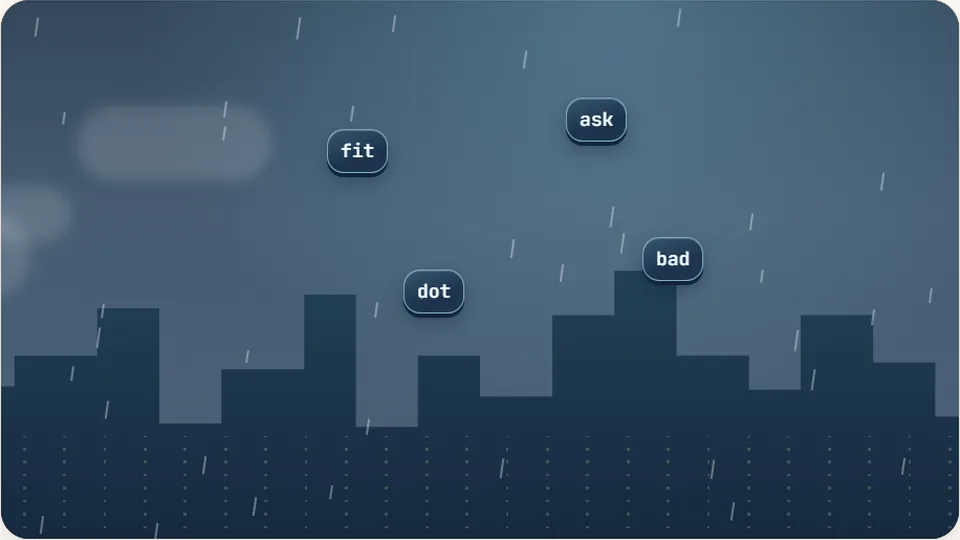
Word Rain
Clear the falling words before they hit the ground.
Play now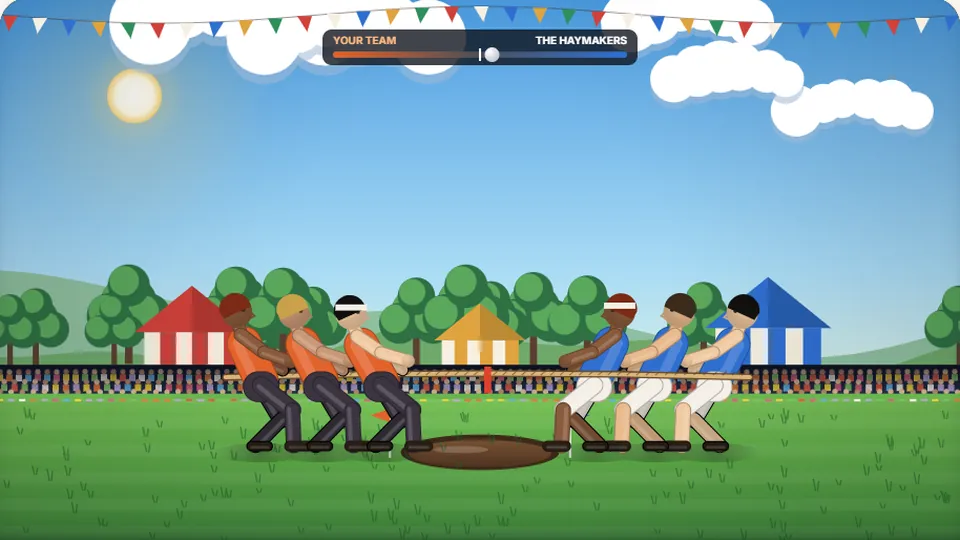 Sports
Tug of Words
Every clean word hauls the rope your way — drag the other team into the mud.
Play now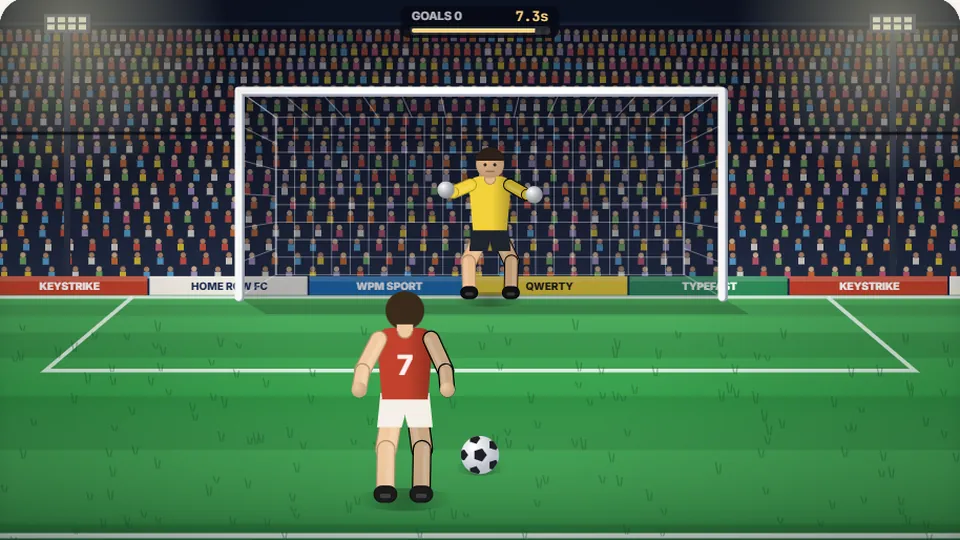 Sports
Penalty Kick
Beat the whistle and the keeper with clean, quick typing.
Play now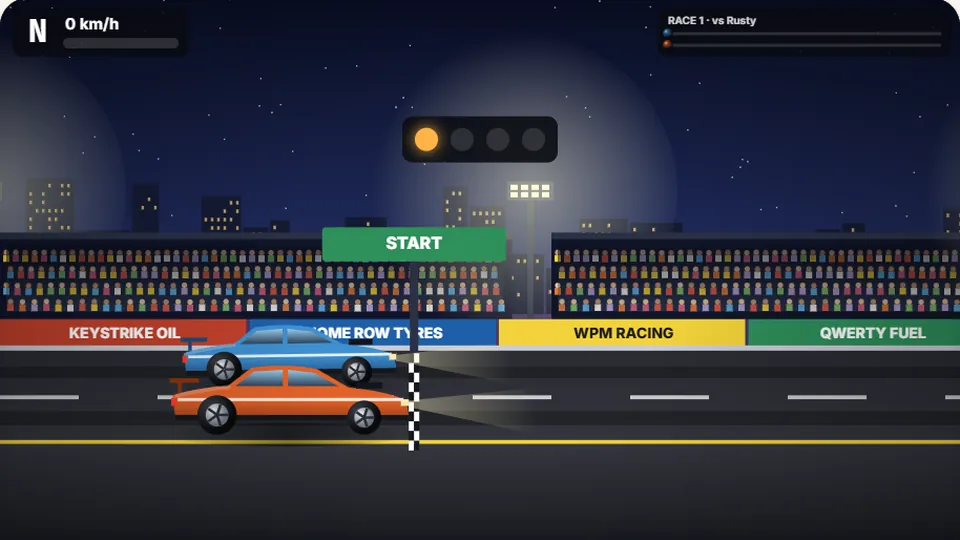 Racing
Drag Strip Typing
Six words, six gears — shift cleanly and beat the car in the next lane.
Play now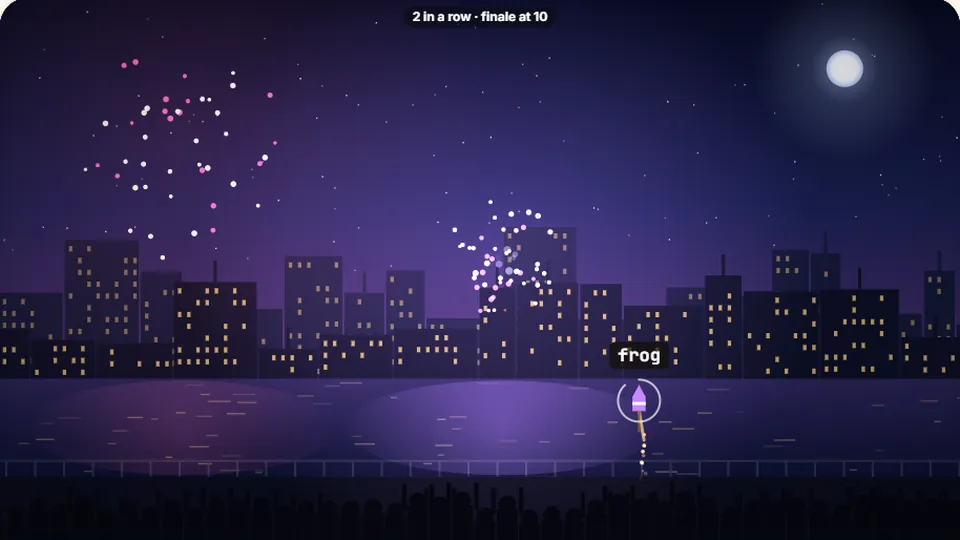 Kids
Fireworks Typing
Rockets climb into the night — type their words to make them burst.
Play now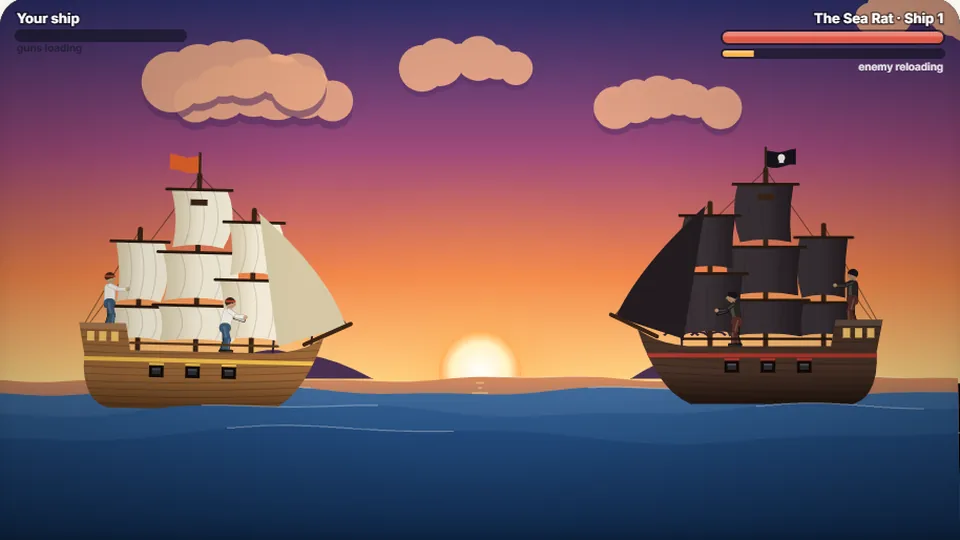 Adventure
Pirate Cannons
Load the guns by typing and sink the enemy ship before it sinks you.
Play now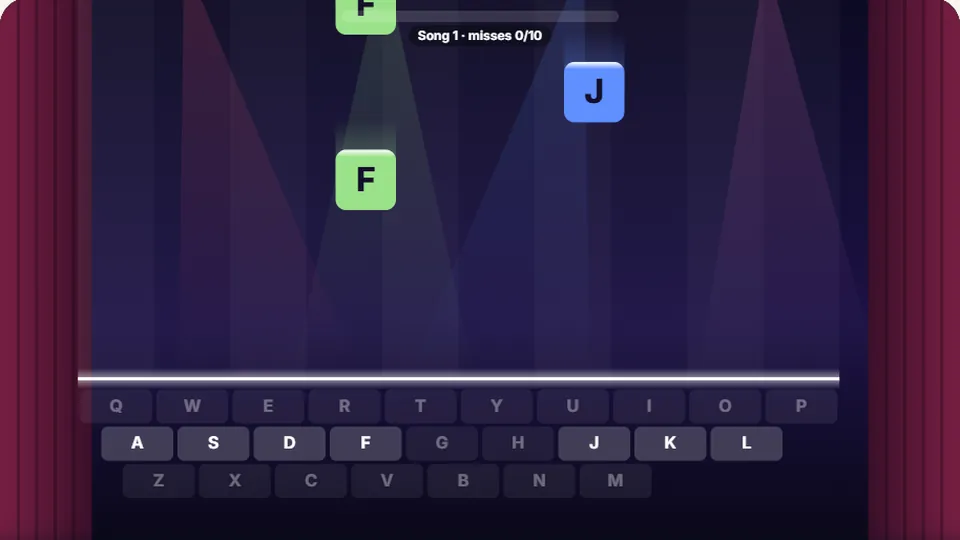 Learn
Melody Keys
Letters fall like notes — press each one on the line to play the melody.
Play now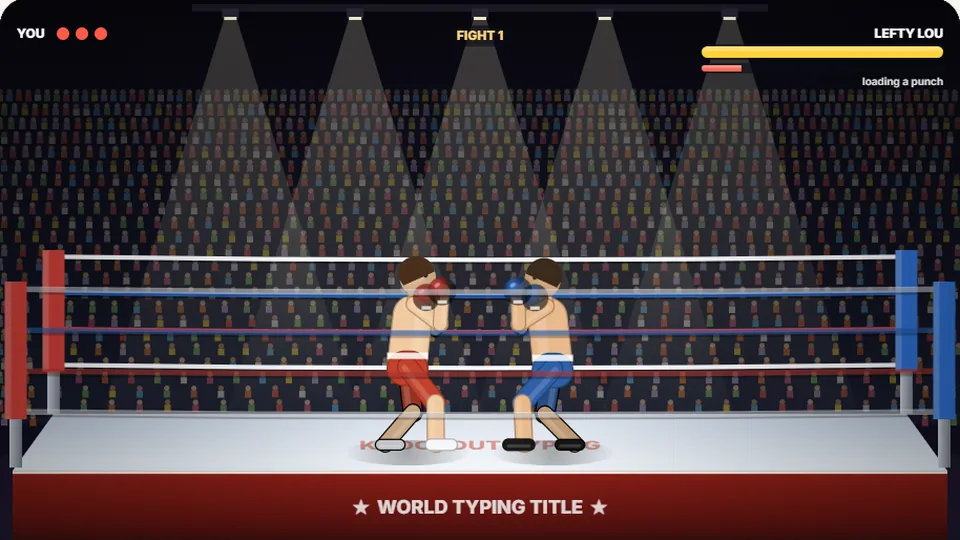 Sports
Knockout Typing
Step into the ring and win the fight with clean typing.
Play nowQuestions
Frequently asked questions
Is Typing Adventure completely free?
Do I need to download an application to play?
How does the game save my high score?
Can I play this game on my phone or tablet?
Does this game help improve my typing speed?
Ready to enter the dungeon?
Test your keyboard skills against monsters and bosses. Play Typing Adventure for free now, or browse our full collection of typing games.