Typing Games
Zombie Type typing game
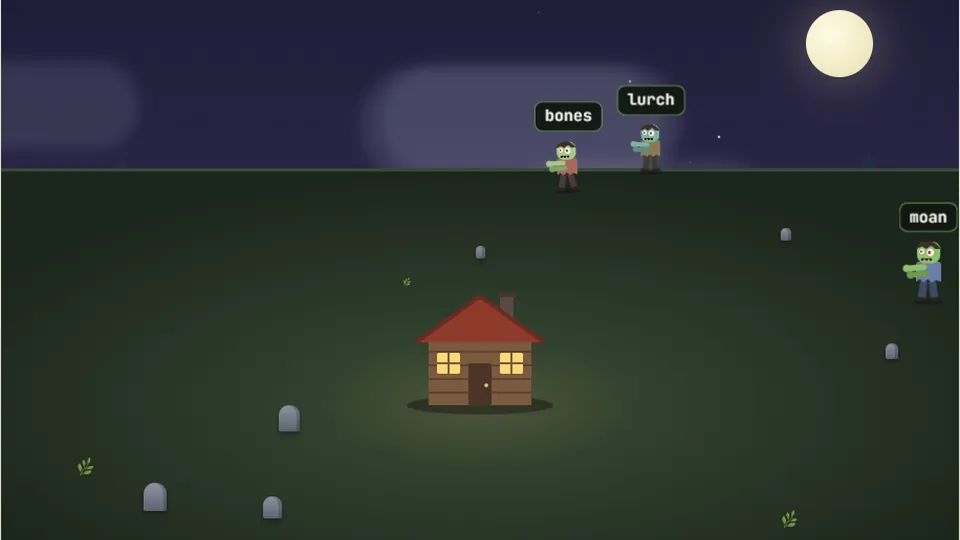
Zombies close in on your cabin from every side. Each correct letter fires a shot; finish the word to drop the zombie.
Zombie Type
Type fast or get eatenSurvive the horde
Zombie Type is one of our most intense shooter typing games. The premise is simple: a horde of zombies is shuffling toward you, and your keyboard is your only weapon. A word appears above each zombie. Type it correctly and press Enter or Space to take them down. If even one reaches you, it's game over.
We built this game to test your typing speed and accuracy under pressure. There's no complex story, just pure survival. It’s a fast-paced challenge that plays right in your browser, with no downloads or accounts needed. Your high scores for each difficulty are saved on your device, so you can always come back to beat your personal best.
- Difficulty Modes
- 3
- Platform
- Web
- Controls
- Keyboard
- Account Needed
- No
- Type words to shoot approaching zombies.
- Play for free, directly in your browser.
- Choose from Easy, Medium, and Hard difficulty levels.
- Your best scores are saved automatically on your device.
The Game
What is Zombie Type?
Zombie Type is a survival-based typing game where your goal is to last as long as possible against an endless wave of zombies. Each zombie is assigned a random word. To eliminate a zombie, you must accurately type its corresponding word and press the Space bar or Enter key.
The game challenges your ability to type quickly while managing multiple threats. Zombies appear from the right side of the screen and walk left. As the game progresses, they may appear more frequently or move faster, depending on the difficulty you select. It’s a true test of focus and keyboard skill.
- Objective
- Type the word above each zombie to eliminate it before it reaches the left side of the screen.
- Scoring
- Your score is based on the number of zombies you successfully eliminate. Longer and more difficult words may offer more points.
- End Condition
- The game ends instantly if a single zombie makes it all the way across the screen to your position.
- Difficulty
- Easy, Medium, and Hard modes adjust the speed of the zombies and the complexity of the words.
Instructions
How to play Zombie Type
Step 1: Choose your difficulty
Select Easy, Medium, or Hard. If you're new to typing games, we recommend starting on Easy to get a feel for the pace. Your high score for each mode is saved separately.
Step 2: Watch for zombies
Zombies will begin walking in from the right side of the screen. Each one has a word floating above its head. This is your target.
Step 3: Type the word
Type the word associated with the zombie you want to target. As you type, your letters will appear above your character. Press Space or Enter to fire.
Step 4: Survive as long as you can
Prioritize the zombies closest to you. Keep typing to hold back the horde and set a new high score. The game gets faster the longer you survive.
You can use the controls next to the scoreboard to pause, restart, toggle sound, or enter full-screen mode at any time.
Pro Tips
Tips for surviving the apocalypse
After playing hundreds of rounds while testing this game, I can tell you that success isn't just about raw speed. It's about threat management. The single most important rule is to always target the zombie that is closest to reaching you. It doesn't matter if another zombie has a shorter word; if it's farther away, it's a lower priority.
Accuracy is also critical. Every typo is a moment wasted. When a zombie is close, a single mistake can be the difference between survival and game over. If you do make a mistake, a quick backspace is better than trying to finish a misspelled word. Stay calm, focus on one word at a time, and try to find a steady rhythm. Panicked typing leads to errors.
More Like This
More shooter typing games
If you enjoy the action of fending off enemies with your keyboard, we have a few other shooter typing games you might like. Each one offers a different theme and challenge.
Word Blaster
A space-themed shooter. Type words to destroy enemy ships before they overwhelm you.
Meteor Typist
Defend your planet by typing the words on incoming meteors to blast them out of the sky.
Quick Draw
A Wild West showdown. Type the phrase faster than your opponent to win the duel.
Full Collection
Explore all 69 typing games
Beyond the zombie apocalypse, our site hosts a wide variety of free typing games. From racing and sports to puzzles and arcade challenges, there's something for every skill level and interest. All games are free to play in your browser.
 Arcade
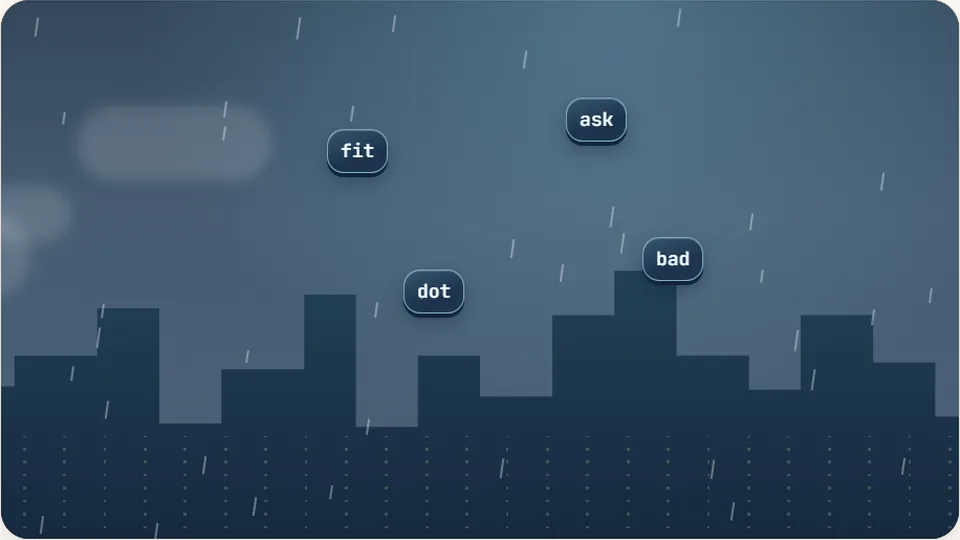
Word Rain
Clear the falling words before they hit the ground.
Play now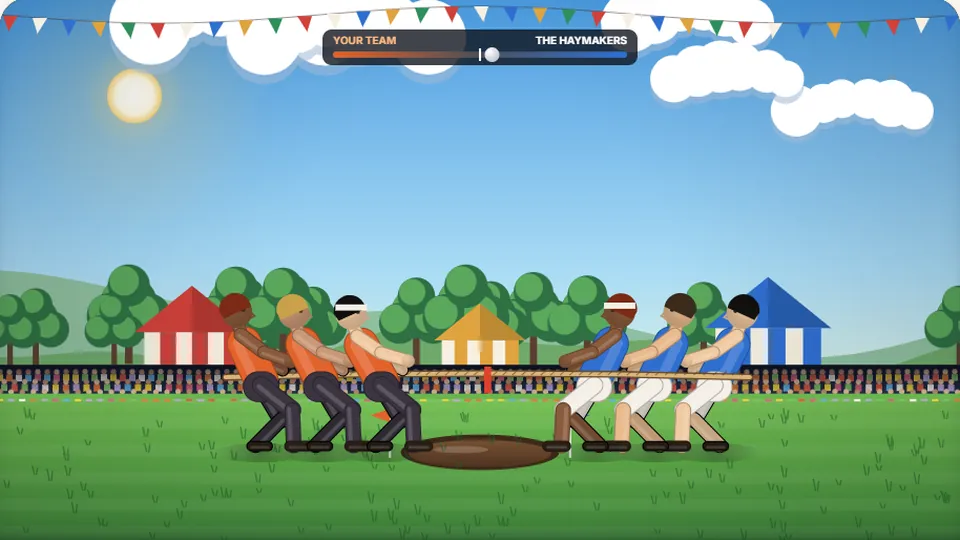 Sports
Tug of Words
Every clean word hauls the rope your way — drag the other team into the mud.
Play now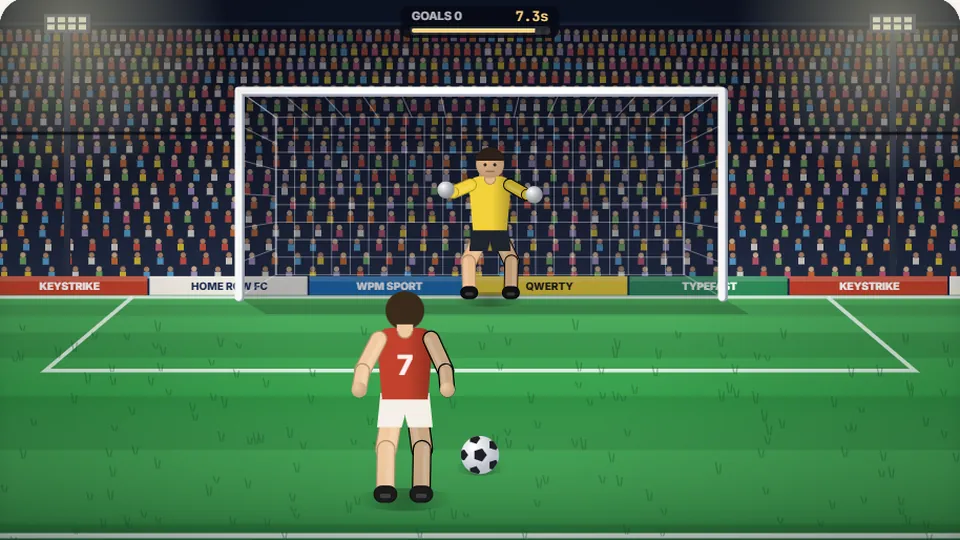 Sports
Penalty Kick
Beat the whistle and the keeper with clean, quick typing.
Play now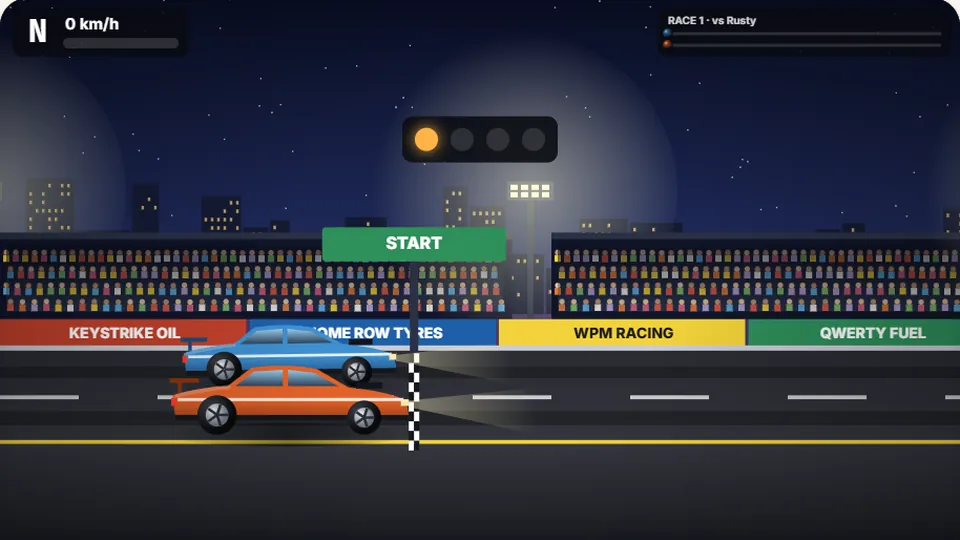 Racing
Drag Strip Typing
Six words, six gears — shift cleanly and beat the car in the next lane.
Play now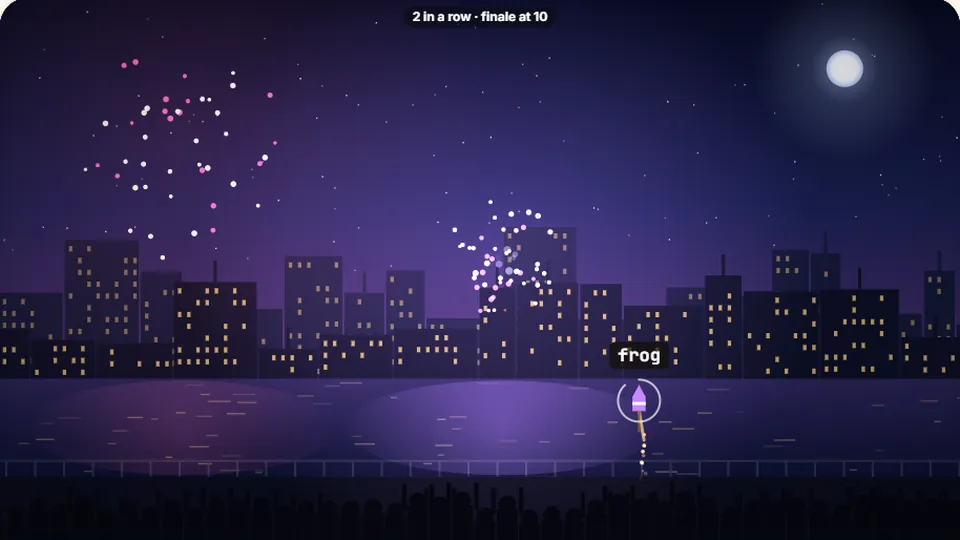 Kids
Fireworks Typing
Rockets climb into the night — type their words to make them burst.
Play now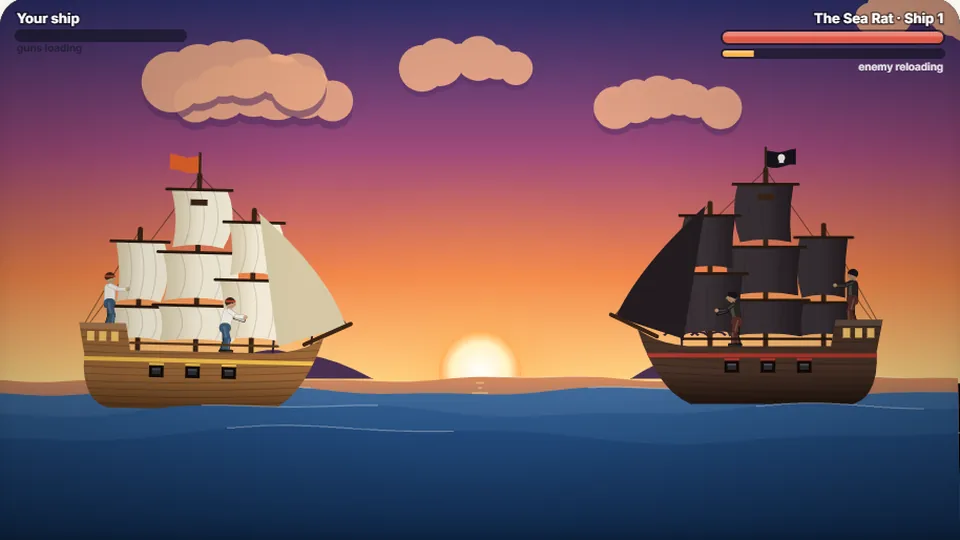 Adventure
Pirate Cannons
Load the guns by typing and sink the enemy ship before it sinks you.
Play now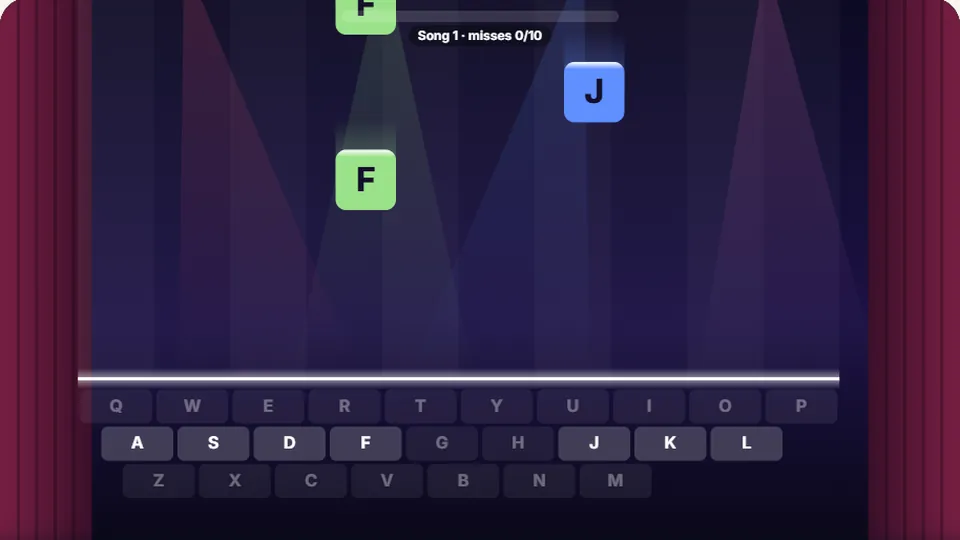 Learn
Melody Keys
Letters fall like notes — press each one on the line to play the melody.
Play now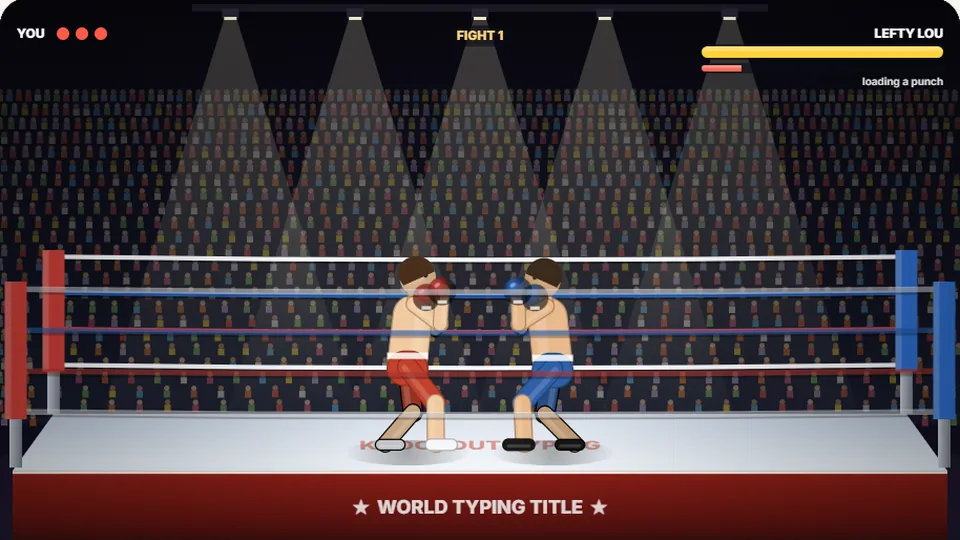 Sports
Knockout Typing
Step into the ring and win the fight with clean typing.
Play nowQuestions?
Frequently asked questions
Is Zombie Type a good game for beginners?
How is my score calculated in Zombie Type?
Can I play Zombie Type on my phone or tablet?
Why is this one of the most popular cool typing games?
Is this game unblocked for school networks?
Do I need an account to save my high score?
Ready to face the horde?
Test your typing speed and see how long you can survive. The game is free and ready to play now.