Typing Games
Burger Stand typing game
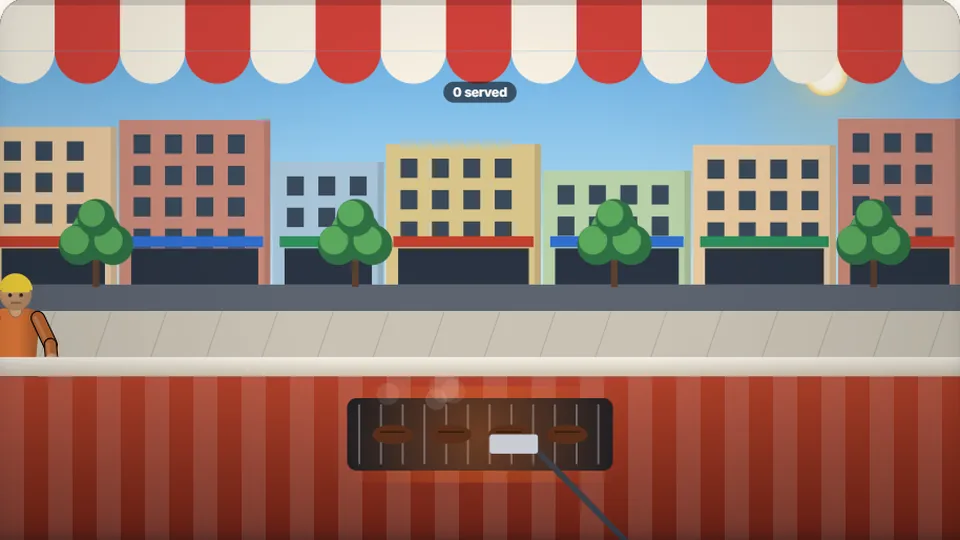
Each customer has an order. Type it to cook and serve before their patience bar empties. Five walk-outs closes the stand.
Fast-food typing challenge
Serve hungry customers with speed and accuracycooking typing game
Burger Stand is a fast-paced cooking typing game where you run a busy food stall. Customers line up at your counter, each displaying a specific food order. To prepare and serve their meals, you must type the words representing the ingredients and dishes before their patience meters drain. Fast service keeps your customers happy and earns you higher tips, while slow typing leads to lost sales.
This restaurant typing game is designed to test your mental focus and keyboard agility under pressure. As the queue grows, you must decide which orders to prioritize. It is an excellent way to practice word typing games mechanics in a lively, visual setting that keeps you on your toes.
Like all activities on ProTypingGames, this game runs directly in your web browser with no downloads or account sign-ups required. You can adjust the difficulty to match your current skill level and track your high scores locally as you work to improve your typing speed.
- Difficulty modes
- 3
- Free to play
- 100%
- Score saving
- Local
- No download
- Browser
- Type complete food orders to prepare and serve meals.
- Manage customer patience meters to secure high scores and tips.
- Choose between Easy, Medium, and Hard difficulty settings.
- Monitor your performance with live scoreboards and controls.
Quick start guide
How to run your virtual burger stand
Watch the queue
Customers arrive at your counter and display their orders in speech bubbles. A patience bar next to each customer steadily depletes over time.
Type the orders
Type the exact words shown in the order bubbles. You must type the letters in the correct sequence to build the dishes and complete the transaction.
Collect your tips
Serving an order before the patience bar runs out completes the sale and adds points to your score. Faster service yields better tips.
Manage the rush
If a customer's patience bar empties completely, they leave the stand angry, which hurts your overall score. Keep typing steadily to clear the line.
You can use the pause, restart, full screen, and sound toggle buttons located right by the scoreboard to customize your playing environment.
Educational design
Why Burger Stand helps build real keyboard fluency
Burger Stand succeeds as an educational tool because it pairs typing practice with task prioritization. In standard typing drills, you follow a linear line of text. In this cooking typing game, you must read the screen dynamically, choosing which customer to serve first based on their remaining patience. This closely mimics real-world computer tasks where you must manage multiple visual inputs simultaneously.
The game is highly adaptable, making it one of our recommended typing games for kids as well as adults. Beginners can start on Easy mode to practice basic letter placement without feeling overwhelmed. Experienced typists can jump straight into Hard mode, where words are longer, customers are less patient, and the queue moves much faster.
To help you track your progress, we have included a table below outlining how different difficulty levels alter the game dynamics. This structure helps you set realistic goals as you transition from casual typing to high-speed accuracy.
| Difficulty mode | Word complexity | Patience speed | Best for |
|---|---|---|---|
| Easy | Short, simple words | Slow decay | Kids and beginners learning key locations |
| Medium | Standard vocabulary | Moderate decay | Average typists looking to build speed |
| Hard | Longer words and terms | Rapid decay | Advanced typists testing their limits |
Game options
Features built for a smooth playing experience
We designed this game with simple, helpful features to ensure you can focus entirely on improving your typing skills.
Saved high scores
Your best scores for Easy, Medium, and Hard modes are saved directly in your browser on your device, allowing you to challenge your personal records.
Flexible controls
While a physical keyboard provides the best response, the game supports on-screen keyboards, making it playable on tablets and mobile phones.
Visual comfort
Switch easily between light and dark themes to reduce eye strain during longer typing sessions at your virtual food stand.
More typing challenges to test your skills
If you enjoy the fast-paced arcade style of Burger Stand, try these other popular typing games on our site.
| Game | Category | Why you should play |
|---|---|---|
| Fast-paced arcade typing | Ninja Words | Slice through words quickly in another action-heavy typing game. |
| Manage busy deliveries | Parcel Rush | Type addresses and deliver packages in a race against the clock. |
| Defend against falling words | Word Rain | Keep your screen clear of falling words in a classic arcade format. |
| Put out fires with words | Fire Brigade | Type quickly to extinguish fires and save buildings under pressure. |
Free arcade library
Browse our full collection of typing games
ProTypingGames is home to 69 unique games and 23 typing tests. Whether you want to practice your home row basics, race virtual cars, or test your words-per-minute speed with classic literature quotes, we have a game for you.
 Arcade
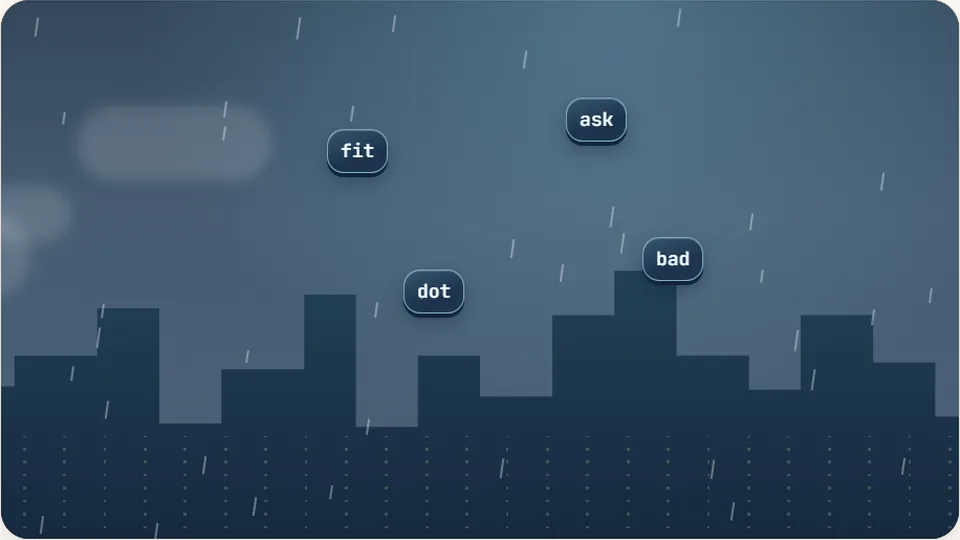
Word Rain
Clear the falling words before they hit the ground.
Play now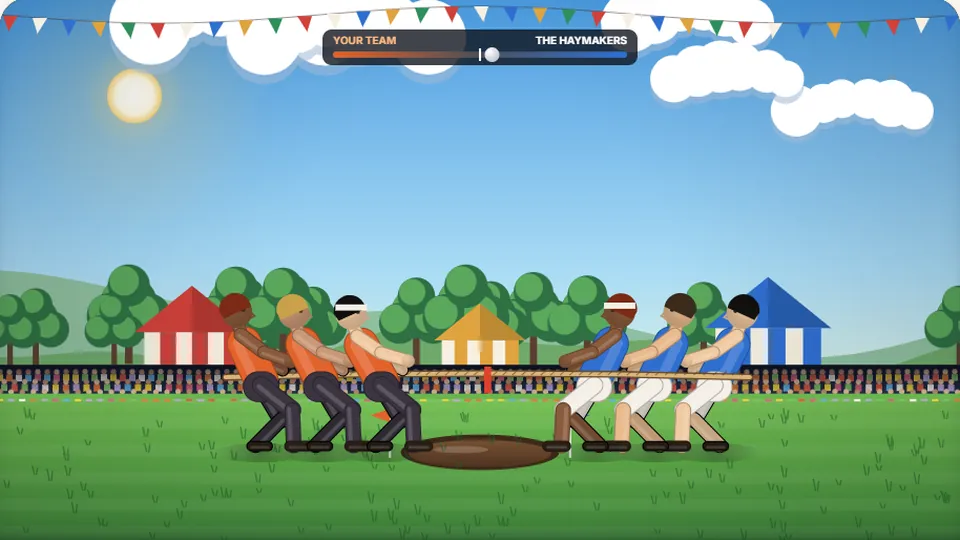 Sports
Tug of Words
Every clean word hauls the rope your way — drag the other team into the mud.
Play now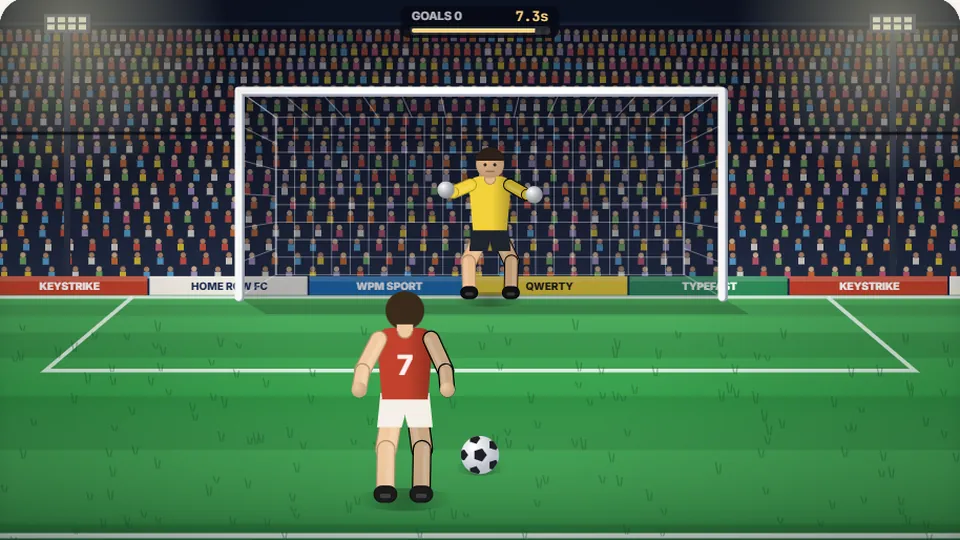 Sports
Penalty Kick
Beat the whistle and the keeper with clean, quick typing.
Play now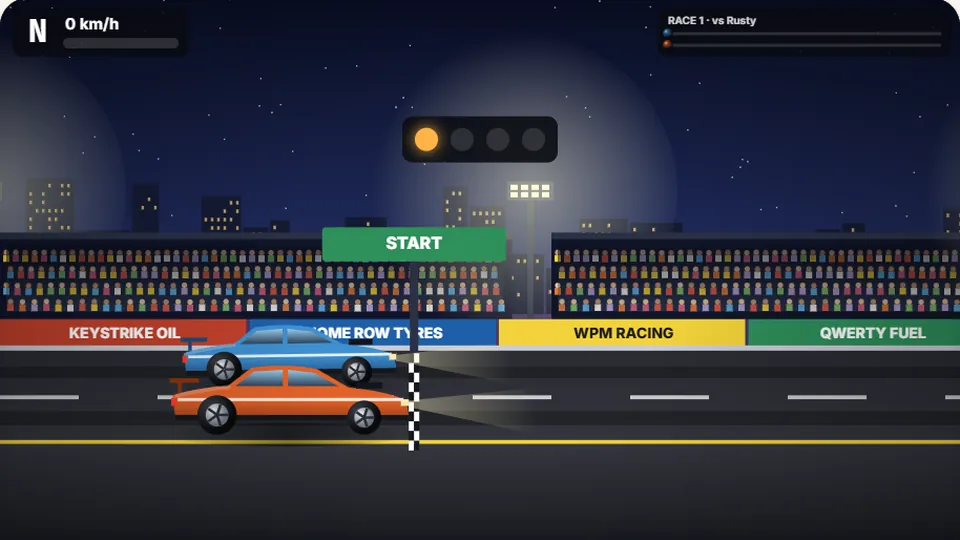 Racing
Drag Strip Typing
Six words, six gears — shift cleanly and beat the car in the next lane.
Play now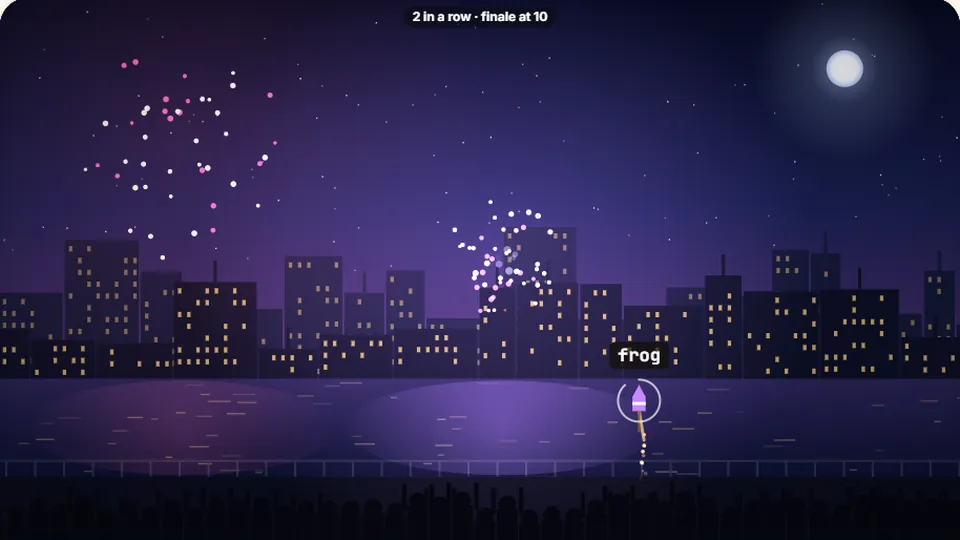 Kids
Fireworks Typing
Rockets climb into the night — type their words to make them burst.
Play now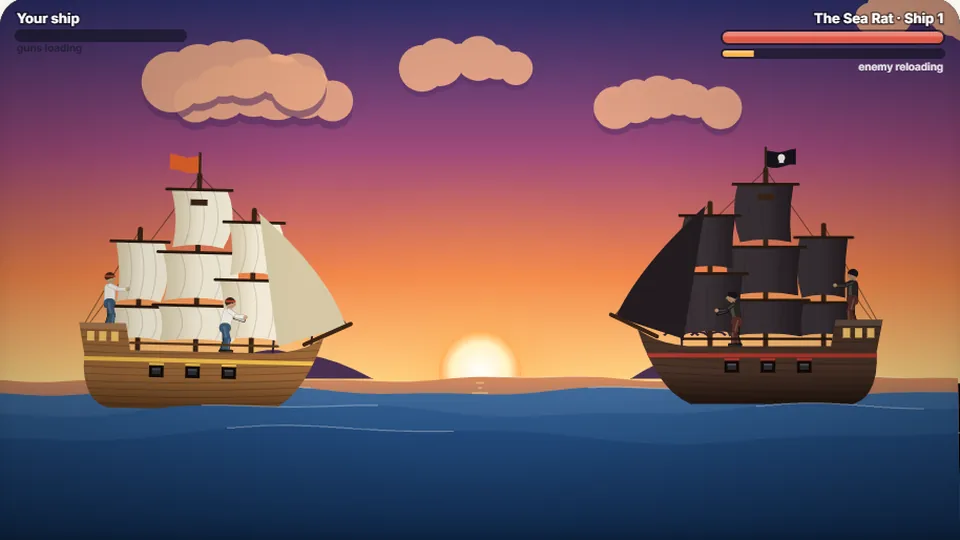 Adventure
Pirate Cannons
Load the guns by typing and sink the enemy ship before it sinks you.
Play now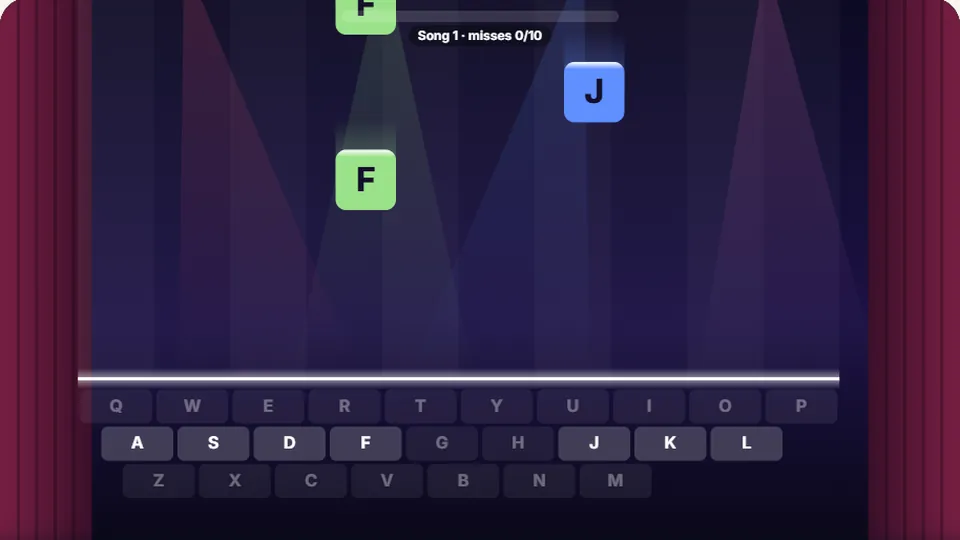 Learn
Melody Keys
Letters fall like notes — press each one on the line to play the melody.
Play now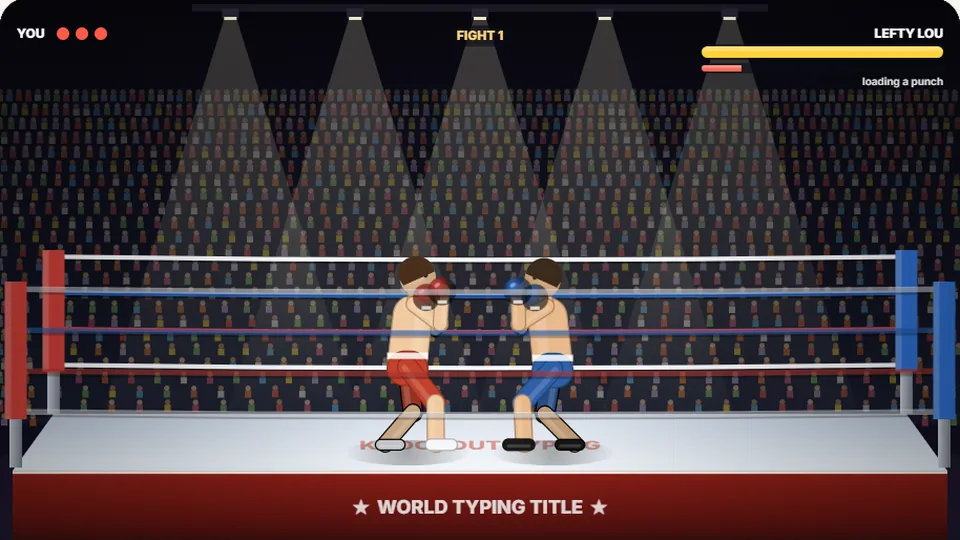 Sports
Knockout Typing
Step into the ring and win the fight with clean typing.
Play nowCommon queries
Frequently asked questions
Do I need to download anything to play Burger Stand?
Can I play this game on my phone or tablet?
How does the game save my high scores?
Is Burger Stand suitable for kids?
What should I do if the words are appearing too fast?
Ready to serve some burgers?
Step behind the counter, warm up your fingers, and see how many customers you can serve before time runs out.