Typing Games
Key Maze typing game
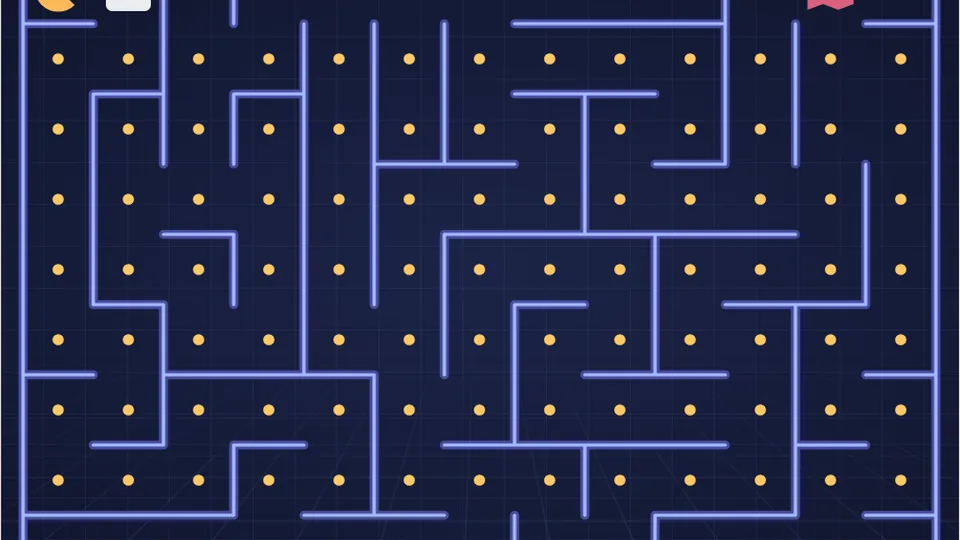
Each open path next to you shows a letter. Press it to move that way and eat the dots. Clear the maze without being caught by a ghost.
About the game
Eat the dots, dodge the ghostsfun typing games
Key Maze puts a new spin on a classic arcade format. Instead of using a joystick or arrow keys, you steer your character by typing the letters that appear on the maze paths. It is a typing maze where quick fingers keep you alive.
Your goal is simple: eat every dot on the board before the ghosts catch you. The faster you type the letters ahead of you, the faster you move. It is one of those cool typing games that tests your reaction time and your keyboard familiarity under pressure.
The game is free and runs right in your browser, so it works perfectly as one of our typing games unblocked for school or home.
- Category
- Arcade
- Difficulties
- 3
- Cost
- Free
- Platform
- Web
- Type letters to change direction
- Clear the maze of all dots
- Avoid the roaming ghosts
- Best scores save automatically
Rules
How to play Key Maze
Look at the paths
Letters will appear on the paths leading away from your character. These are your steering options.
Type to turn
Press the key corresponding to the path you want to take. Your character will immediately turn and head in that direction, eating dots along the way.
Watch the ghosts
The ghosts wander the maze. If they touch you, the game ends. You need to type quickly to stay ahead of them and clear the board.
You can pause the game at any time using the controls near the scoreboard.
Details
Mastering the maze
Key Maze requires a different kind of typing focus. You aren't reading sentences; you are scanning for single letters and making split-second decisions. The challenge comes from the moving threats. If a ghost cuts off your planned route, you have to find a new letter to type instantly.
The game offers Easy, Medium, and Hard modes. Easy gives you a bit more breathing room to plan your turns. Hard mode increases the speed of the ghosts, forcing you to rely on muscle memory rather than conscious thought. Your best score for each difficulty is saved locally in your browser.
Skill building
Why play a typing maze?
While standard typing tests are great for measuring raw words per minute, arcade typing games like Key Maze train different aspects of keyboarding. You learn to locate individual keys rapidly without looking down. This builds the foundational muscle memory needed for touch typing.
The pressure of the ghosts also helps reduce hesitation. When you have to move immediately, you stop overthinking hand placement and start trusting your fingers. This kind of practice is especially helpful if you find yourself stuck at a certain speed plateau.
Quick decisions
Train your brain to map visual cues to keystrokes instantly.
Key location
Improve your ability to find specific letters without checking the board.
Reaction time
Learn to type under pressure as the ghosts close in.
Typing terms to know
- WPM
- Words Per Minute. A standard measure of typing speed, where one 'word' equals five characters.
- Muscle memory
- The ability to press the correct keys without consciously thinking about their location.
- Touch typing
- Typing without looking at the keyboard, relying entirely on muscle memory.
- Home row
- The middle row of keys (ASDF and JKL;) where your fingers should rest when not typing.
- QWERTY
- The standard keyboard layout, named for the first six letters on the top letter row.
- Accuracy
- The percentage of keystrokes that are correct. High accuracy usually leads to higher overall speed.
More options
Explore the arcade
We have 69 games and 23 typing tests on the site. Check out some of our most popular titles.
 Arcade
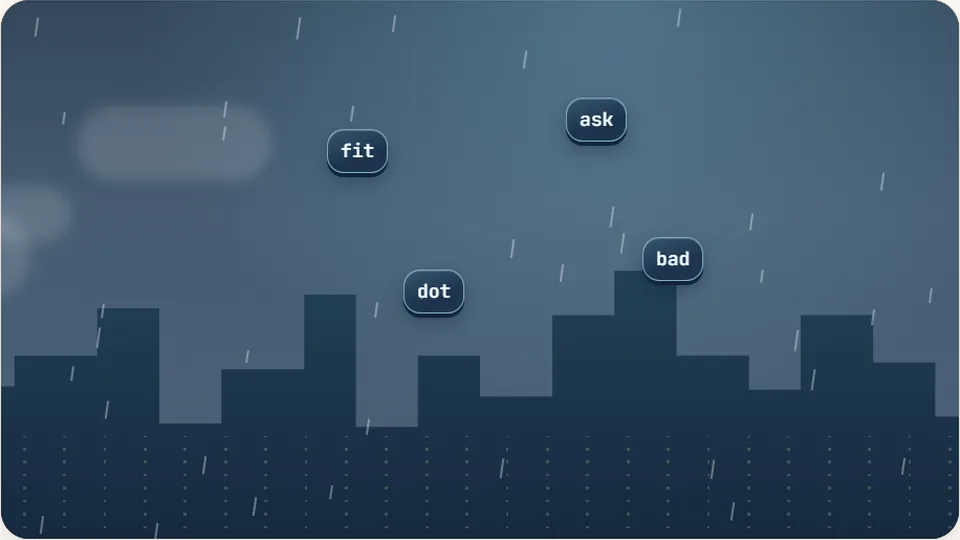
Word Rain
Clear the falling words before they hit the ground.
Play now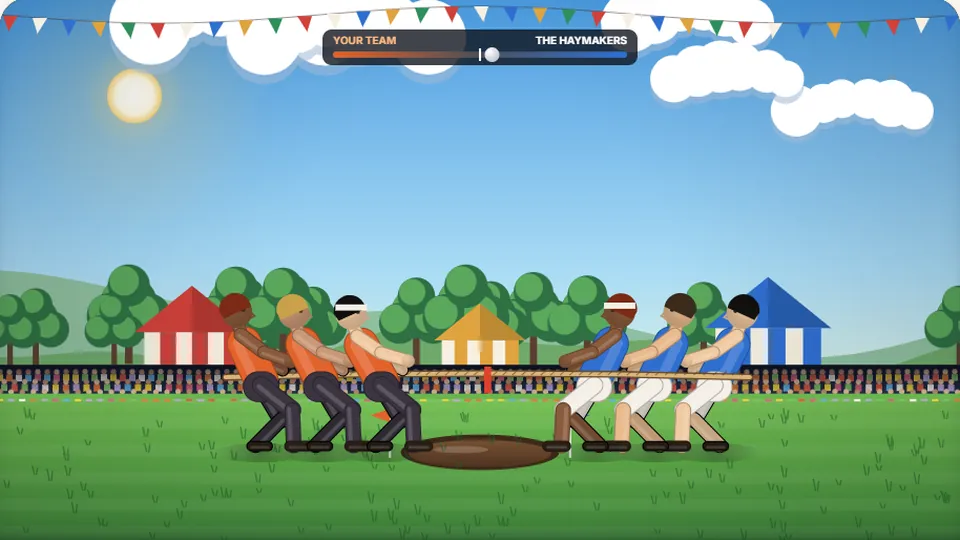 Sports
Tug of Words
Every clean word hauls the rope your way — drag the other team into the mud.
Play now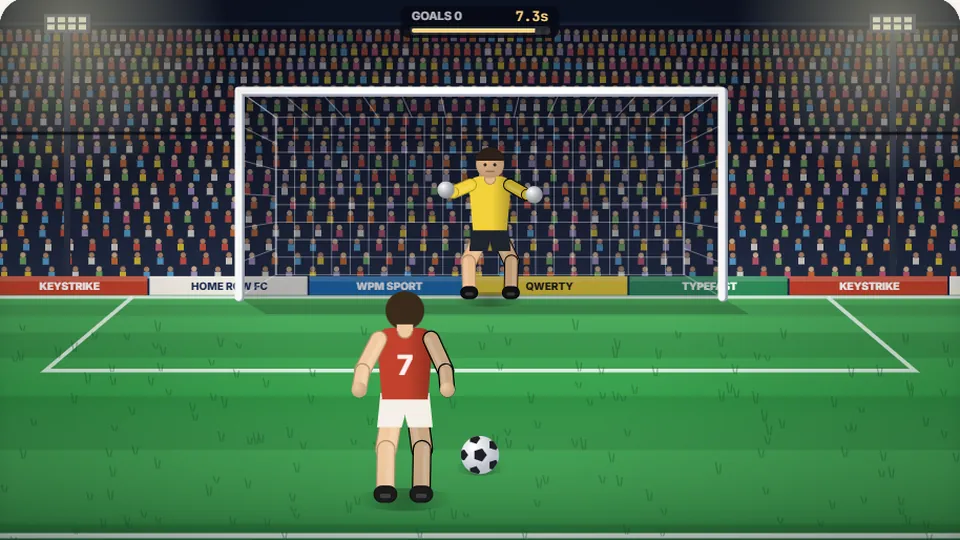 Sports
Penalty Kick
Beat the whistle and the keeper with clean, quick typing.
Play now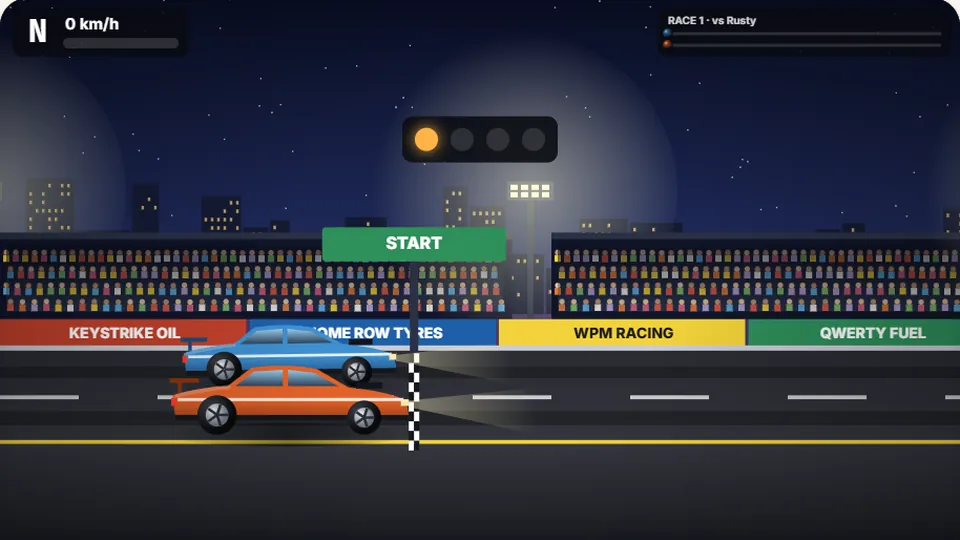 Racing
Drag Strip Typing
Six words, six gears — shift cleanly and beat the car in the next lane.
Play now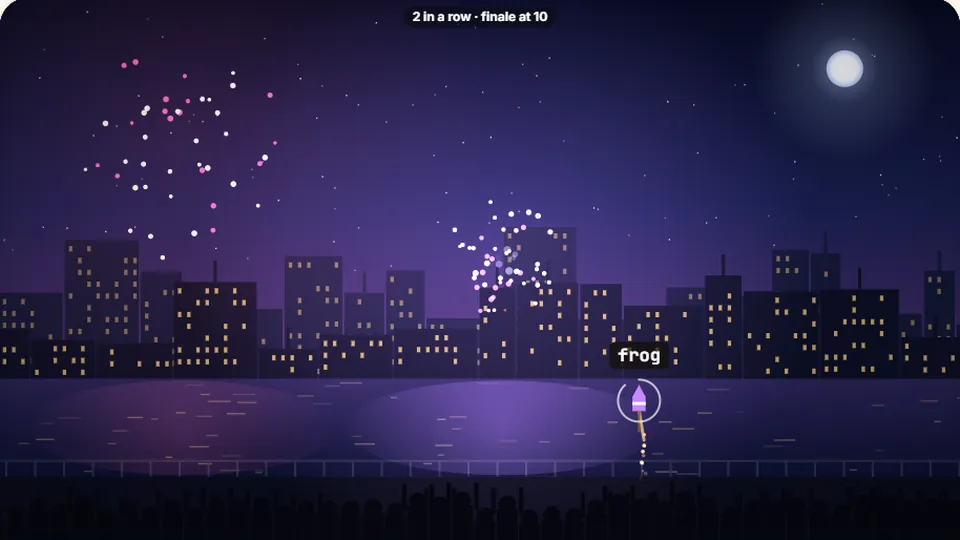 Kids
Fireworks Typing
Rockets climb into the night — type their words to make them burst.
Play now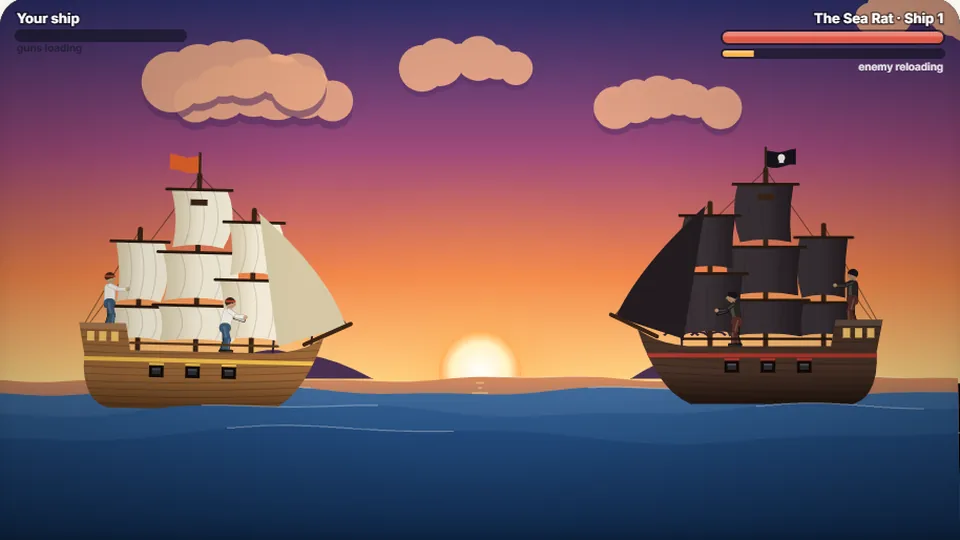 Adventure
Pirate Cannons
Load the guns by typing and sink the enemy ship before it sinks you.
Play now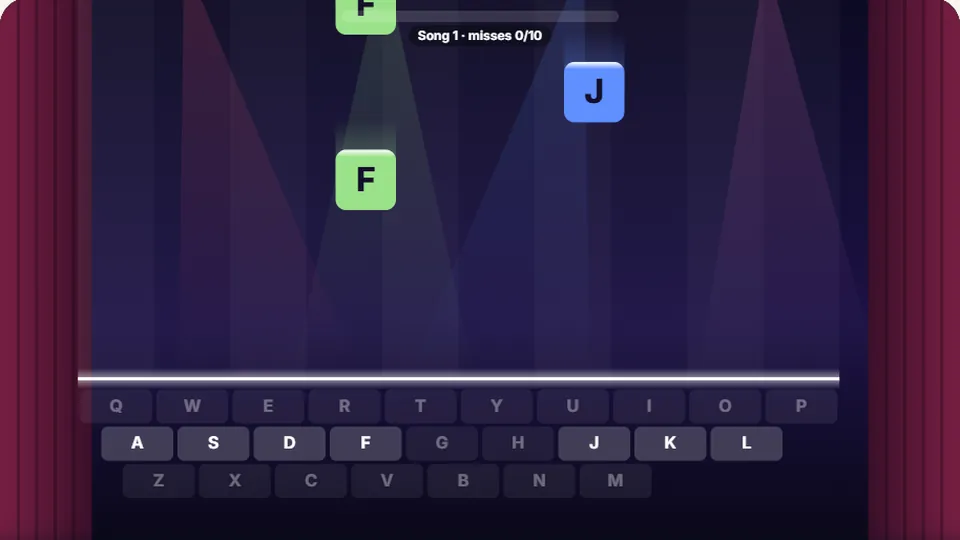 Learn
Melody Keys
Letters fall like notes — press each one on the line to play the melody.
Play now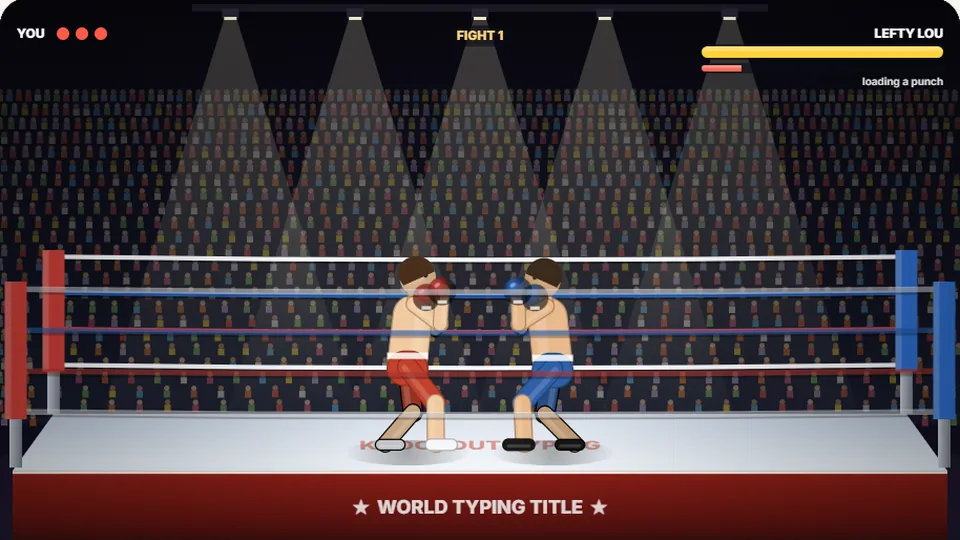 Sports
Knockout Typing
Step into the ring and win the fight with clean typing.
Play nowQuestions
Frequently asked questions
Do I need to make an account to save my score?
Can I play Key Maze on a tablet?
Is this game free?
How do I pause the game?
What happens if I type the wrong letter?
Ready to run the maze?
Test your reflexes and keyboard skills. Can you clear the board before the ghosts catch you?