Typing Games
Key Jump typing game
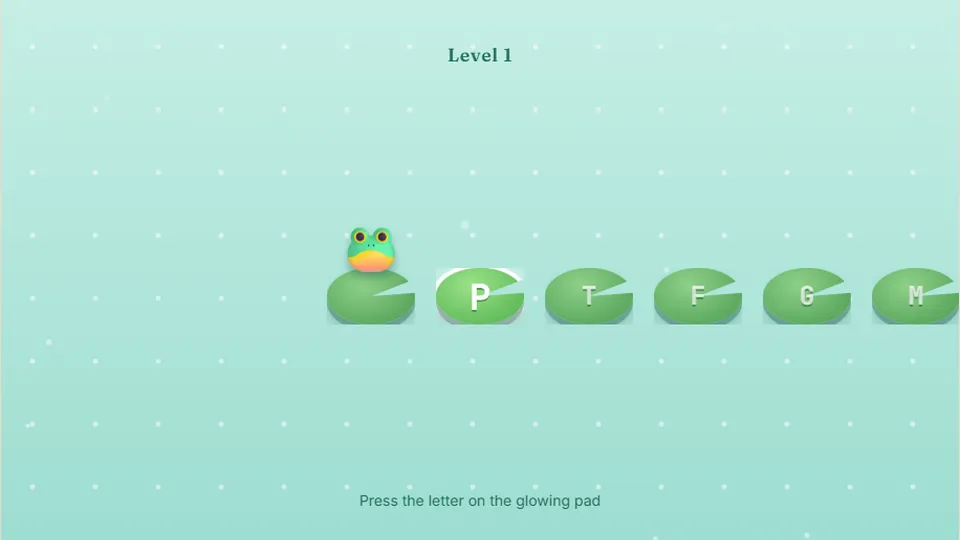
Press the letter on the glowing lily pad to hop onto it. A new animal joins every level.
Meet Key Jump
Hop your way across the keyboardlearn the keyboard
Key Jump is a friendly, free web game designed to help young learners find their way around the physical keyboard. We built this game specifically to remove the frustration from early computer lessons. Instead of typing long words or racing against a stressful clock, players simply press the single letter shown on the screen to make their character hop safely to the next key.
This makes it one of the most accessible typing games for kindergarteners and early elementary students. By focusing on one letter at a time, children build muscle memory and visual recognition without feeling overwhelmed. There are no accounts to set up, no files to download, and no hidden ads to click.
We tested this game with real beginners to ensure the pacing feels natural. The colorful interface keeps kids focused on the letter shapes, helping them bridge the gap between the alphabet song and the physical layout of a QWERTY keyboard.
- Key at a time
- 1
- Free to play
- 100%
- Difficulty modes
- 3
- Downloads needed
- 0
- Bright, clear letter targets that are easy for young eyes to track.
- No penalty for slow typing, allowing kids to learn at their own pace.
- Saves high scores locally on your device to show progress over time.
- Works smoothly in any modern web browser on desktop or tablet.
Simple mechanics
A gentle introduction to typing games for beginners
Many abc typing games expect children to already know where the letters live. Key Jump takes a different approach by treating the keyboard like a series of stepping stones. Your character sits on a key, and the next letter in the path is clearly highlighted. When you press the matching key on your physical keyboard, your character jumps forward.
We designed this to be a stress-free experience. If a child presses the wrong key, the game does not reset their progress or play a harsh buzzer sound. It simply waits for the correct input, making it highly suitable as a toddler typing games introduction or a classroom warm-up activity.
- Primary goal
- Locate and press the highlighted letter keys to move forward.
- Target audience
- Kindergarteners, toddlers, and absolute typing beginners.
- Save system
- Your best score is saved locally in your browser.
- Interface options
- Toggle sound, pause, restart, or switch to full screen easily.
Quick start guide
How to play Key Jump
Select your difficulty
Choose from Easy, Medium, or Hard mode. Each mode adjusts the layout complexity to match the player's current comfort level.
Look at the target key
Watch the screen to see which letter key your character needs to jump to next. The letter is displayed in a large, clear font.
Press the matching key
Find the corresponding key on your physical keyboard and press it. Your character will hop forward instantly.
Keep the momentum going
Continue hopping from key to key. Try to beat your personal high score saved on your device.
While Key Jump works on tablets and phones using an on-screen keyboard, we highly recommend using a physical keyboard to help children develop proper finger placement and muscle memory.
Designed for learning
Why teachers love this abc typing game
We built Key Jump with specific design choices to make it a reliable tool for parents and educators looking for safe, educational online activities.
Alphabet familiarity
Reinforces letter recognition by pairing the visual letter on the screen with the physical key on the board.
Zero pressure design
No timers or sudden death mechanics. Kids can take as long as they need to locate the next letter.
Local high scores
Best scores are saved directly in the player's browser on that device, encouraging self-improvement.
Educator resources
Using Key Jump as a learn typing games tool
Introducing technology to young learners requires tools that are intuitive and self-explanatory. Key Jump requires no reading comprehension to start playing, which is why it fits so well into kindergarten computer labs. Students can sit down, click the big play button, and immediately understand the objective.
We recommend introducing the game in five-minute sessions. At this age, short and frequent exposure to the keyboard layout is much more effective than long, exhausting practice drills. You can guide students to use both hands, encouraging them to look for letters on the left side with their left hand and letters on the right side with their right hand.
Below is a quick reference guide on how to structure a short keyboarding introduction using our free tools.
| Stage | Focus area | Recommended game | |
|---|---|---|---|
| 1. Introduction | Single letter recognition and key location | Key Jump | Key Jump |
| 2. Simple sequences | Consecutive letters and basic coordination | Balloon Pop | Balloon Pop |
| 3. Early words | Short three-letter words and phonics | Animal Rescue | Animal Rescue |
Always ensure the sound is turned on or students have headphones, as the gentle audio feedback helps reinforce successful key presses.
Explore more
Try our other free typing games
If your child has mastered Key Jump and is ready for the next challenge, we have a wide selection of free typing games. From simple alphabet dashes to full-word adventures, our library of 69 games is designed to support every step of the learning journey.
 Arcade
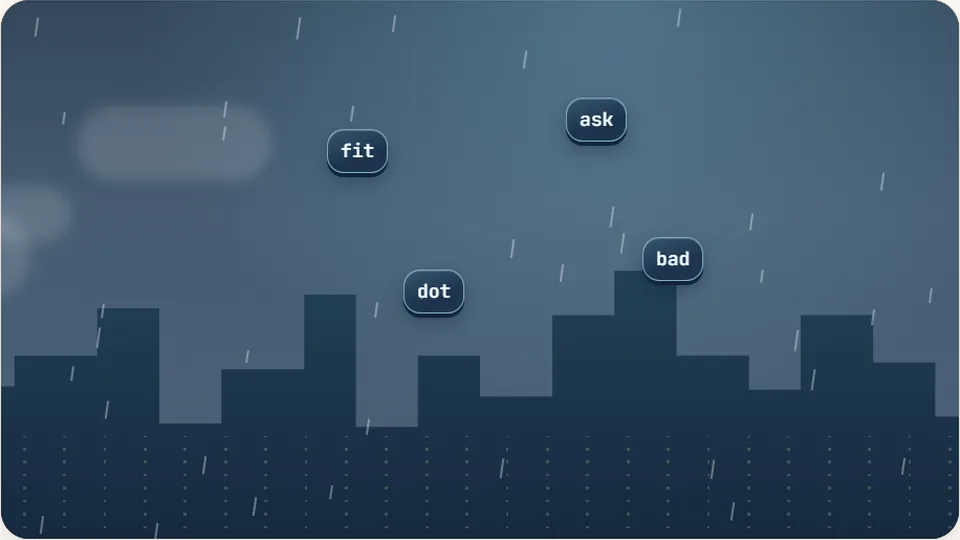
Word Rain
Clear the falling words before they hit the ground.
Play now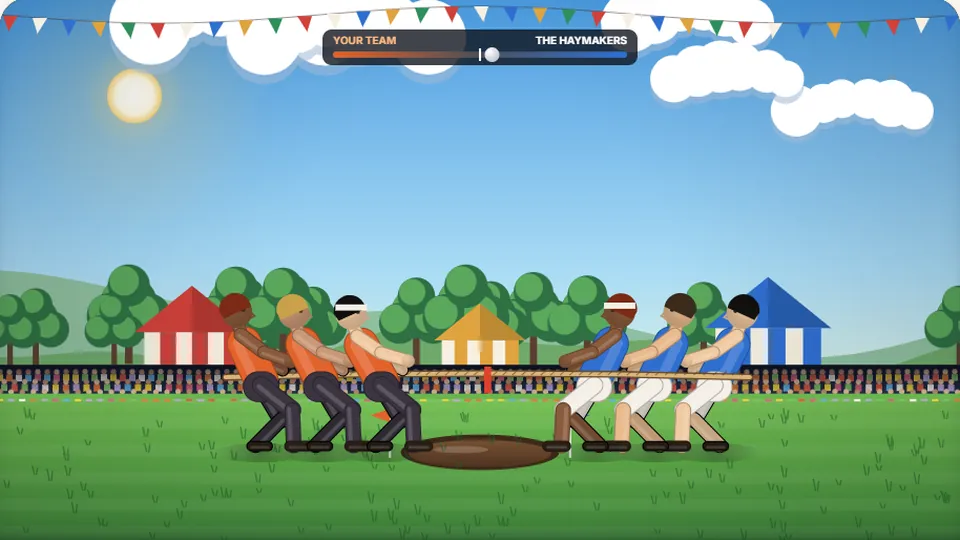 Sports
Tug of Words
Every clean word hauls the rope your way — drag the other team into the mud.
Play now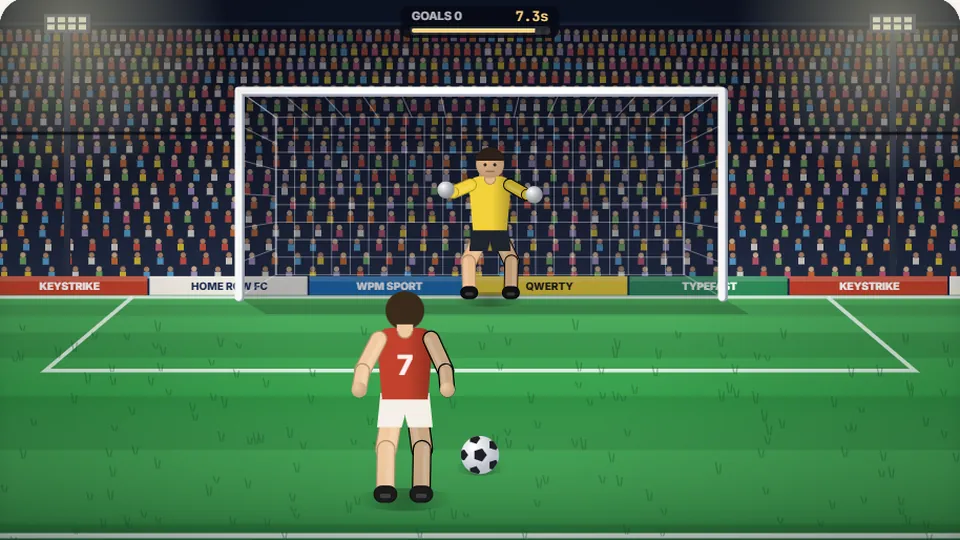 Sports
Penalty Kick
Beat the whistle and the keeper with clean, quick typing.
Play now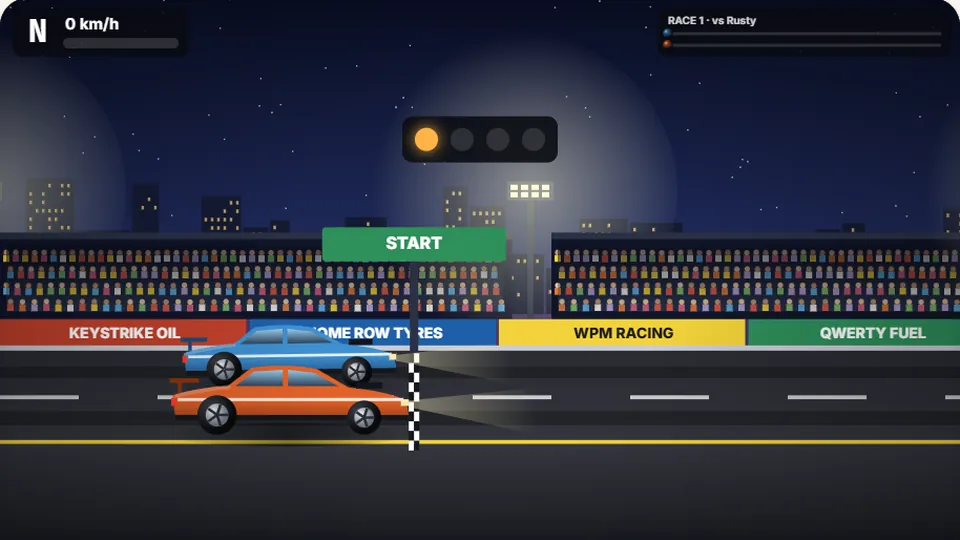 Racing
Drag Strip Typing
Six words, six gears — shift cleanly and beat the car in the next lane.
Play now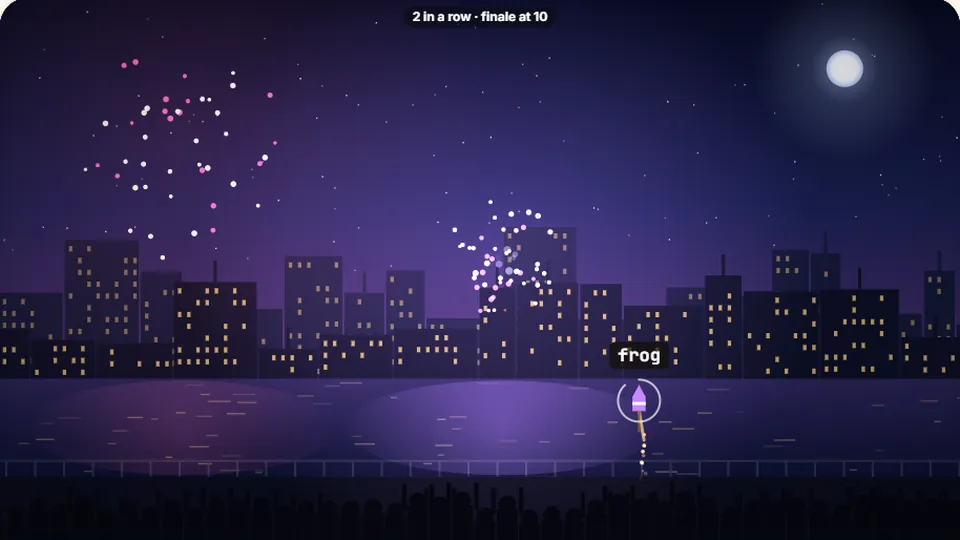 Kids
Fireworks Typing
Rockets climb into the night — type their words to make them burst.
Play now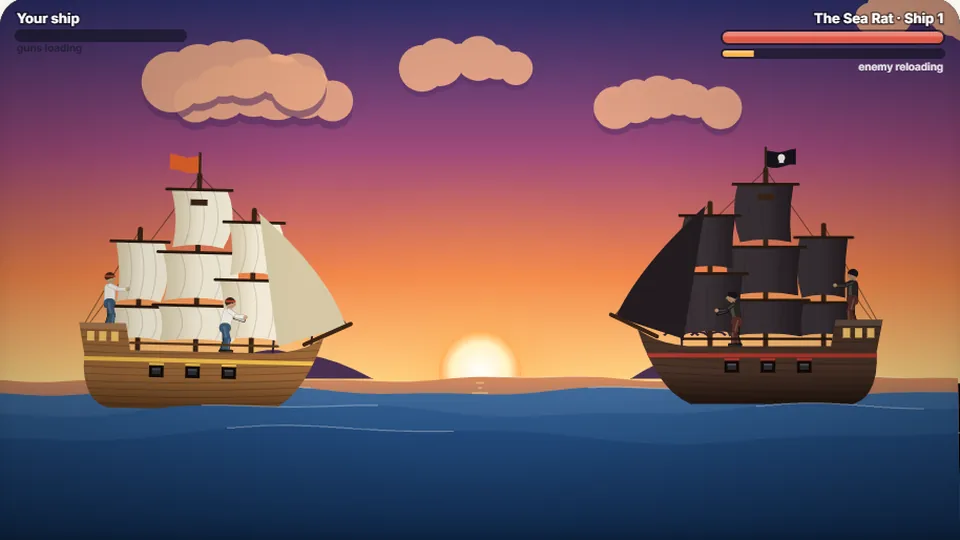 Adventure
Pirate Cannons
Load the guns by typing and sink the enemy ship before it sinks you.
Play now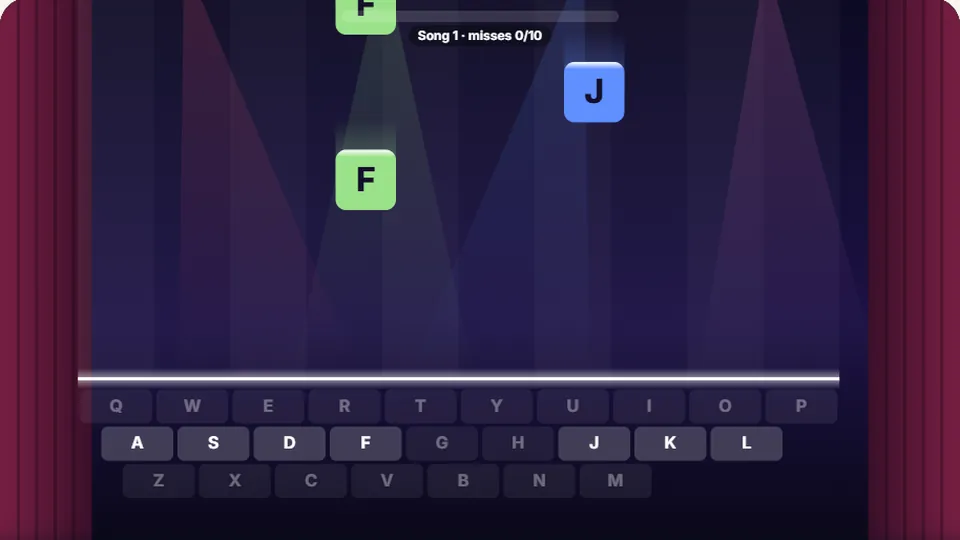 Learn
Melody Keys
Letters fall like notes — press each one on the line to play the melody.
Play now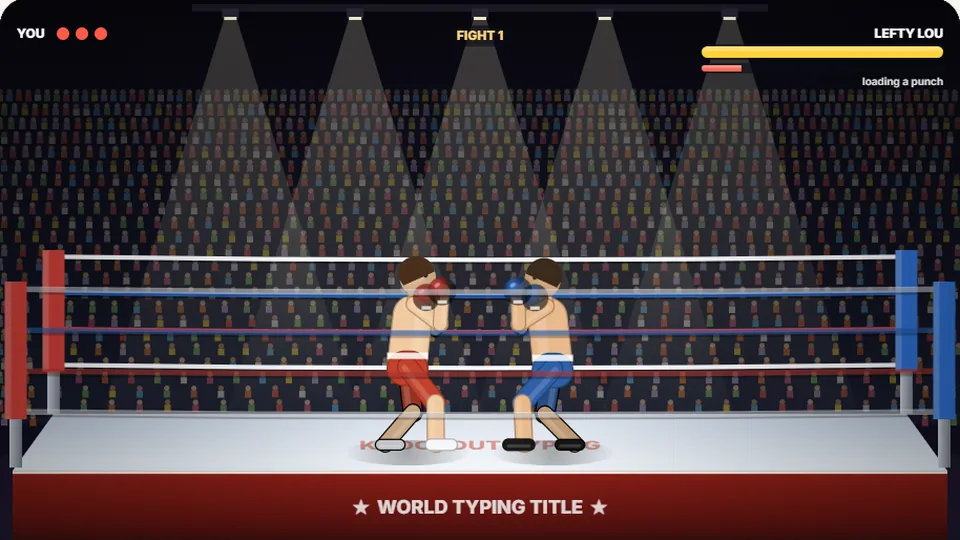 Sports
Knockout Typing
Step into the ring and win the fight with clean typing.
Play nowQuestions & answers
Frequently asked questions
Is Key Jump really free to play?
What age group is this game designed for?
Does the game save my child's progress?
Can we play Key Jump on an iPad or tablet?
Are there ads or pop-ups that will interrupt the game?
How does this help with school readiness?
Ready to jump into learning?
Start playing Key Jump now in your browser. No sign-ups, no hassle—just pure, simple typing practice for beginners.