Typing Games
Liftoff Typing
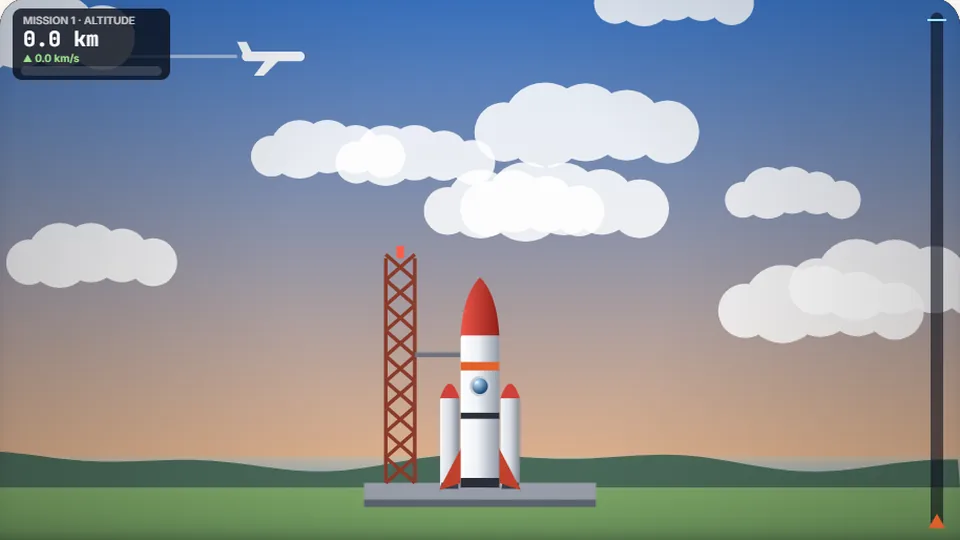
Each word fires the engines. Clean and quick burns hardest. Stop typing and gravity takes over. Reach orbit to complete the mission.
Arcade typing
Power your ascent with clean keystrokesReach high orbit
Liftoff Typing is a free rocket typing game that turns keystrokes into engine thrust. Each target word you finish cleanly fires the boosters and lifts your spacecraft toward space. Hesitate or mistype, and gravity pulls your craft back toward the launch pad.
Your mission is straightforward: clear words with steady rhythm to climb past the troposphere, punch through the cloud layers, and achieve orbit before fuel and momentum run out. It blends fast arcade pressure with strict accuracy requirements.
Three difficulty settings let beginners practice fundamental key positions while experienced typists handle long technical phrases at high speeds. Your best scores are saved directly in your browser on this device.
- Difficulty modes
- 3
- Browser based
- 100%
- Accounts needed
- 0
- Target accuracy
- 95%+
- Word-driven rocket thrusters that react immediately to completed terms
- Gradual altitude gain through distinct atmospheric strata
- Independent local high score tracking for Easy, Medium, and Hard
- Quick keyboard controls for pause, restart, audio, and full screen
Flight systems
How the rocket typing game works
In this rocket typing game, thrust is not continuous. The rocket requires discrete bursts of power to overcome constant gravitational drag. Every word on screen acts as an ignition sequence; finishing the word delivers an upward velocity kick that pushes your altitude higher.
Mistyping does not damage the hull, but it stalls the engine cycle. While you spend time backspacing or correcting an error, gravity constantly drains your ascent speed. Sustained, mistake-free strings generate momentum bonuses that keep the rocket climbing smoothly toward orbit.
- Thrust model
- Correct words ignite propulsion; idle time lets gravity decelerate the ship.
- Difficulty scaling
- Higher modes feature longer vocabulary and faster descent rates.
- Session controls
- Instant restart, pause, audio mute, and full screen next to the scoreboard.
- Score logging
- Altitude records and flight times persist locally in your browser storage.
Flight manual
Steps to achieve orbit in Liftoff Typing
Pick your launch difficulty
Select Easy for short three-to-four letter words, Medium for standard vocabulary, or Hard for complex multi-syllable terms with steeper gravity.
Type the prompt word exactly
Read the active word below the rocket and strike the keys cleanly without watching your fingers. Every finished word fires the main booster.
Maintain rhythm against gravity
Keep pauses between words under one second. Rhythmic typing builds vertical momentum, carrying the ship through cloud decks toward outer space.
Secure your altitude record
Touch orbit to log a completion time, or push for the maximum possible altitude score before the rocket exhausts its thrust window.
A mechanical or physical desktop keyboard gives faster tactile feedback during high-altitude burns than a mobile glass screen.
Launchpad rules for higher altitude
Do this for clean burns
- Keep index fingers anchored on the F and J home row marker bumps.
- Prioritize 95% accuracy over erratic rushing to avoid engine stalls.
- Scan the first two letters of the upcoming word while finishing the current one.
- Use the sound toggle on the scoreboard to track audio cues for successful burns.
- Switch between light and dark themes to match your room lighting.
Avoid these flight mistakes
- Do not hammer the backspace key frantically after a missed keystroke.
- Do not drop your eyes down to look at the physical keyboard during flight.
- Do not pause after completing a word; roll straight into the next first letter.
- Do not play Hard mode before mastering steady pacing on Easy and Medium.
- Do not tense your wrists against the desk edge during long ascent runs.
Free browser games
Explore the full arcade catalog
Choose from 69 typing games and 23 typing tests designed for all skill levels, playable right in your web browser.
 Arcade
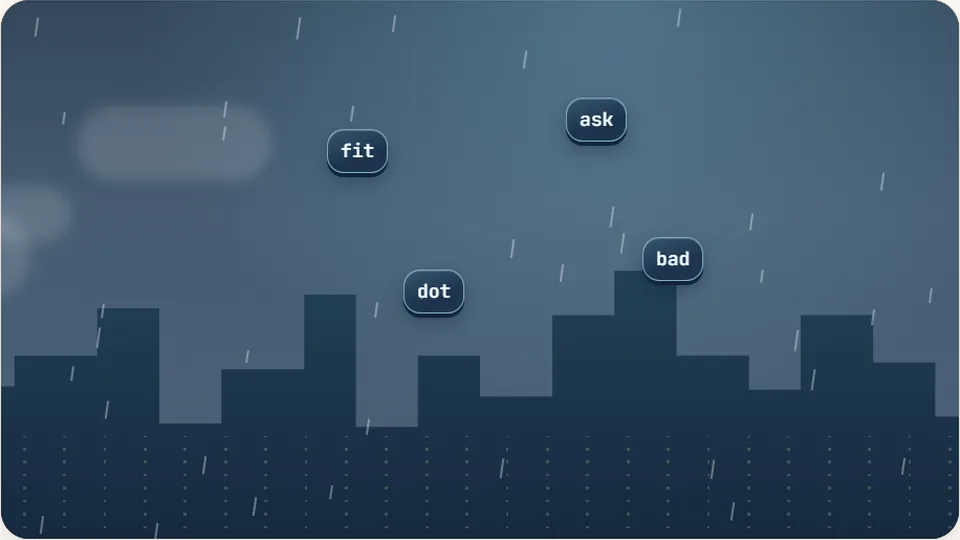
Word Rain
Clear the falling words before they hit the ground.
Play now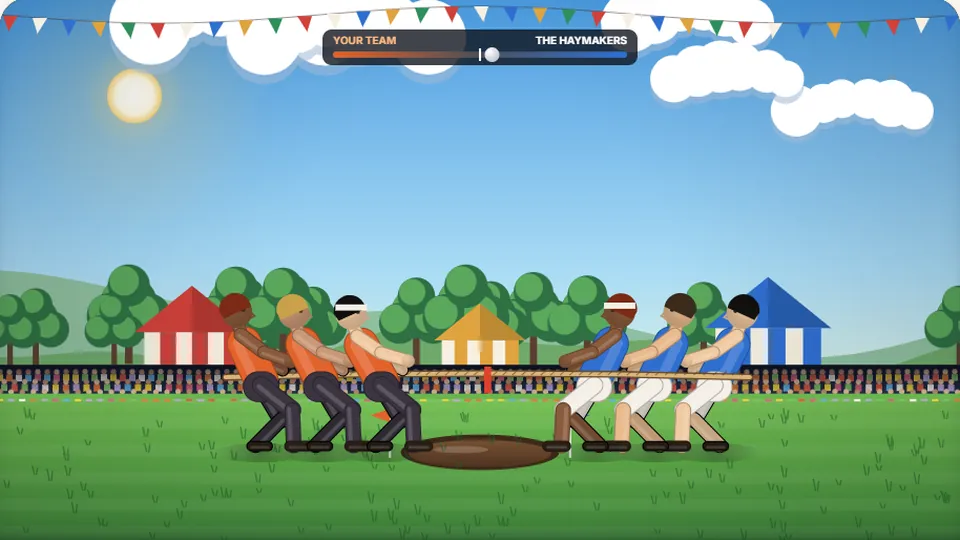 Sports
Tug of Words
Every clean word hauls the rope your way — drag the other team into the mud.
Play now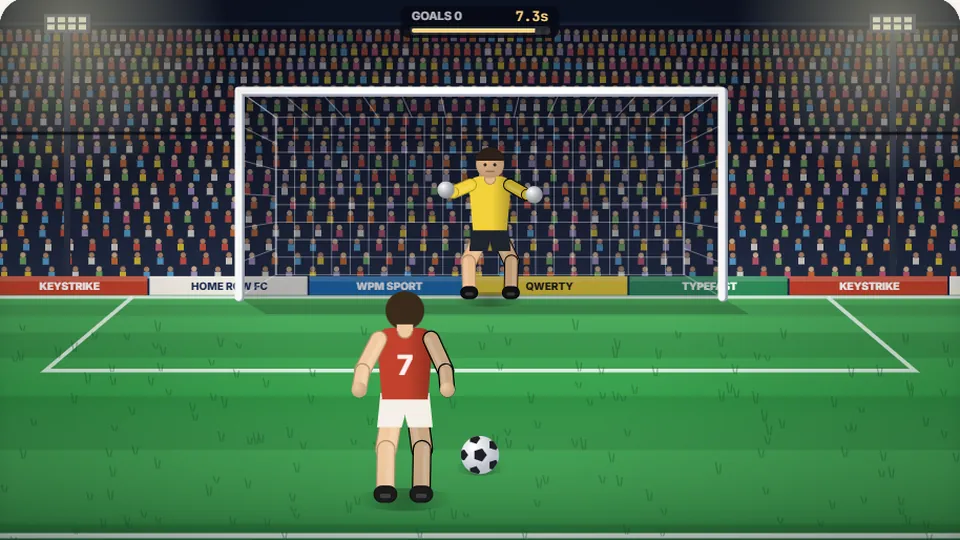 Sports
Penalty Kick
Beat the whistle and the keeper with clean, quick typing.
Play now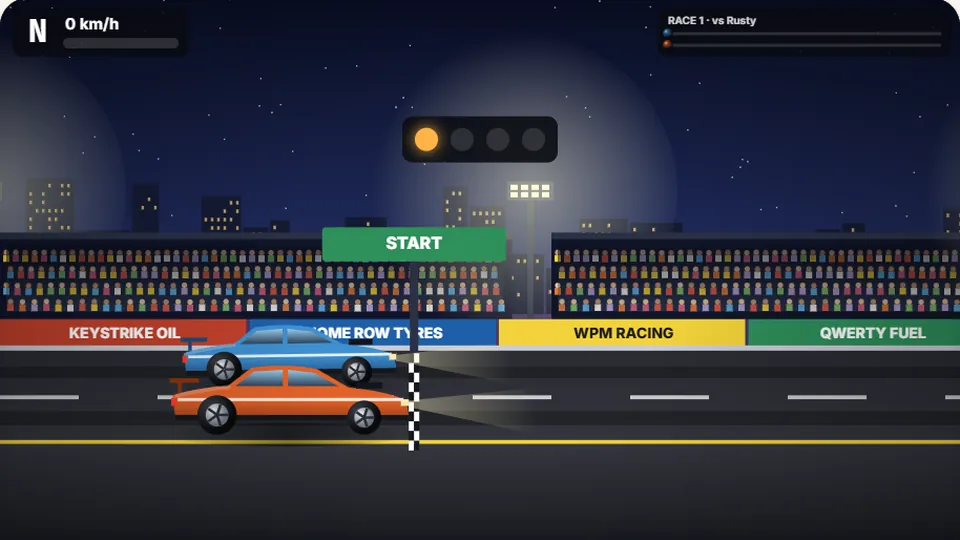 Racing
Drag Strip Typing
Six words, six gears — shift cleanly and beat the car in the next lane.
Play now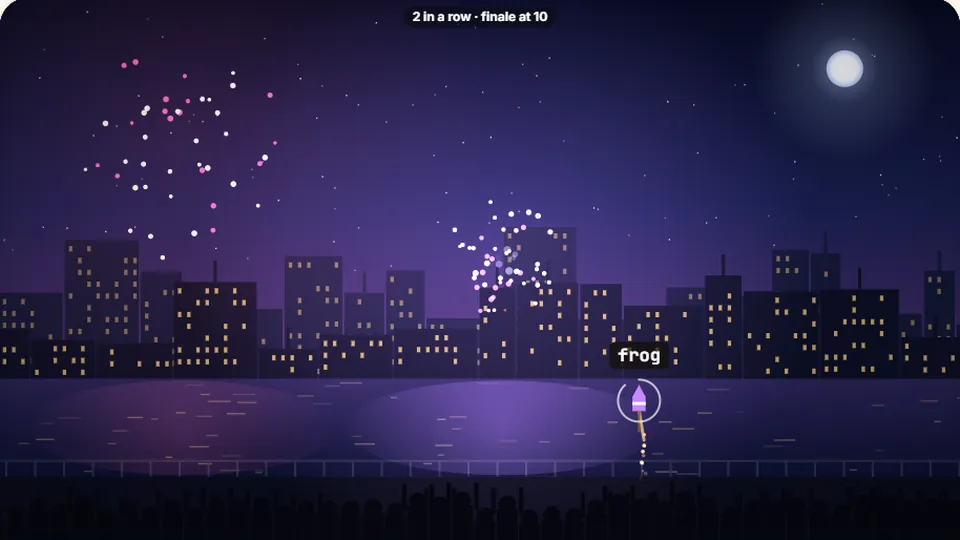 Kids
Fireworks Typing
Rockets climb into the night — type their words to make them burst.
Play now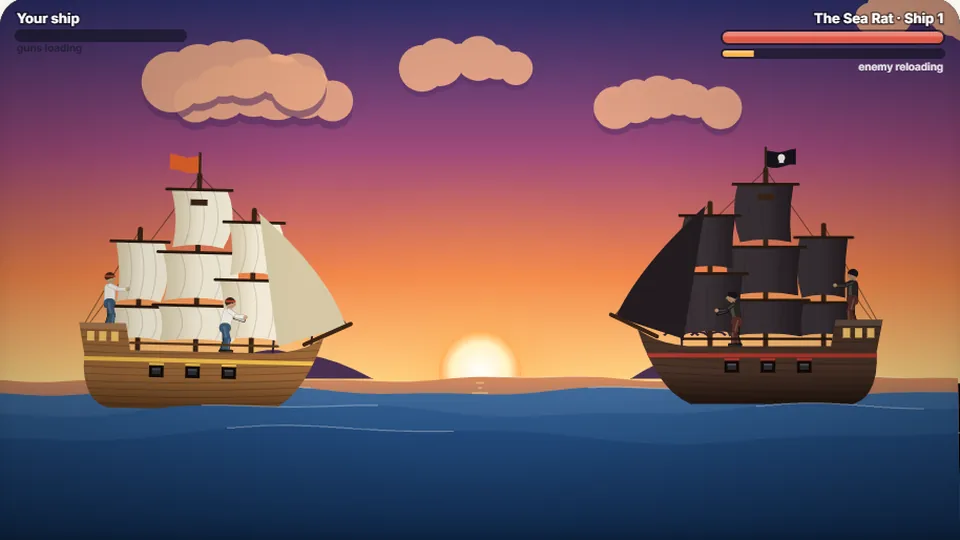 Adventure
Pirate Cannons
Load the guns by typing and sink the enemy ship before it sinks you.
Play now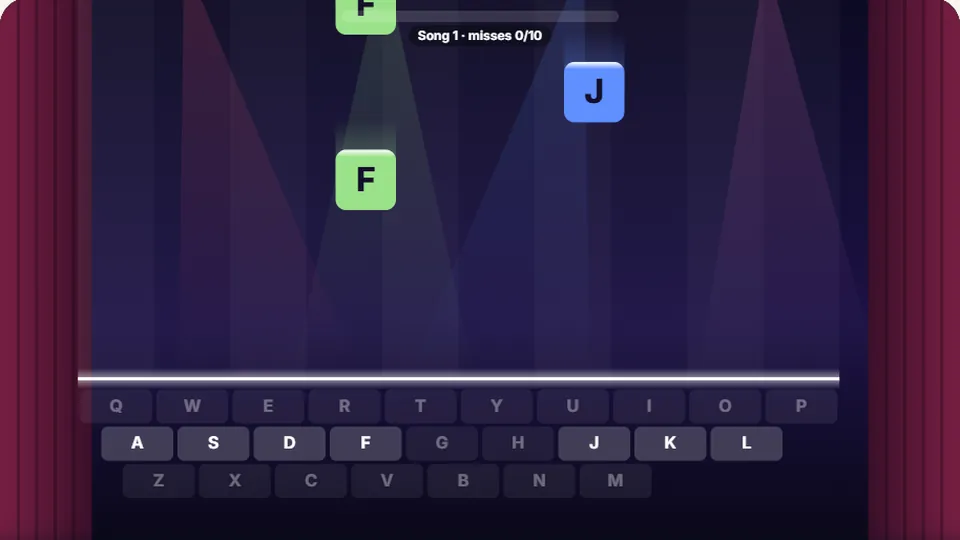 Learn
Melody Keys
Letters fall like notes — press each one on the line to play the melody.
Play now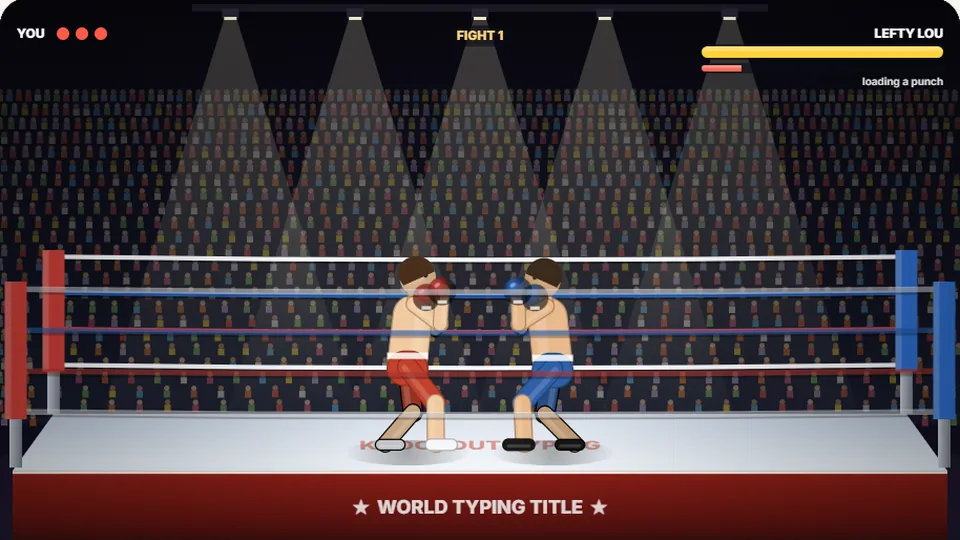 Sports
Knockout Typing
Step into the ring and win the fight with clean typing.
Play nowQuestions answered
Frequently asked questions
What makes Liftoff Typing a unique rocket typing game?
Do I need to create an account to save my high scores?
Can I play Liftoff Typing on a tablet or smartphone?
Is this suitable as a typing game for kids?
What typing speed do I need to reach orbit?
Where are the controls to pause or mute the game?
Ready for countdown?
Put your fingers on the home row, light the rocket engines, and see how high you can climb today.